 Download KrispCall
KrispCall x Agile CRM
Agile CRM Integration Overview


Agile CRM Integration for Better Sales and Customer Management
Instant Calling & Messaging
Reach customers via phone or text directly from Agile CRM contact records with KrispCall. No tab-switching between your CRM and phone system.
Complete Customer Interaction History
View past calls, messages, voicemails, and notes alongside customer information. Get the right context when following up on leads and active deals.
Automatic Call Notes
Add notes during calls and keep important conversation details connected to the relevant customer record. Easily review any previous notes before the next follow-up.
Better Visibility Into Call Activity
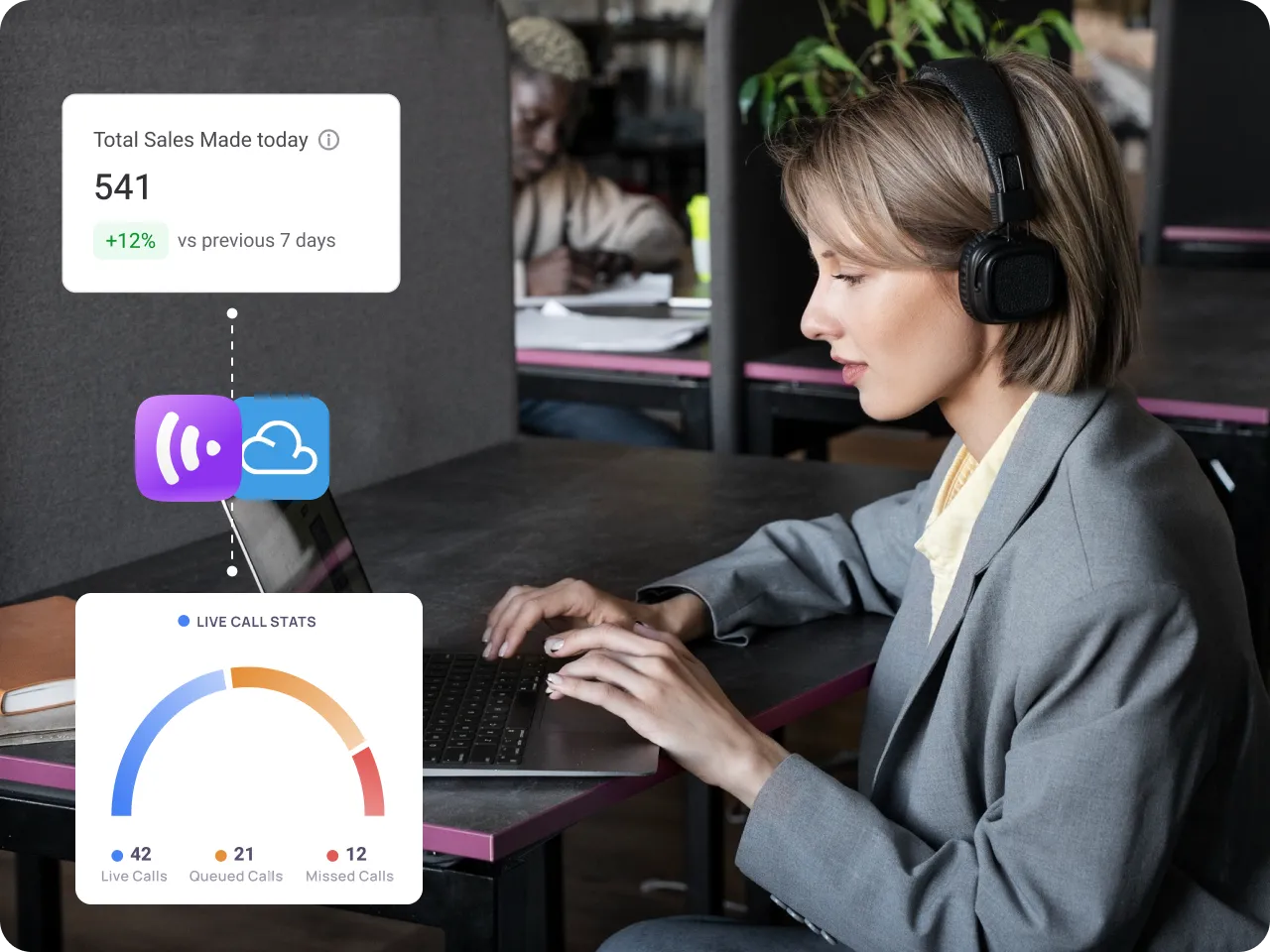
Track inbound, outbound, and missed calls to understand customer activity and team performance. Call data can help managers monitor outreach and identify conversations that need follow-up.
Install the KrispCall Browser Extension for Instant Calling
Install the KrispCall browser extension to enable Click-to-Call functionality across Agile CRM.
The extension lets your team start calls directly from the Agile CRM dashboard, keeping customer outreach focused without manually copying numbers into a separate dialer.

Call Contacts Directly From Agile CRM
Start calls from Agile CRM contact records with a single click. Whether you’re following up with a lead, discussing an active deal, or checking in with an existing customer, the KrispCall dialer lets your team connect without manually dialing numbers.
Each call is automatically linked to the right contact, keeping your history centralized. Your sales team spends less time on admin work and more time on conversations that move deals forward.
Keep Important Conversations Within Reach
Access call recordings and voicemails associated with customer interactions through your integrated workflow. Revisit previous conversations to confirm details, prepare for a follow-up, or review what was discussed.
Having these records available alongside customer information gives your team a clearer view of previous conversations and customer needs.
Send Text Messages Instantly From Agile CRM
Send SMS messages to customers directly through your Agile CRM workflow. Use text messages for quick follow-ups, appointment reminders, updates, or other time-sensitive customer interactions.
All SMS conversations sync to the contact timeline, giving your team one place to see every touchpoint, call, text, or email.
Keep Call Details Organized
Add notes during a call, and sync them instantly to the contact record in Agile CRM. Notes stay searchable and visible to the whole team, whether that’s a follow-up points, specific customer requests, or deal updates.
This keeps context intact across handoffs, so whoever picks up the next conversation already knows where things stand.
Track All Inbound and Outbound Call Activity
Monitor incoming, outgoing, and missed calls through the integrated workflow. Review call activity to understand how your team engages with leads and customers, and identify missed conversations that need attention.
Call history also helps sales managers review outreach patterns, follow-up activity, and customer engagement across the team.
Benefits of Integrating Agile CRM with KrispCall
Keep Customer Conversations in One Place
Bring calls, SMS, voicemails, and notes together with your Agile CRM workflow. Access the information you need easily without searching across separate systems.
Follow Up with Better Context
Review previous calls, messages, notes, and customer information before contacting a lead or customer. Pick up conversations with a clear understanding of what has already been discussed.
Spend Less Time on Manual Data Entry
Automatic interaction logging reduces the need to manually record calls and messages after every conversation. Focus on customer conversations while keeping CRM records current.
Track Sales Calls More Clearly
Use call logs and interaction history to monitor outreach activity, missed calls, and customer engagement. Use these details to understand team activity and identify follow-up opportunities.
Boosting Sales, Marketing, and Customer Support
Sales Teams
Marketing Team
Customer Support Teams



Integrate Agile CRM with KrispCall easily with our guide
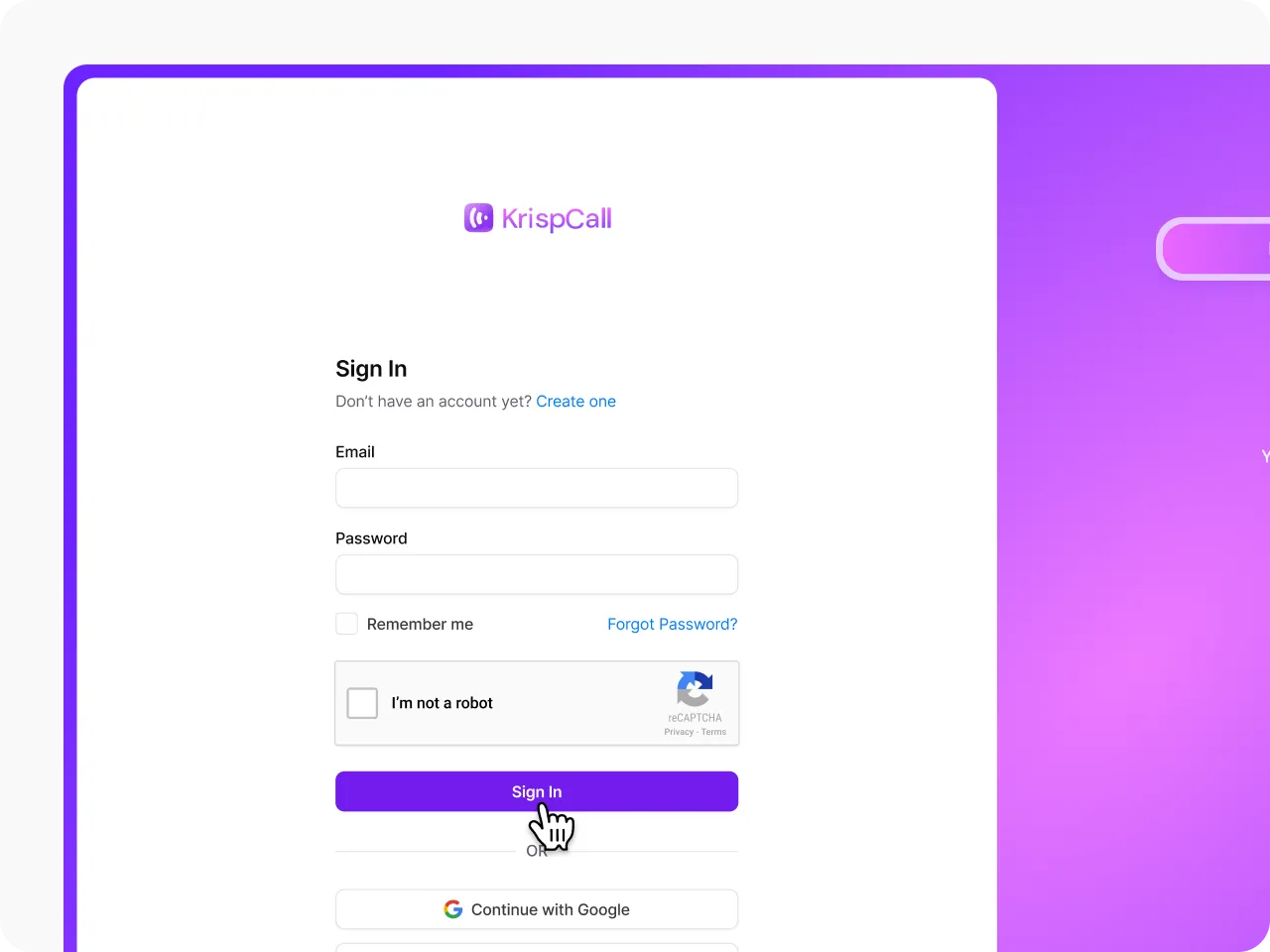
Log in to KrispCall
Sign in to your KrispCall account, then go to Settings.
Open Integrations
Under App Settings, click Integrations and select Marketplace to view all available CRMs and automation tools.
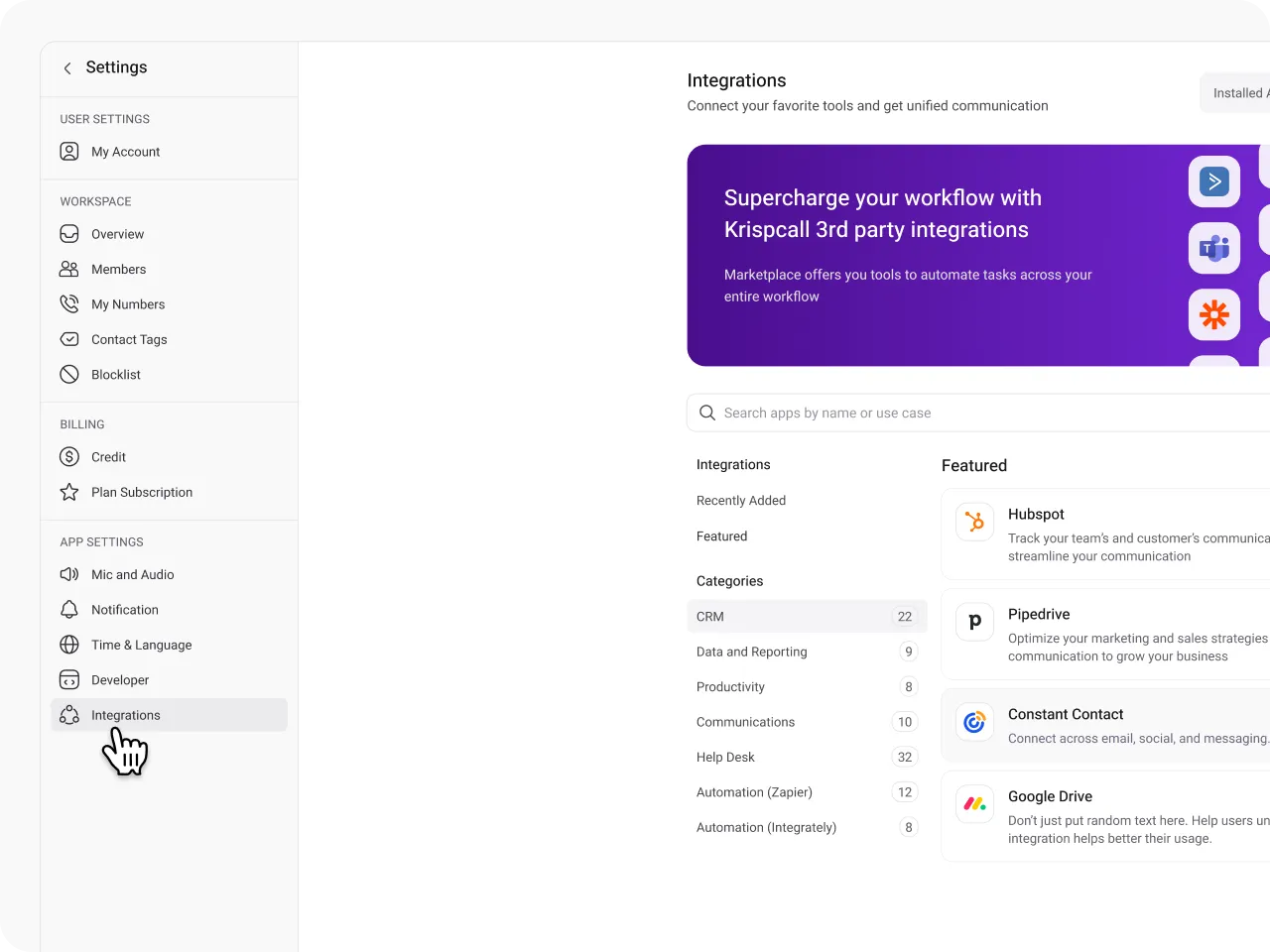
Search for Agile CRM
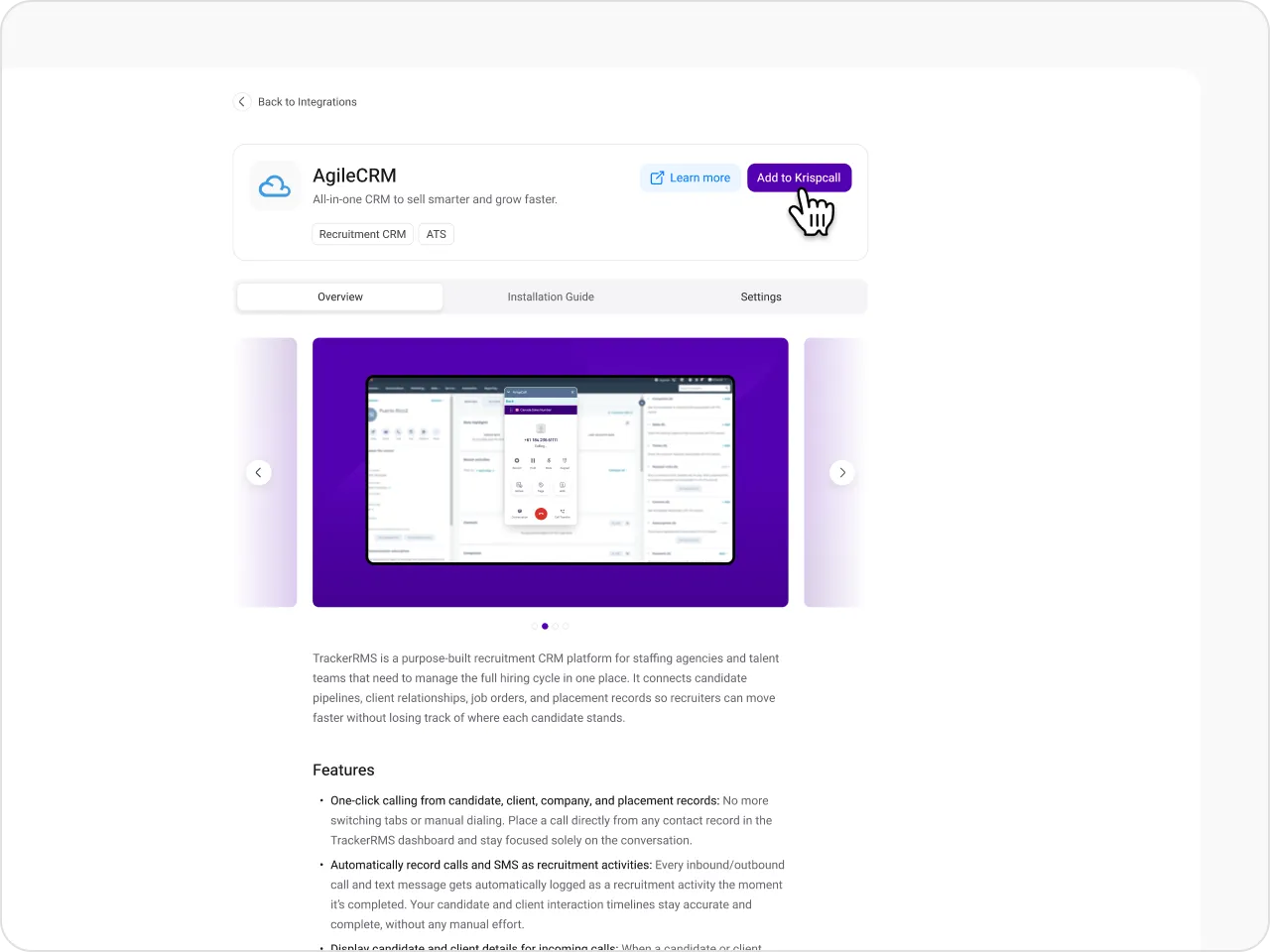
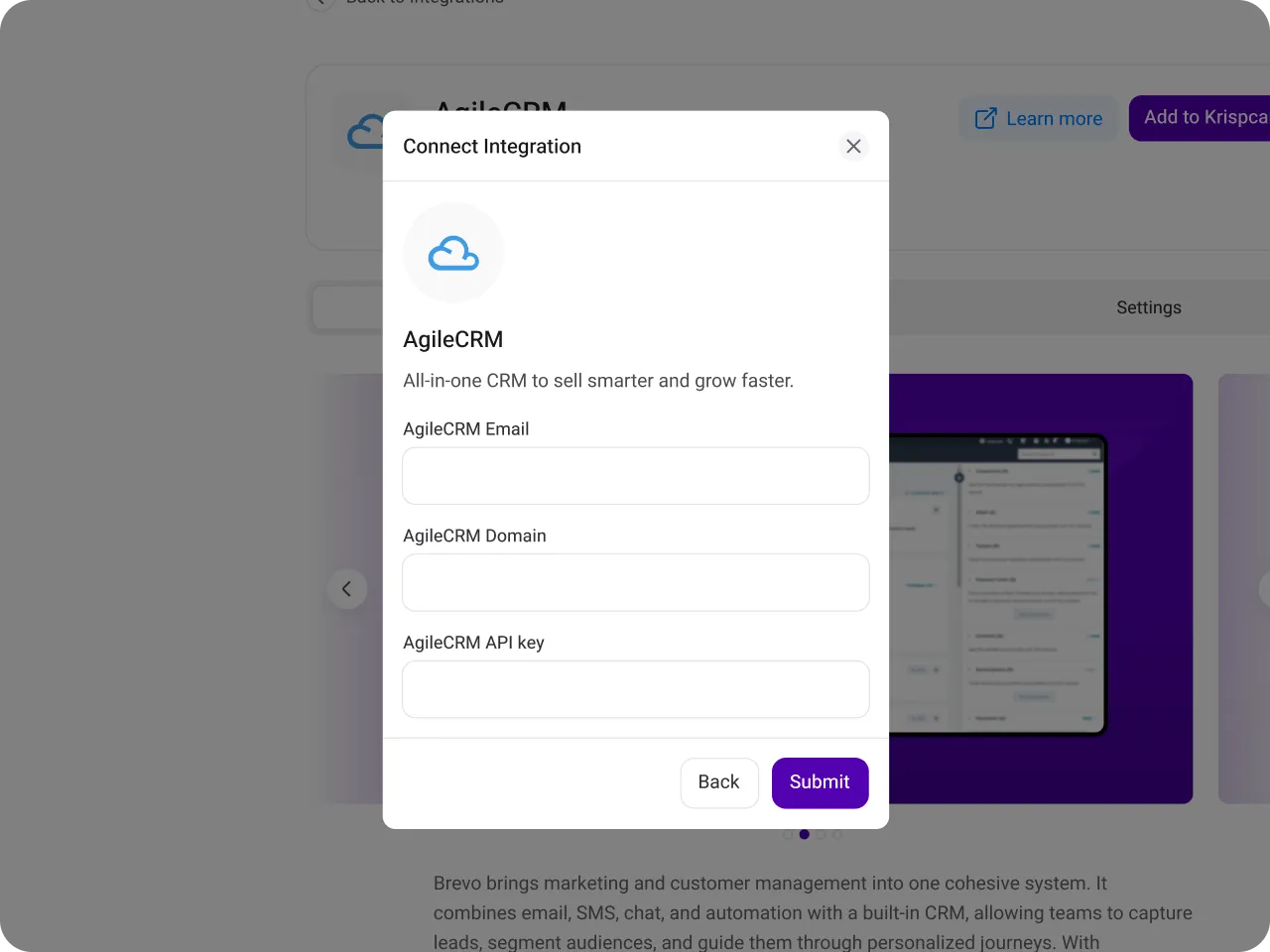
Among the available automation tools and CRMs, find Agile CRM and click it to open the integration page. Click Add to KrispCall; a pop-up will appear asking for Agile CRM Email, API Key, and Domain.
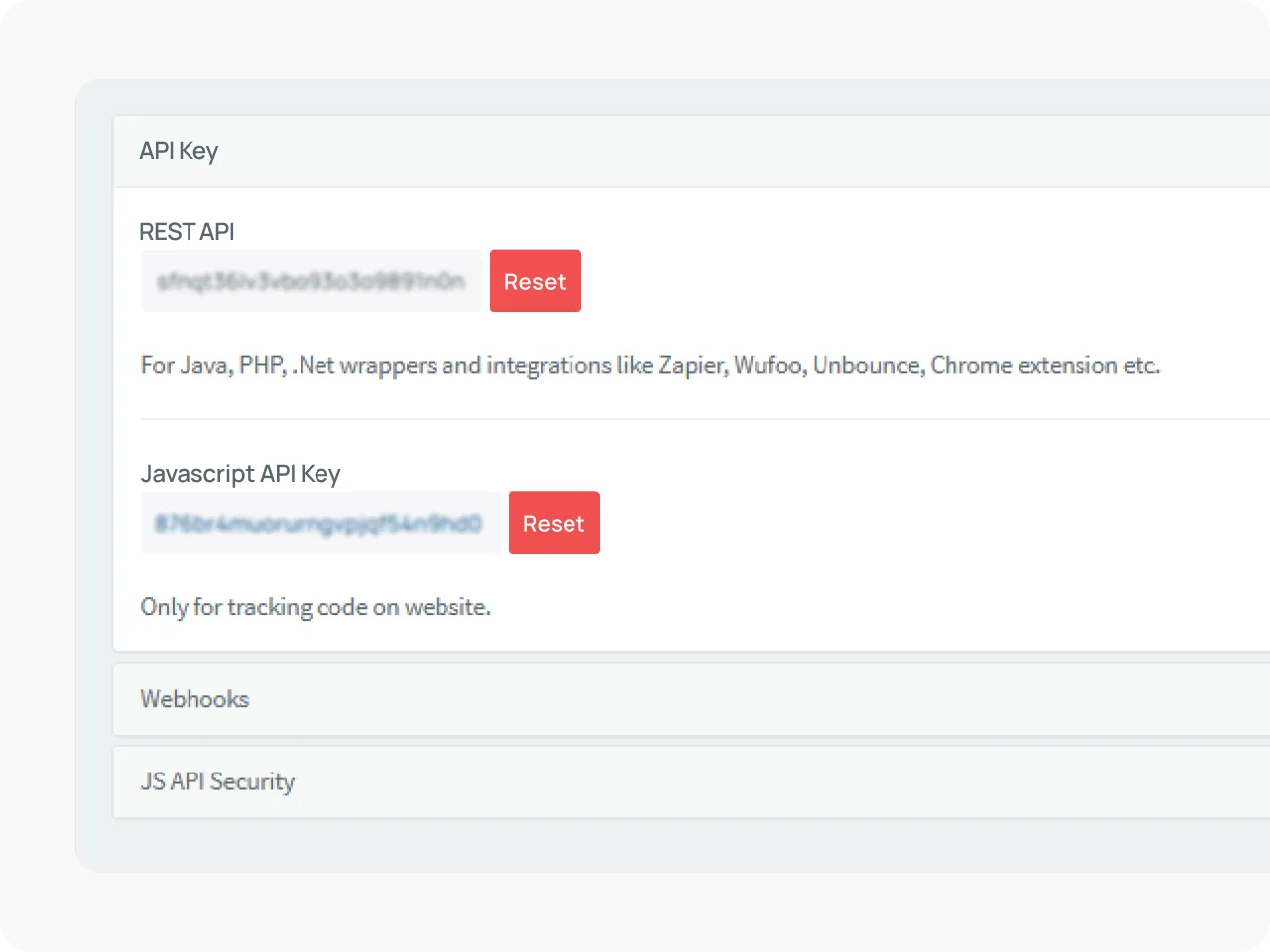
Generate Agile CRM API Key
Log in to your Agile CRM account and click on Add > Admin Settings > Developers & API. Copy the API key.
Get your Domain
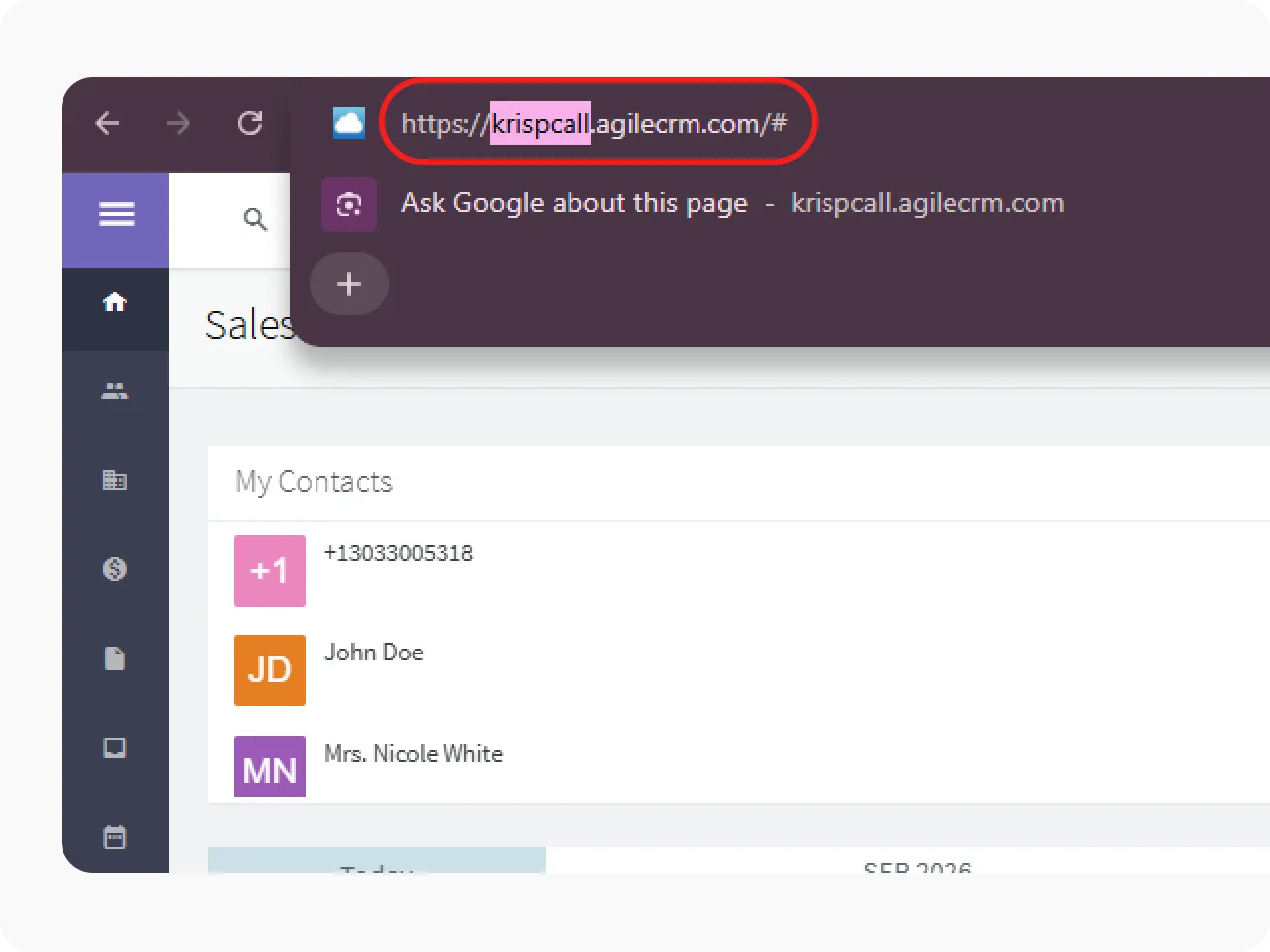
Go to the URL in Agile CRM and copy the very first part of the URL.
Complete the integration
Enter your Agile CRM Email, API Key, and Domain in the pop-up, then click Submit. A confirmation message will appear, and Agile CRM will be listed under your active integrations.
Install the Chrome Dialer
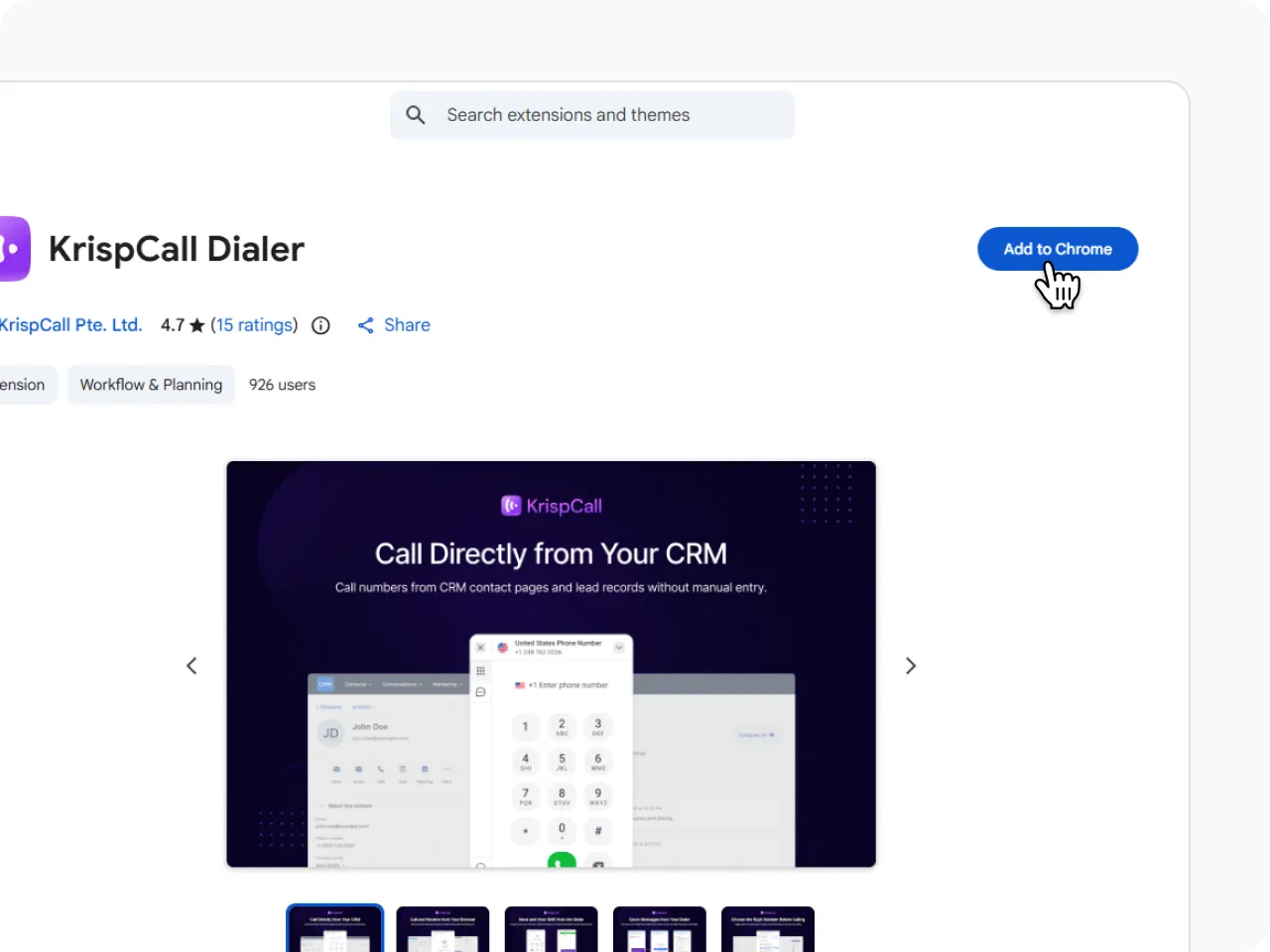
Add the KrispCall Chrome Dialer from the Chrome Web Store and sign in with your KrispCall account to enable click-to-call directly from Agile CRM.
Frequently Asked Questions
Still, some doubts left? Visit our Help Center or contact our Support Team for assistance.
The integration is free, but it requires an active KrispCall plan and an Agile CRM account with API access enabled. Check your current KrispCall plan to confirm integration access.
Disconnecting stops all call and SMS logging to Agile CRM going forward. Past synced data isn’t deleted, but you’ll need to reconnect and re-enter your Agile CRM details to resume logging.
Yes. Numbers already active in your KrispCall workspace are automatically selected for logging when you first integrate. If you purchase a new number afterward, add it manually under Connected Numbers so its calls and texts sync too.
Installing KrispCall’s Chrome extension adds a dialer icon directly onto contact records in Agile CRM, so you can call or text without switching tabs.
The dialer also auto-populates the contact’s number, supports internal and external call transfers, and lets you add notes during a live call
