 Download KrispCall
KrispCall x Desku
Desku Integration Overview


Desku Integration for Increased Functionality of KrispCall Cloud Phone
Centralized Conversation History
Incoming, outgoing, missed, and voicemail calls, plus SMS messages, log to Desku automatically, giving agents full context before they pick up.
Improved Accessibility
Dial straight from a Desku contact using the KrispCall dialer. There's no need to switch between browser tabs to reach a prospect or customer.
Multiple Desku Accounts
A single KrispCall workspace can integrate multiple Desku accounts at once, each with its own distinct settings that don't affect the others.
Reduced Manual Data Entry
Calls, SMS messages, and notes log to Desku automatically. Every interaction is captured in the right record, keeping your data accurate without manual updates.
Install KrispCall Chrome Dialer for Instant Calling
Add the KrispCall Chrome Dialer to call from Desku without leaving your workspace.
The KrispCall Chrome Dialer automatically populates the contact number with the correct country flag and logs every interaction back into Desku.

Make Customer Calls in a Single Click
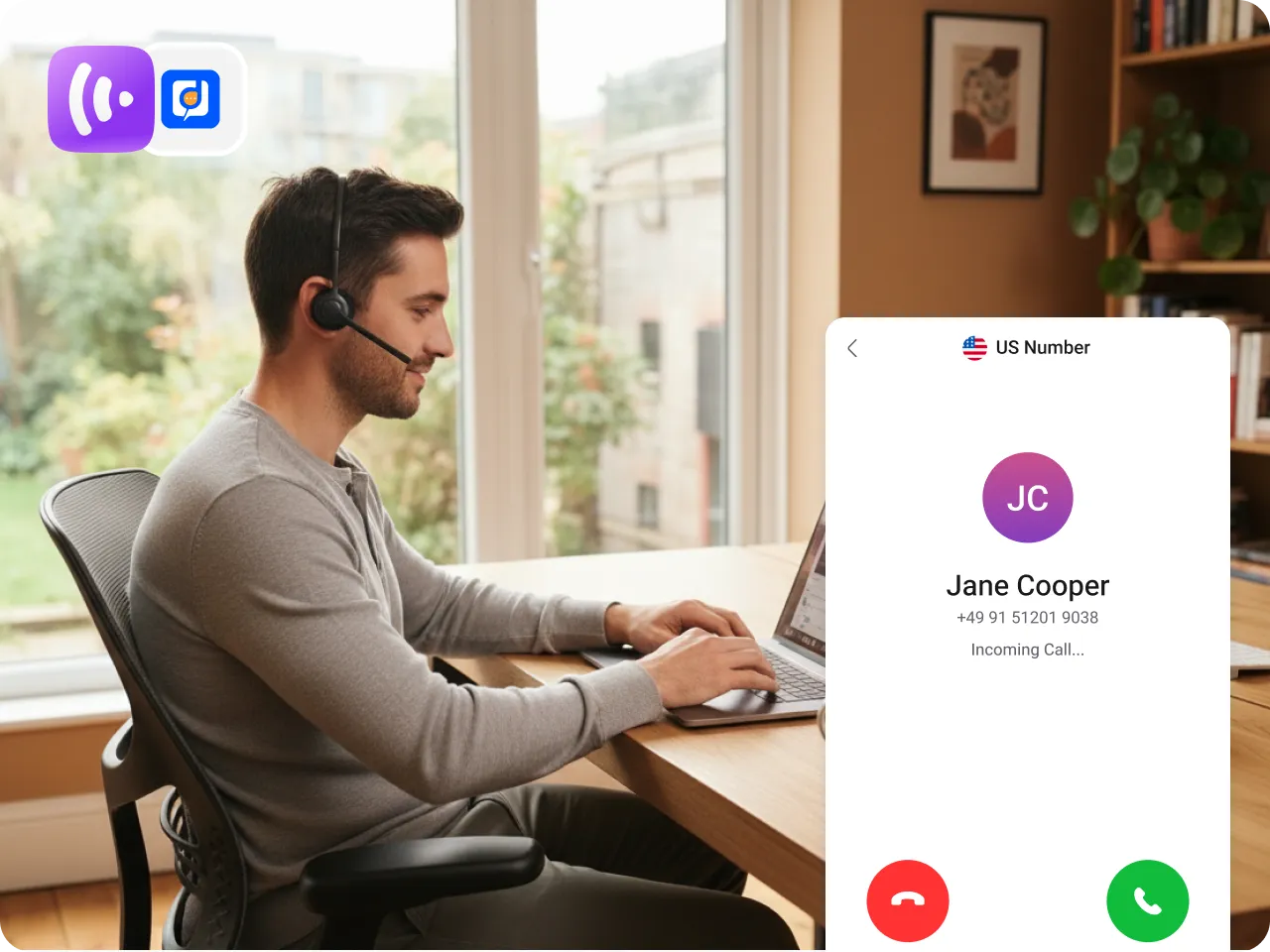
Every Desku user can call directly from the contact record without leaving the app. Click the dialer icon, sign in, and the number dials automatically with the correct country flag already filled in.
The dialer handles outbound and inbound calls, letting support and sales teams reach prospects and customers faster without switching apps or tabs.
Send Text Messages Instantly From Desku
Send SMS messages to customers directly through your Desku workflow. Use text messages for quick follow-ups, status updates, or other time-sensitive customer interactions.
All SMS conversations sync to the contact timeline, giving your team one place to see every touchpoint, call, text, or ticket note.
Keep Desku updated with your KrispCall contacts
Use one-way contact sync to create, edit, or delete contacts in KrispCall and sync them to Desku automatically.
Bulk CSV imports and initial sync of existing contacts are supported, with duplicates automatically filtered out.
Track All Inbound and Outbound Call Activity
Monitor incoming, outgoing, and missed calls through the integrated workflow. Review call activity to understand how your team engages with customers, and identify missed conversations that need attention.
Call history also helps support leads review response patterns, follow-up activity, and customer engagement across the team.
Keep Call Details Organized
Add notes during a call, and sync them instantly to the contact record in Desku. Notes stay searchable and visible to the whole team, whether that’s a resolution step, a specific request, or a follow-up reminder.
This keeps context intact across handoffs, so whoever picks up the next conversation already knows where things stand.
Benefits of Integrating Desku with KrispCall
Efficient Telephony Conversations
No switching between tabs or apps to make and receive calls, every conversation stays tied to the right contact.
Better Account Management
View call history, notes, and SMS for a specific contact in a single record, making support and follow-up more organized.
Faster Agent Onboarding
New team members get immediate access to up-to-date customer and conversation history, so they can start helping customers sooner.
Consistent Data Across Teams
Admin-managed settings keep every member's sync configuration isolated, so one person's changes never disrupt another's workflow.
Boosting Support, Sales, and Remote Teams
Support Teams

Sales Teams

Remote Teams


Integrate Desku with KrispCall Easily with Our Guide
Log in to KrispCall
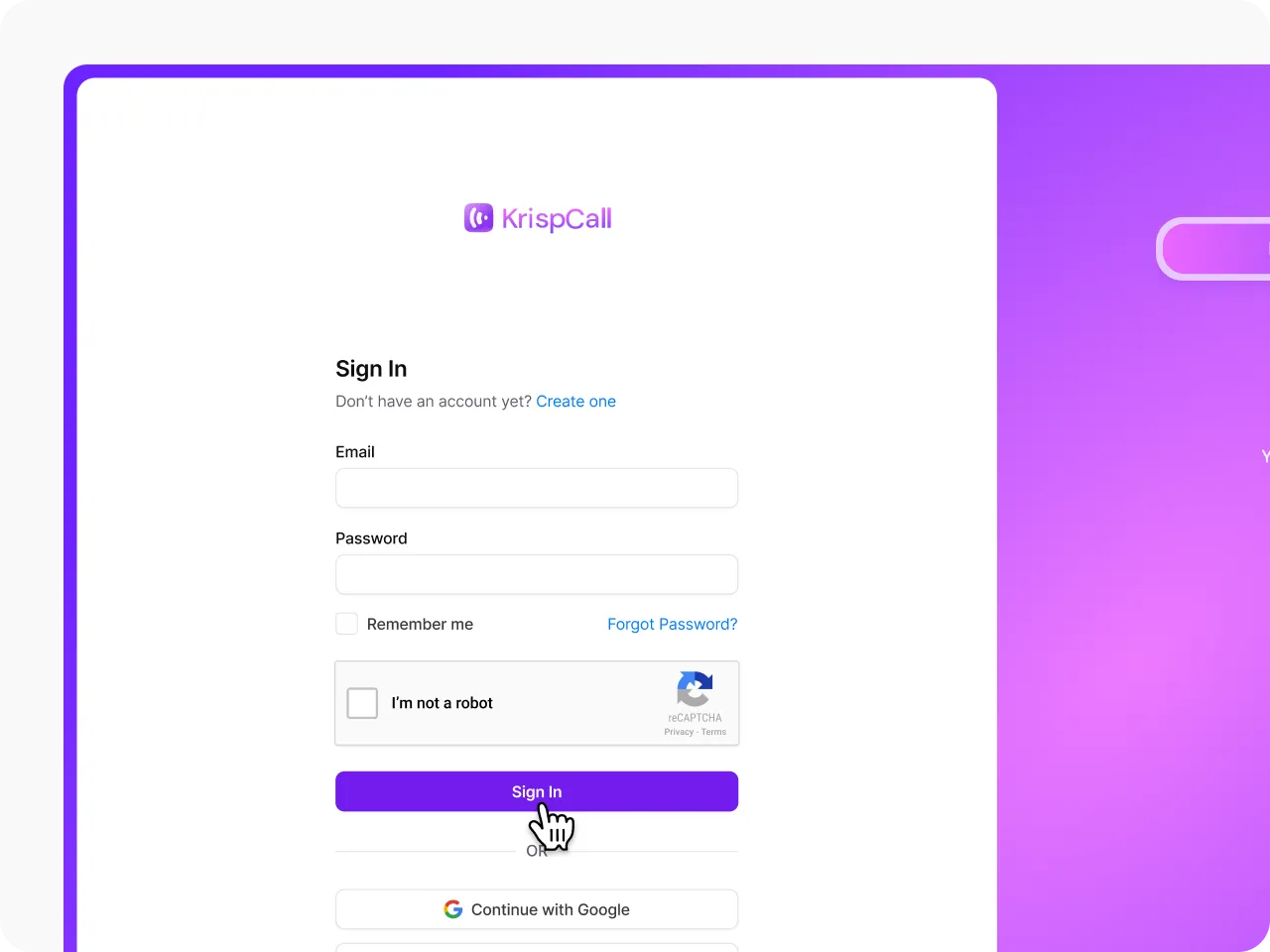
Sign in to your KrispCall account and go to Settings.
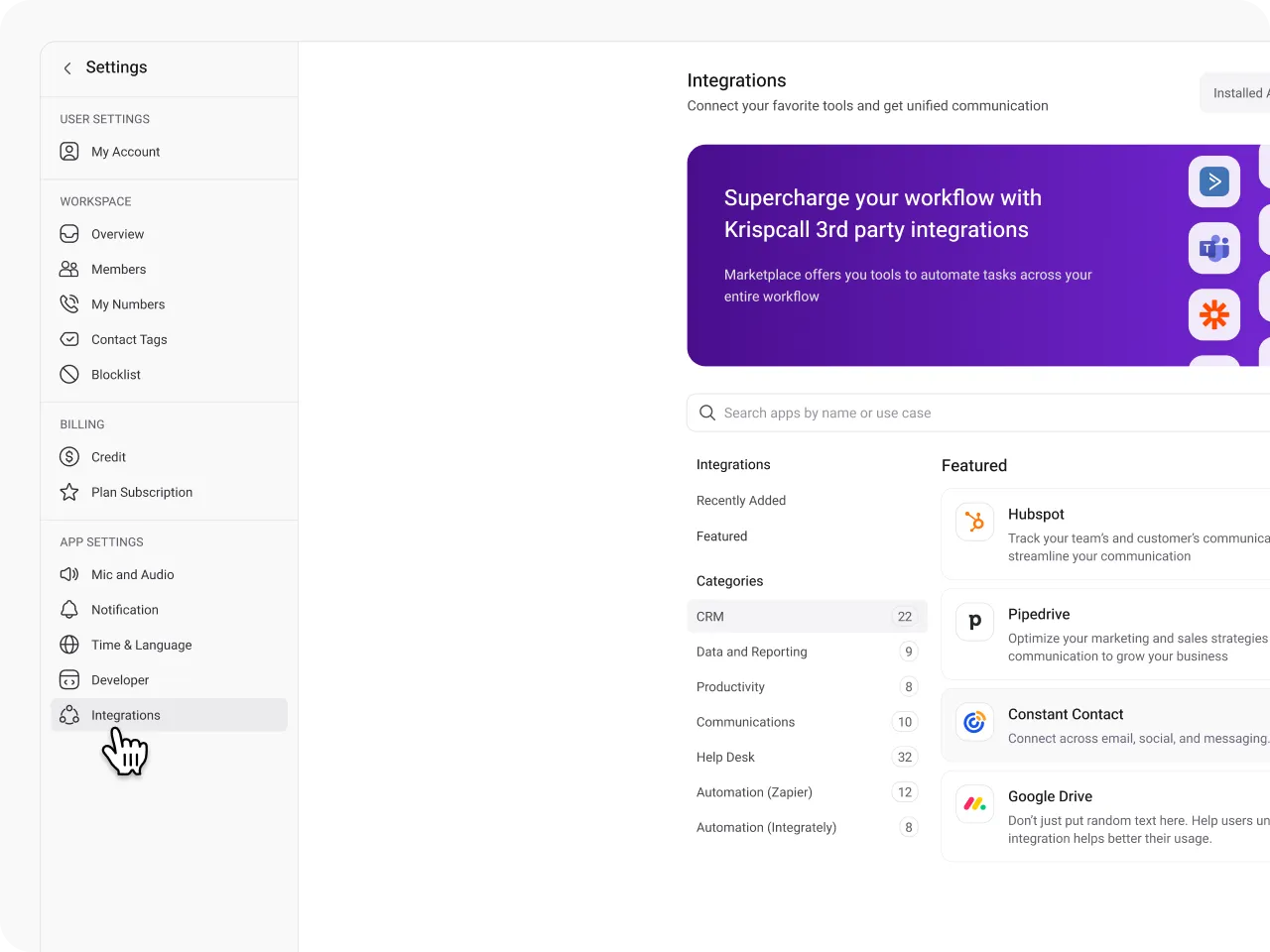
Open Integrations
Under App Settings, click Integrations → Marketplace.
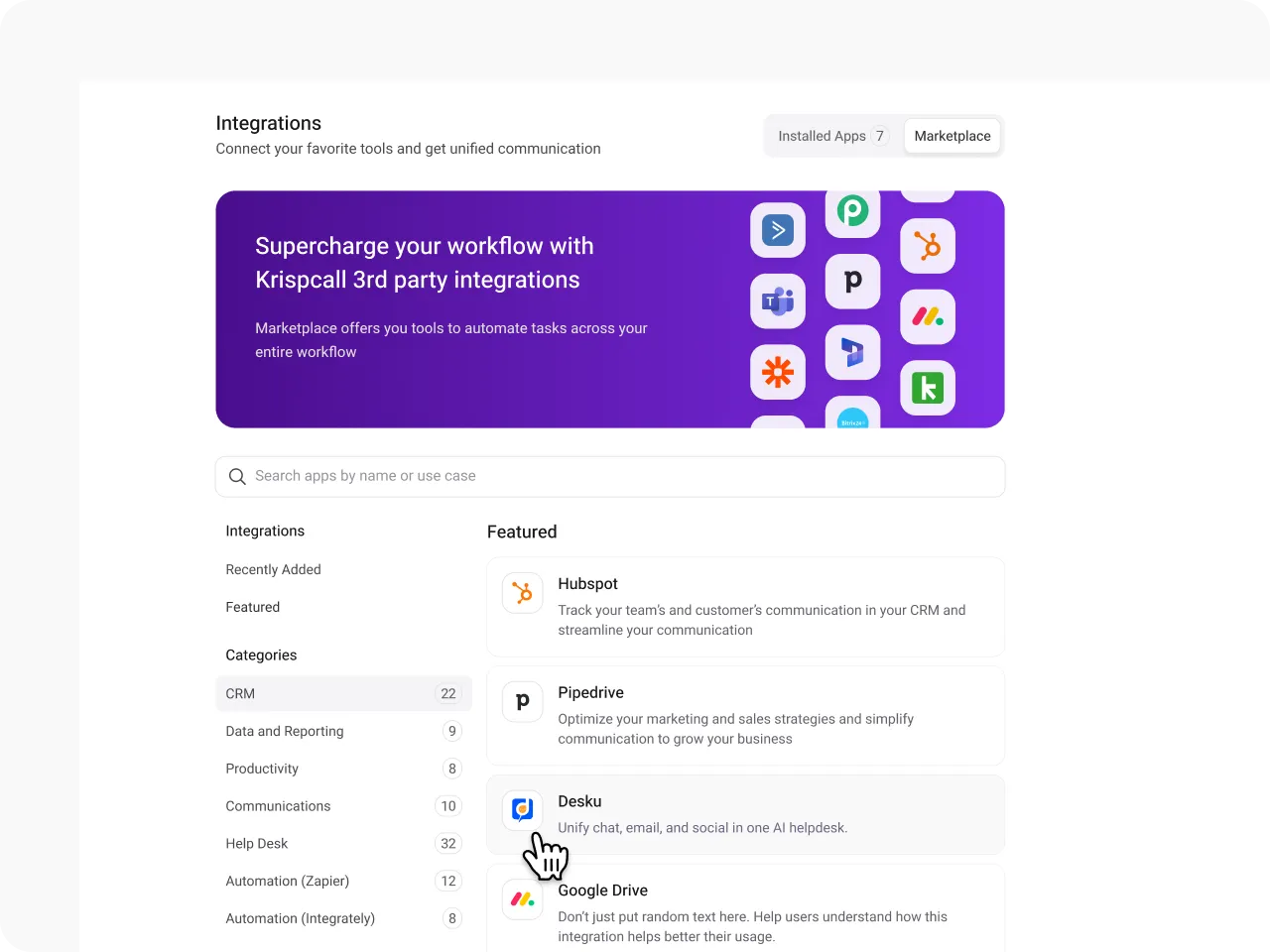
Search for Desku
Find and select Desku, then click Add to KrispCall.
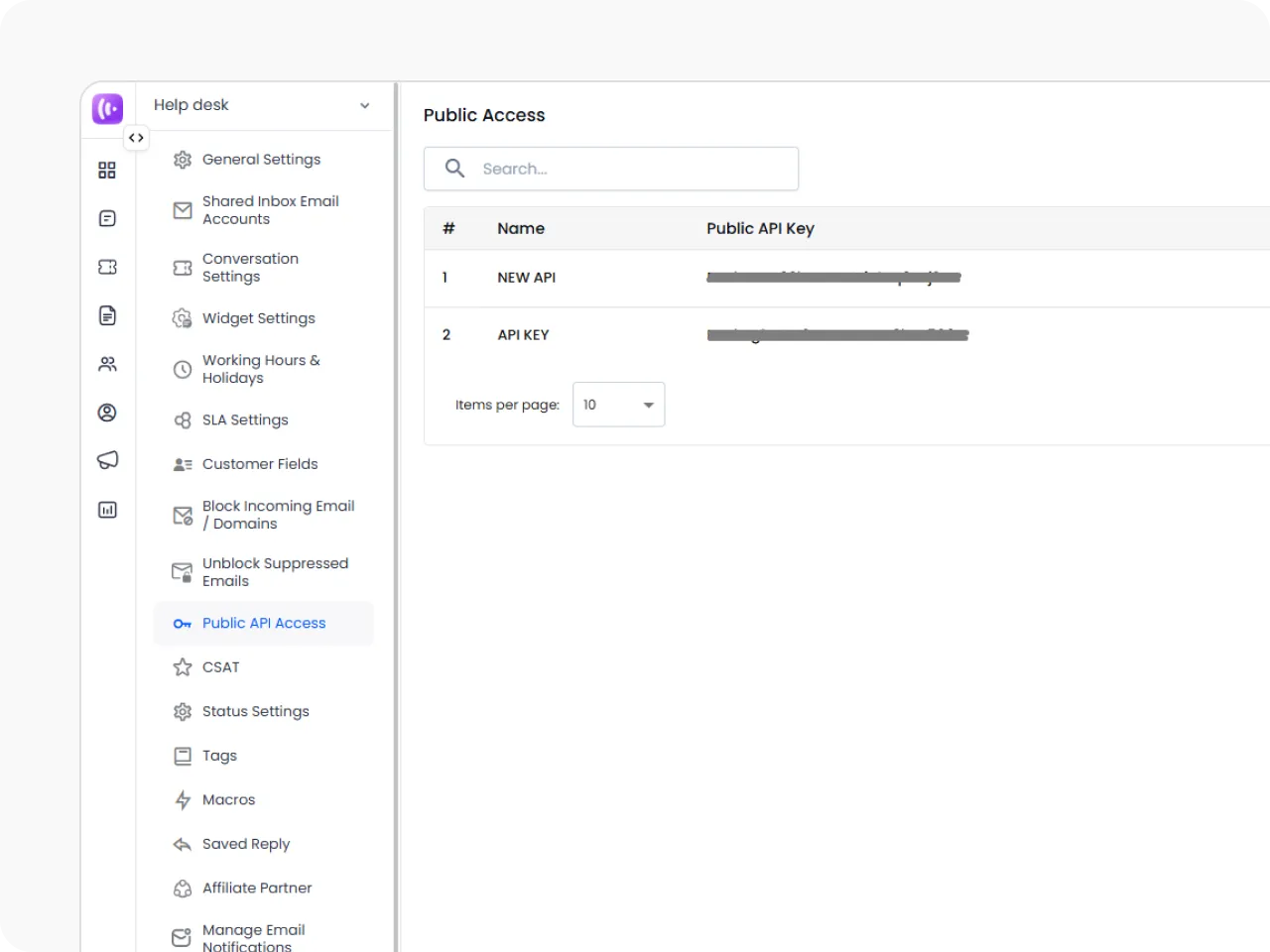
Get your API Key from Desku
In Desku, go to Settings → Public API Access → Add New Public Key. Copy the generated key.
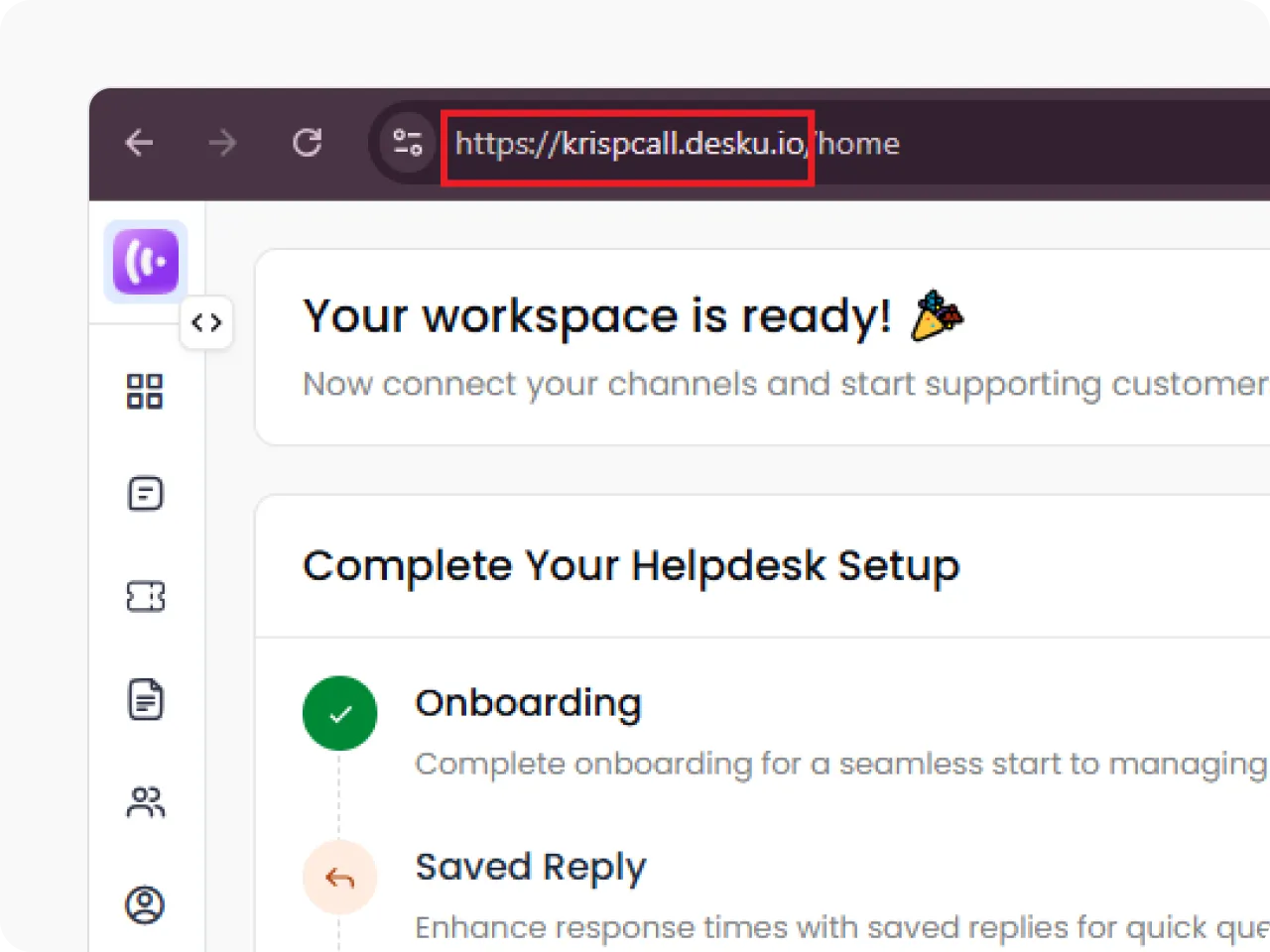
Copy your Account URL
From the Desku browser address bar, copy the URL up to .io.
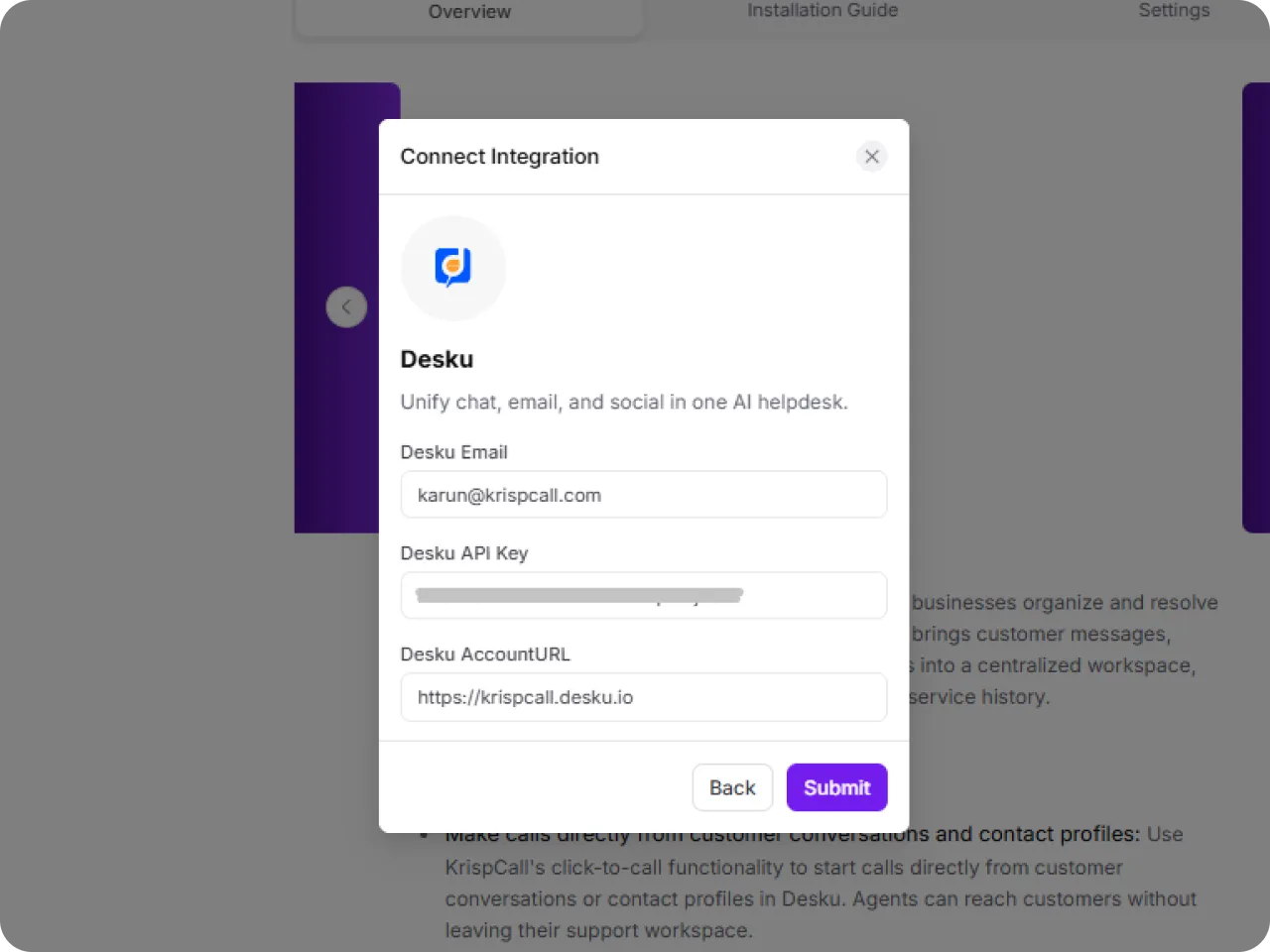
Enter details and connect
Paste the API Key, Email, and Account URL in KrispCall, then click Submit. Desku will appear in your active integrations.
Frequently Asked Questions
Still, some doubts left? Visit our Help Center or contact our Support Team for assistance.
KrispCall uses one-way contact sync (KrispCall → Desku). Contacts you create, edit, or delete in KrispCall sync to Desku automatically. We support bulk CSV imports, and we automatically filter out duplicates.
Missed calls and voicemails are logged in Desku just like answered calls, so your team knows who needs a follow-up. You can turn logging on or off for each call type in Workflow Settings. If auto-recording is on, voicemail recordings are saved to the contact record too.
Yes. Connected Numbers settings control which lines sync calls and SMS. Numbers already in your channel are selected by default; any number purchased afterward needs to be added manually.
Yes. If auto-recording is enabled in KrispCall, recordings sync to Desku. AI Call Summary and Transcript (paid add-on) also appear in the KrispCall conversation window after each call.
Yes, a KrispCall workspace can integrate several Desku accounts, each with its own settings. In this setup, calls go through the Chrome extension dialer, and two-way contact sync isn’t available.
