Do Not Disturb Mode
DND To Stay Focused & Avoid Distraction From Incoming Calls
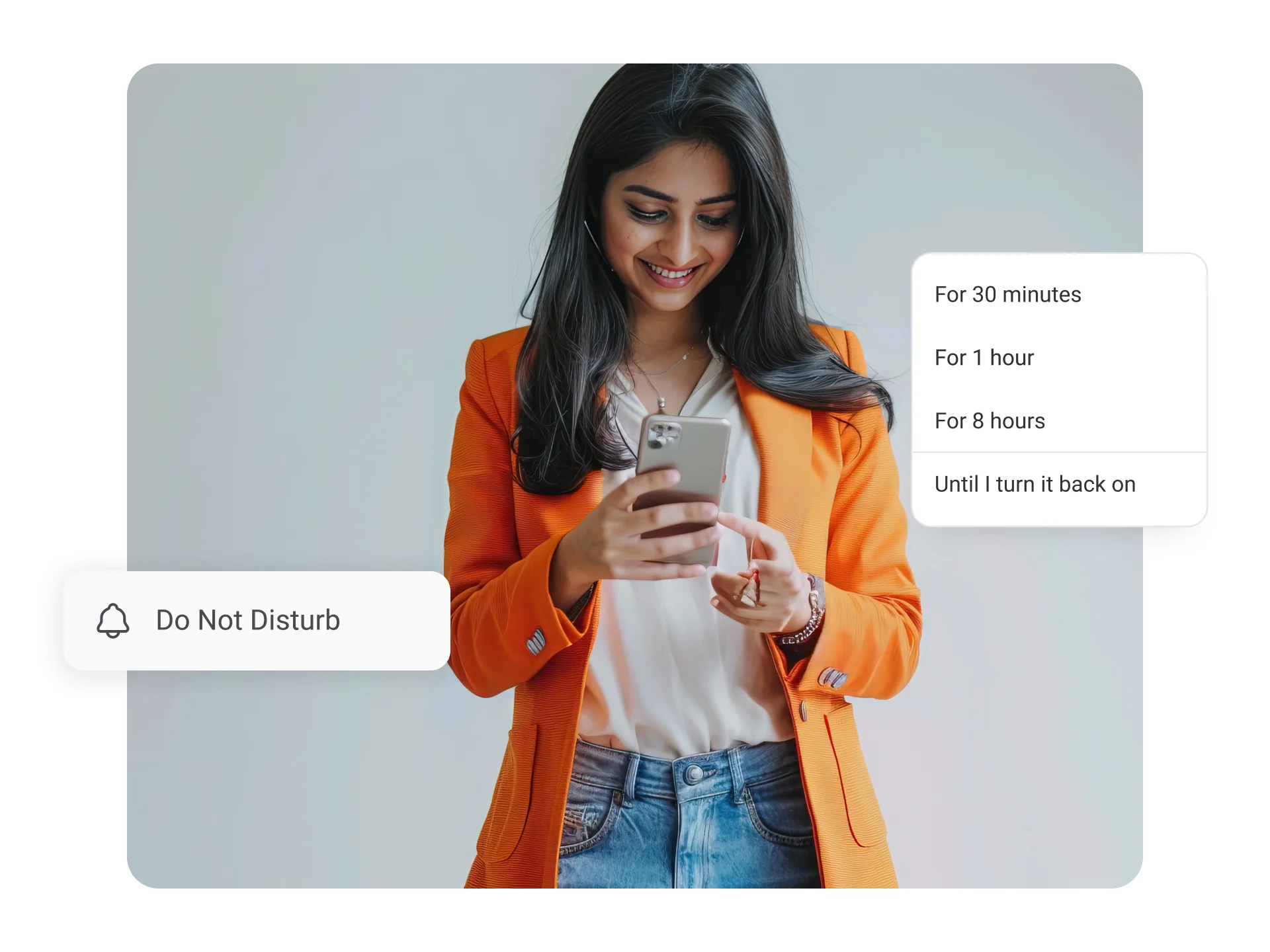
Stay focused and undisturbed on the work at hand with KrispCall’s Do Not Disturb (DND) feature. Switch to DND mode to temporarily silence and stop alerts (rings and vibrations) for incoming calls, messages, and other notifications on your phone.


Get a Virtual Number
Get local, mobile, and toll-free virtual phone numbers from 100+ countries and expand your business worldwide.
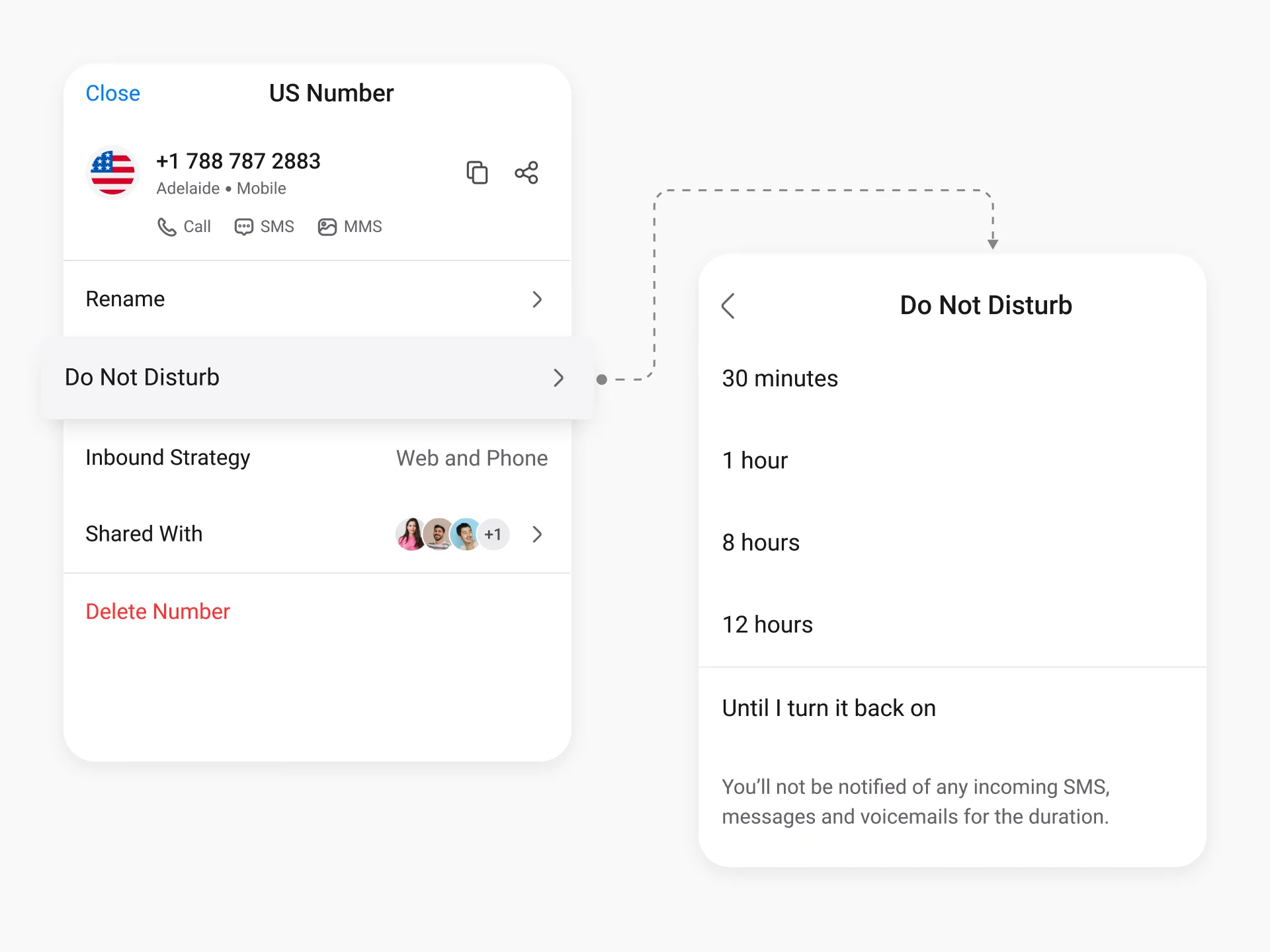
How to Set Up Do Not Disturb (DND) Mode in KrispCall?
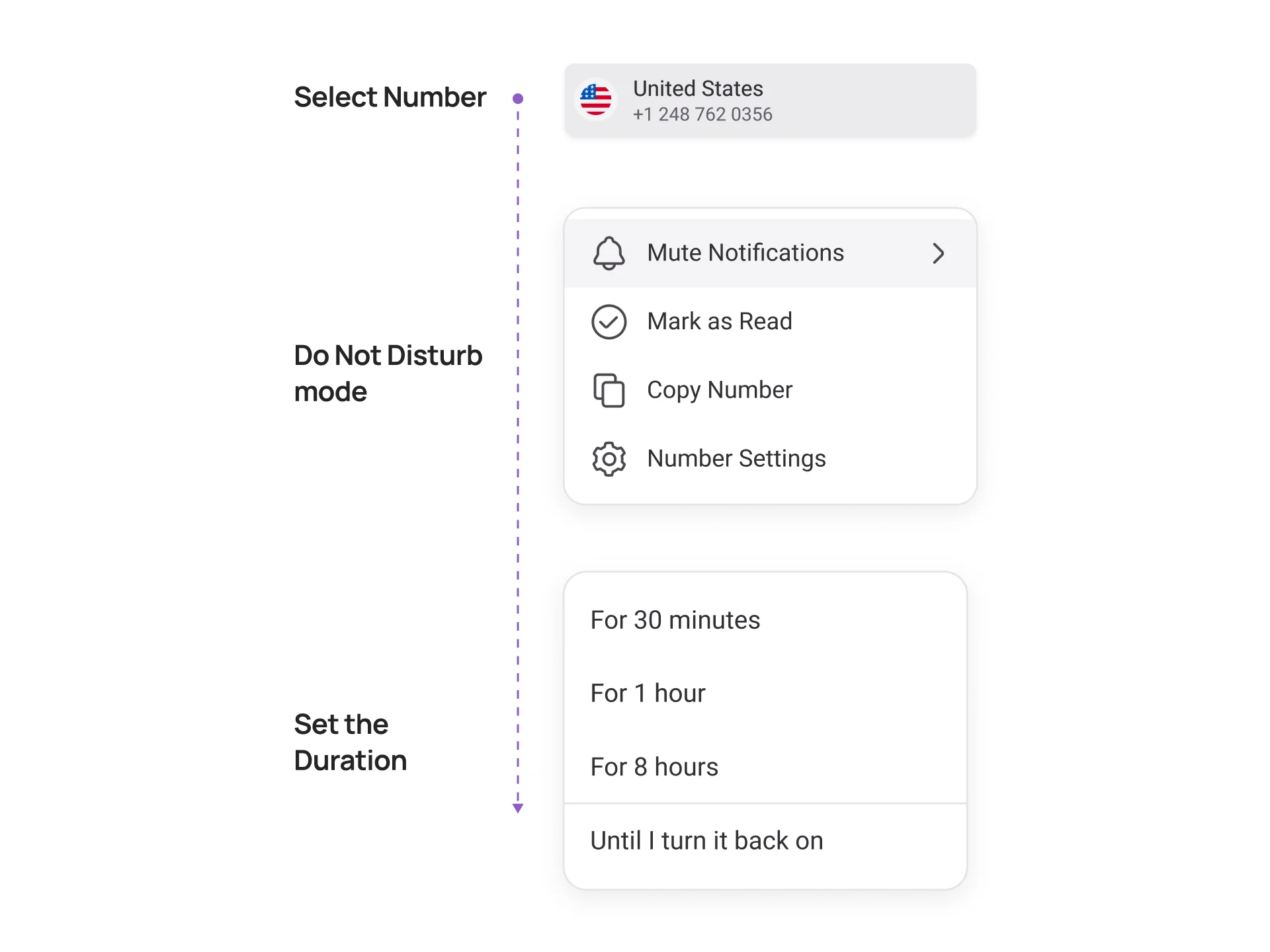
Setting up Do Not Disturb (DND) mode in KrispCall is easy and involves considering some simple steps. Those steps are as follows:

Create a KrispCall account if you are new to the platform.

Login with the correct login credentials.

Choose the phone number for which you want to turn on DND mode.

Click on the “...” icon next to the number.

Choose the “Do Not Disturb” option from the list and set a duration to turn it on.
What is Do Not Disturb (DND) Mode?
Do Not Disturb Mode, commonly known as DND, is a productivity feature that temporarily silences all incoming calls, messages, and notifications on your phone or virtual phone system. When activated, your device stops ringing, vibrating, or lighting up the screen for any alerts, allowing you to focus on important tasks without constant interruptions. The caller is usually redirected straight to voicemail without knowing that DND is enabled.
In business virtual phone systems like KrispCall, DND are much more intelligent than the basic version found on personal mobile phones. It doesn’t just mute your device — it smartly handles incoming calls by sending them to voicemail, forwarding them to available teammates, or applying custom rules you set.
You can also schedule DND for specific times (such as deep work hours or after office hours) and create exceptions for VIP clients or emergency contacts.
How does the Do Not Disturb (DND) feature work?
The Do Not Disturb (DND) feature in KrispCall works by temporarily silencing all incoming calls, notifications, vibrations, and screen alerts on your virtual phone number. When you activate DND, your KrispCall app (mobile, desktop, or web) stops ringing or showing any pop-ups, allowing you to focus completely without interruptions. The caller continues to hear your normal ringtone or is directed straight to voicemail, so they are unaware that DND is enabled on your end.
In KrispCall’s business virtual phone system, DND is highly intelligent and flexible. You can turn it on manually for a specific duration, schedule it automatically for recurring times (such as deep work hours or after office hours), or combine it with call forwarding rules so incoming calls are redirected to available teammates instead of just going to voicemail. This smart routing ensures your business stays responsive while giving you uninterrupted focus time. DND also integrates seamlessly with voicemail transcription, call analytics, and team presence features.
Benefits of Do Not Disturb (DND) Mode
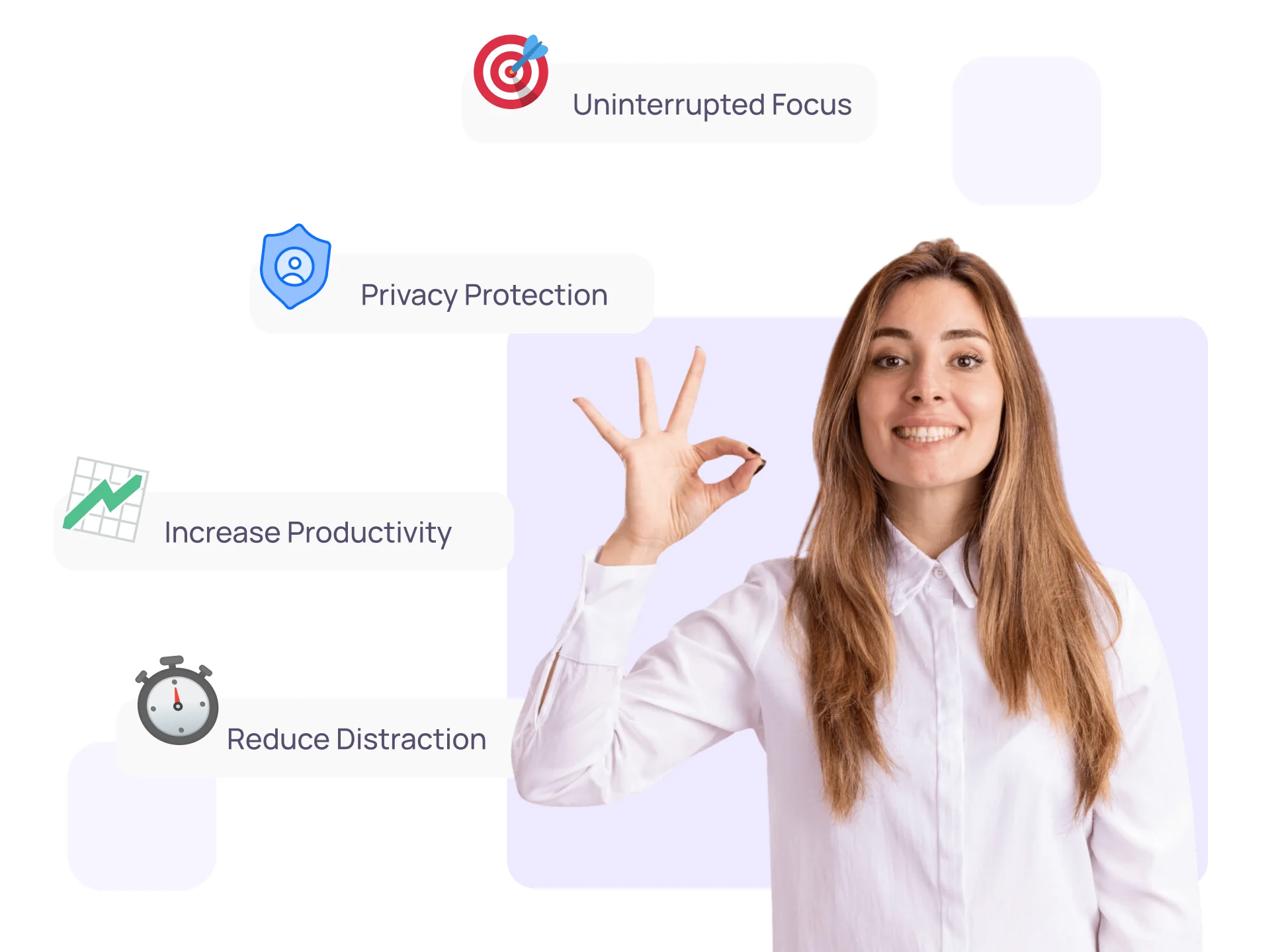
Do Not Disturb (DND) mode benefits businesses in several ways. Some of its notable benefits are:
Difference Between Do Not Disturb Mode and Silent Mode
Do Not Disturb mode |
Silent mode |
|---|---|
In DND mode, notifications and alerts don’t pop up on the screen. |
In silent mode, notifications and alerts appear on the phone screen. |
You can customize the setting to schedule DND mode for a certain time of the day automatically. |
You can’t set automatic time for silent mode. |
It is useful for work scenarios where zero disruptions are preferable to maintain focus and complete tasks efficiently. |
It is suitable for creating general quiet environments by silencing audible alerts and notifications. |
There is no chance of distractions as users aren’t informed of incoming calls or messages. |
There are chances of distractions as users can still view messages and notifications on the home screen. |
Putting Your Business Phone in DND Mode: Best Practices

Inform Team Members

Schedule strategically

Do not overuse it

Redirect calls
More Features like Do Not Disturb Mode
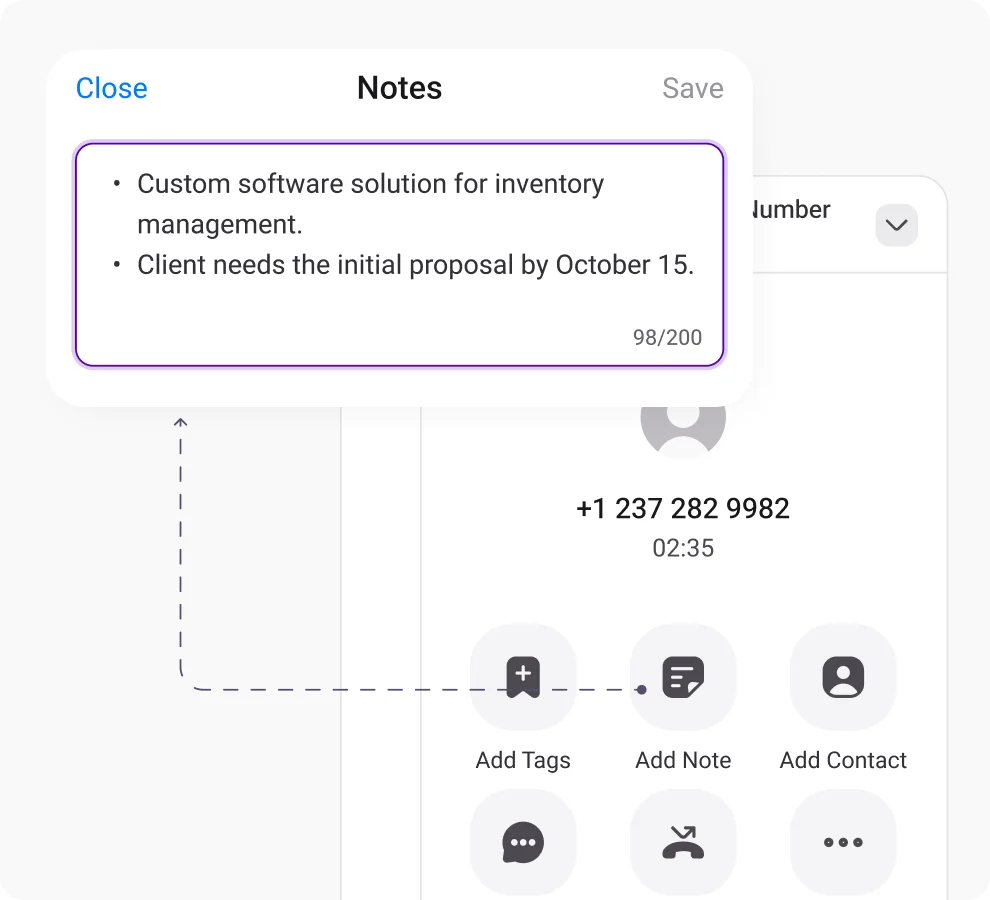
Call Notes
Improve teamwork, reduce confusion, share information, and improve clients' communication with call notes.
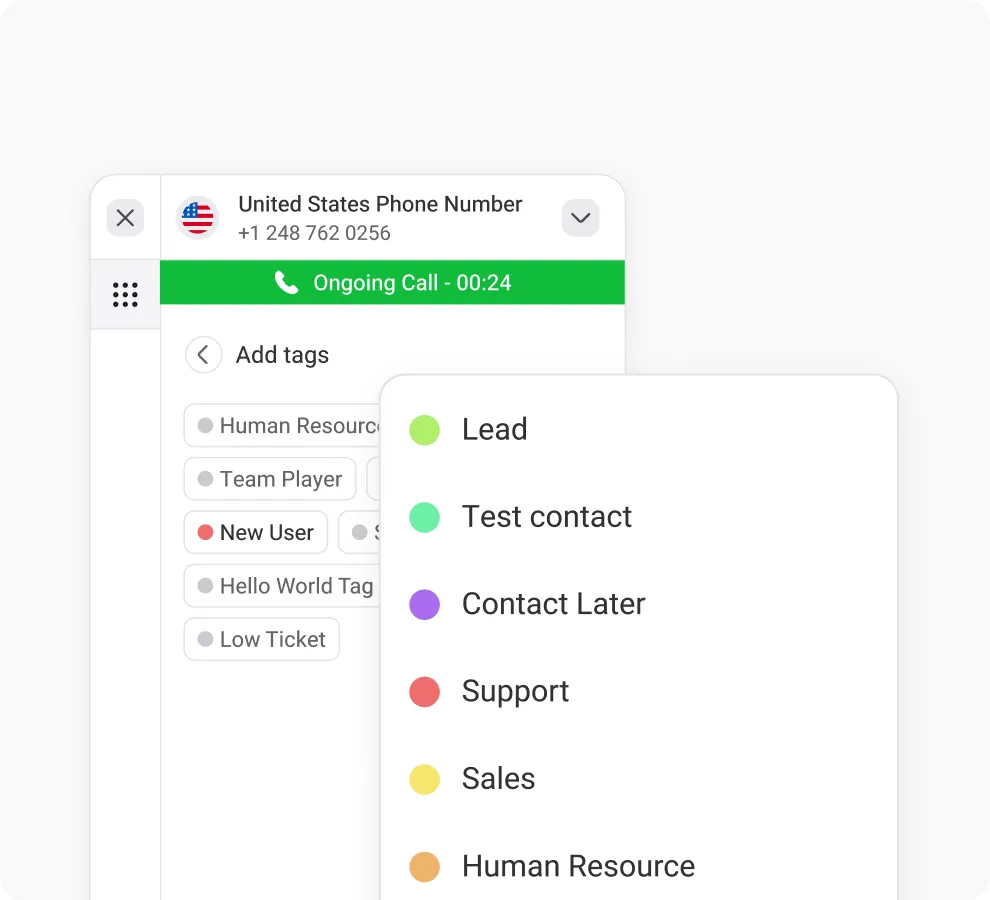
Call & Contact Tagging
Tag customers for easy sorting, streamlining navigation and enhancing customer support efficiency.
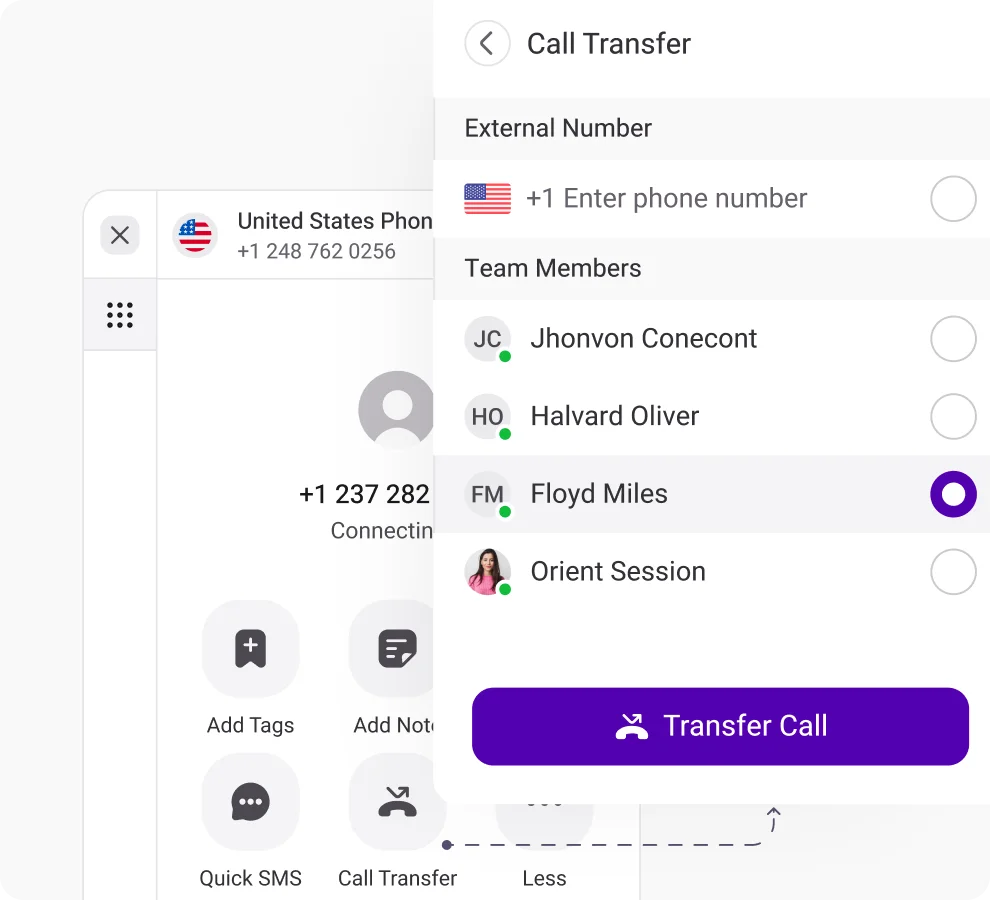
Call Transfer
Route calls instantly to expert agents, minimizing customer wait time for swift query resolution and improved customer support.
Frequently Asked Questions
Didn’t find the Answer you were looking for? Visit our Help Center or Contact Support
The Do Not Disturb mode mutes audible notifications from social media apps, stops the phone from vibrating, and blocks visual distractions from incoming calls, messages, and other alerts.
DND stands for Do Not Disturb mode on a landline phone. When DND mode is turned on on a landline phone, the phone won’t ring or produce any audible notifications. Thus, the user won’t be informed of any incoming calls.
To turn off Do Not Disturb on your phone, go through the phone “Settings” and find the” Do Not Disturb” option. Click on it to turn it off.
If you have enabled Do Not Disturb mode on your device, then all incoming call notifications remain silent. Also, they are not shown on the phone screen.
Simply dial “*78” on your landline phones to turn on Do Not Disturb mode. Or, if your landline phone has a DND button, just press it to activate DND.
Anyone can call you even when Do Not Disturb (DND) mode is enabled in KrispCall. DND does not block incoming calls; it only silences notifications, stops ringing, vibration, and screen alerts on your end.
