 Download KrispCall
Salesloft Integration
Salesloft integration overview
Salesloft Integration for Increased Functionality of KrispCall Call Center
Maximize every sales opportunity to transform more prospects into loyal customers.

Effortless Click-to-Call and SMS

Automatic Call Logging

Contact Synchronization

Access to Client History
Install KrispCall Browser Extension to enable Click to Call functionality
Install the KrispCall Browser Extension to enable Click to Call functionality from within Salesloft.
This extension integrates directly with Salesloft, allowing users to make calls without leaving the platform, improving workflow efficiency and communication.

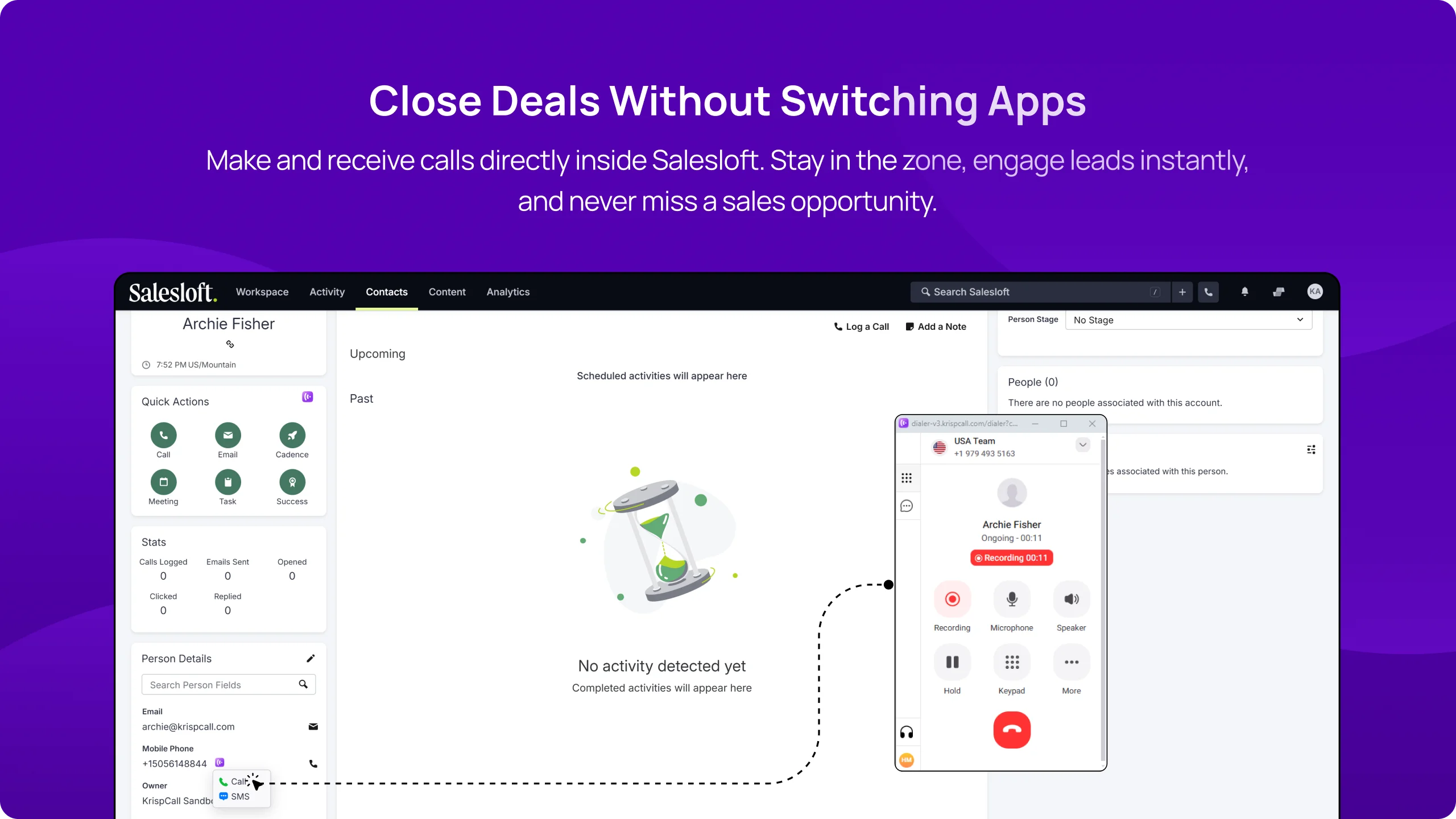
Make & Receive Calls Directly in Salesloft
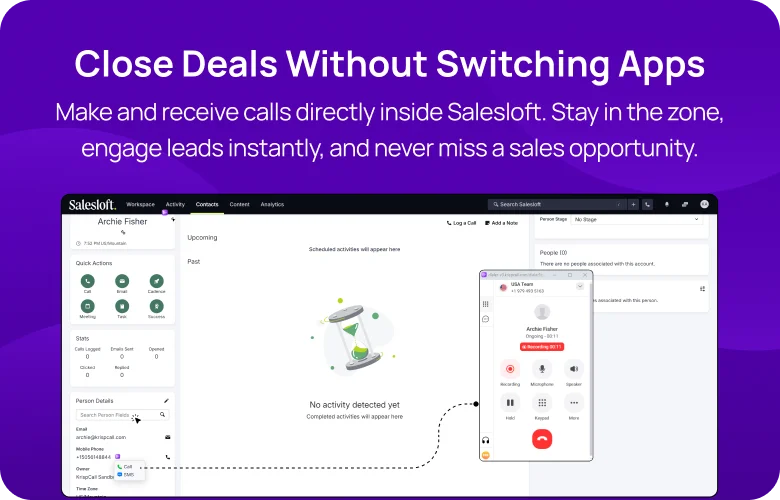
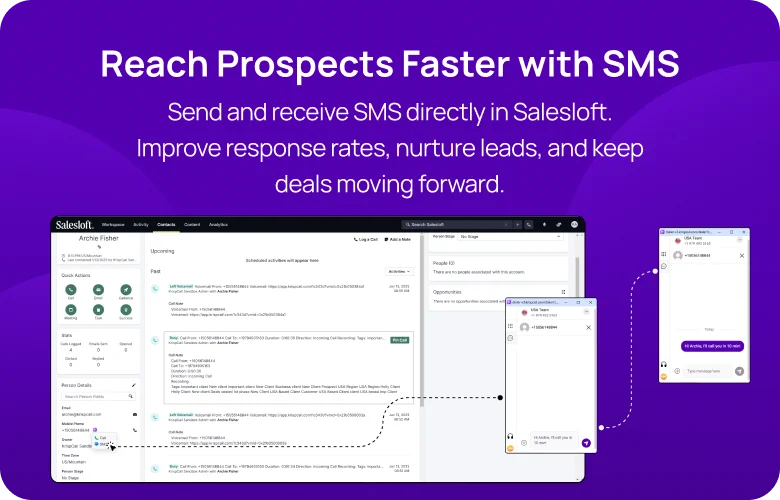
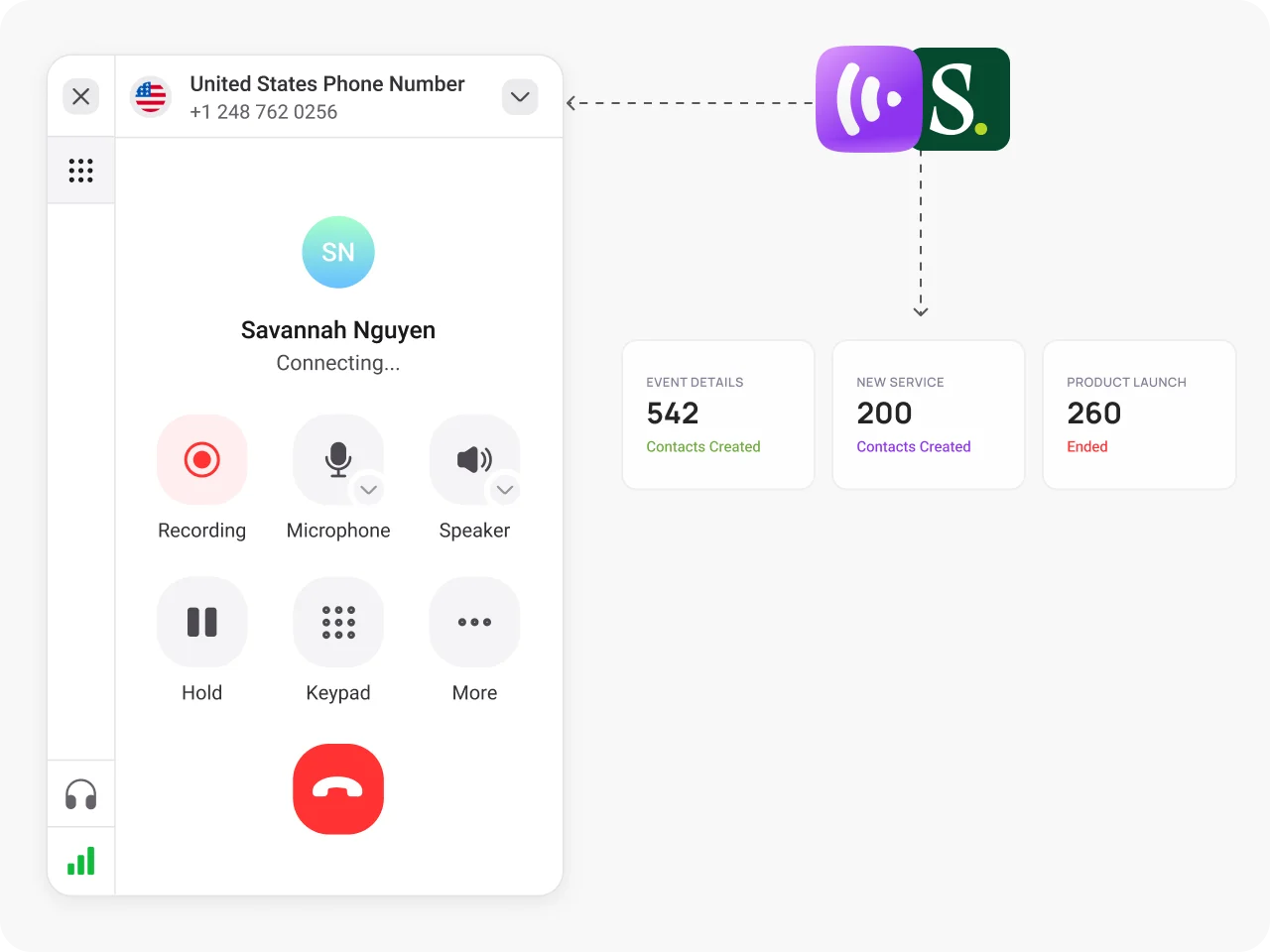
Eliminate the hassle of switching platforms—Salesloft users can make and receive calls without leaving their workflow. With KrispCall’s cloud telephony integration, sales reps can engage prospects instantly, improving response times and efficiency. Whether following up on warm leads or handling customer inquiries, seamless in-app calling ensures sales teams stay focused, productive, and always connected to high-value opportunities.
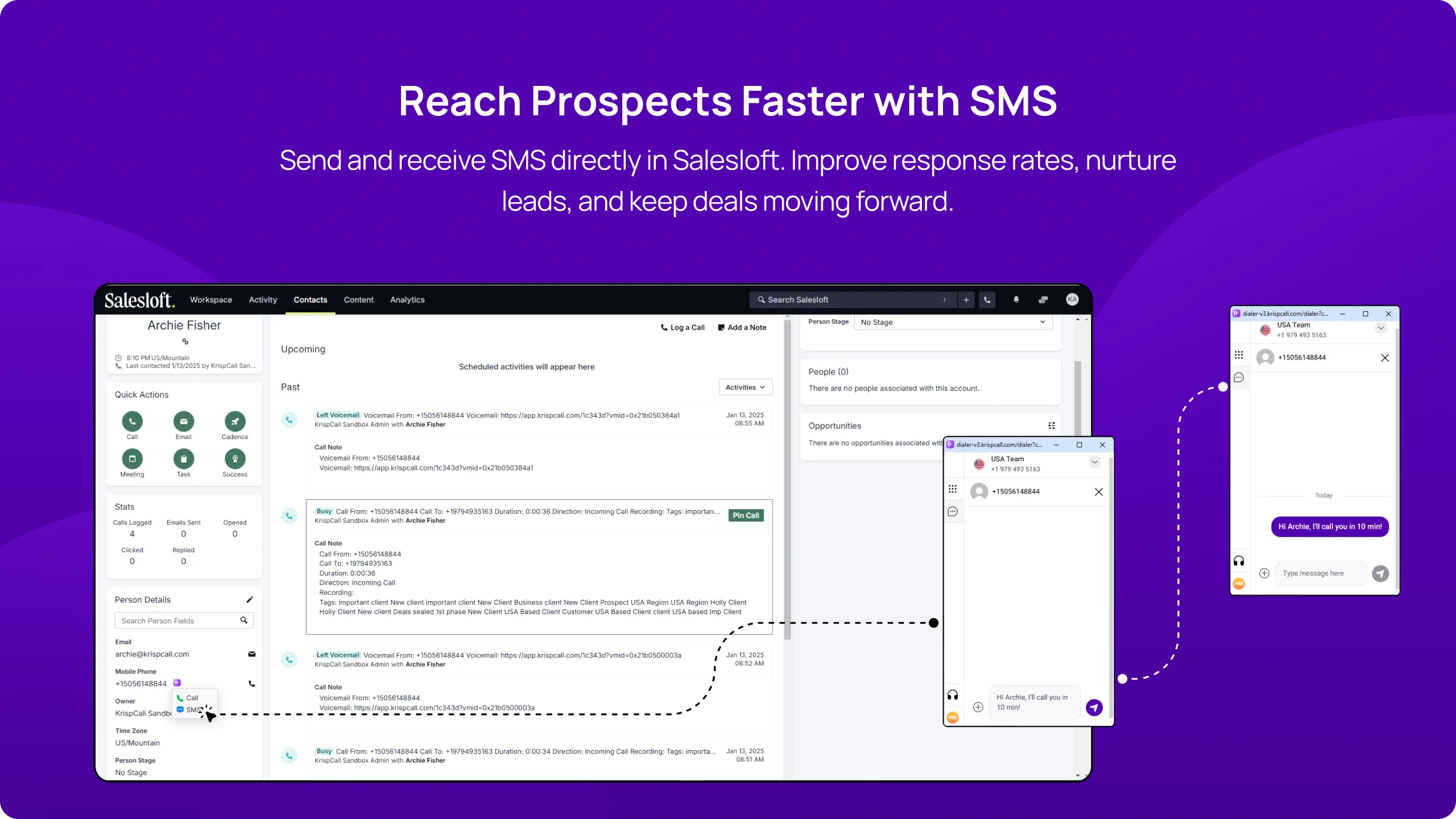
Built-in SMS Functionality for Faster Customer Engagement
Engage prospects instantly with KrispCall’s SMS integration inside Salesloft. Whether sending follow-ups, appointment reminders, or personalized offers, sales reps can communicate efficiently without switching apps. SMS ensures faster response times, enhances lead nurturing, and keeps potential customers engaged throughout the sales journey. Plus, automated SMS workflows help streamline outreach, saving time while maximizing conversions.
Two-Way Contact Sync for Effortless Lead Management
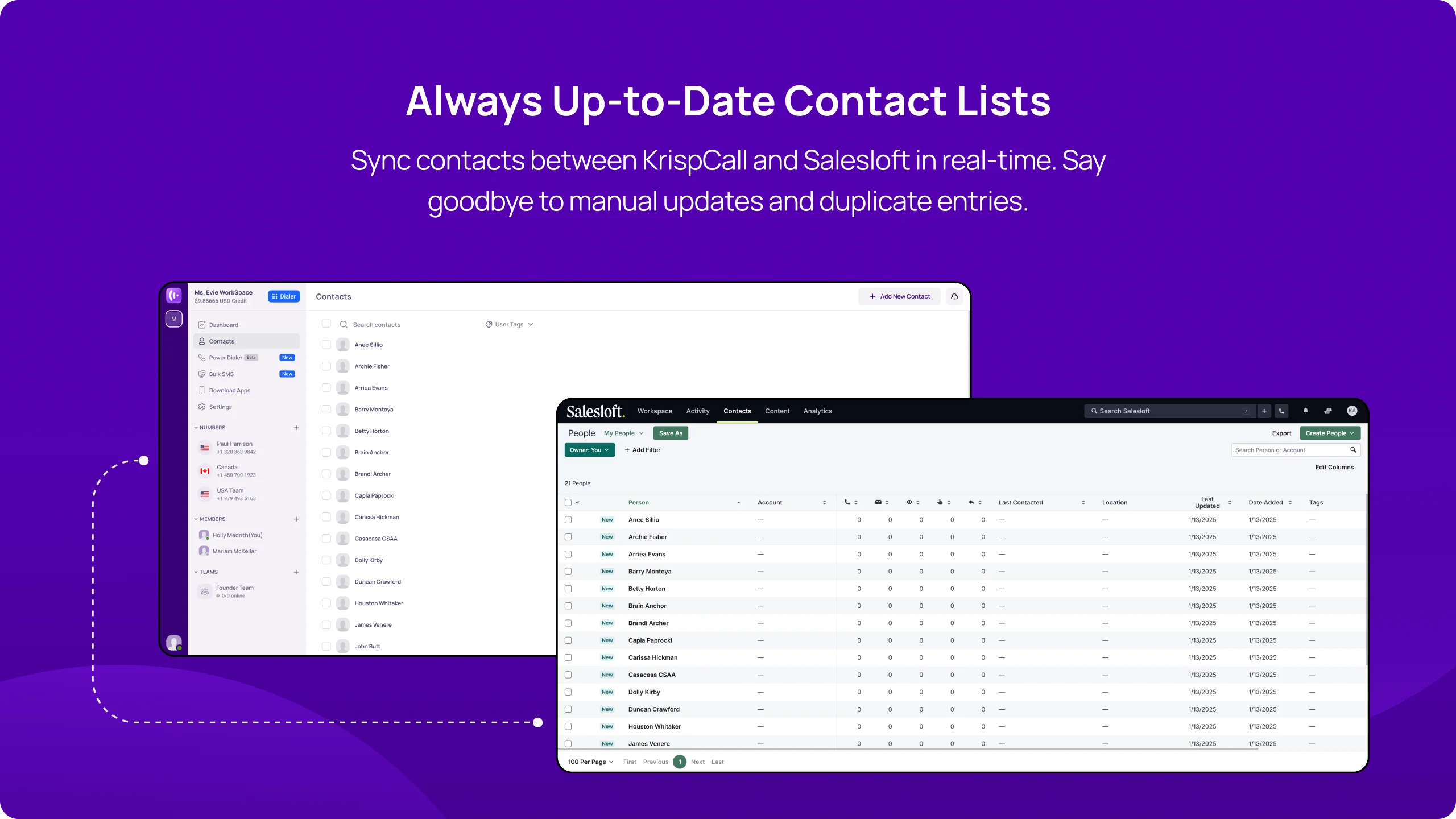
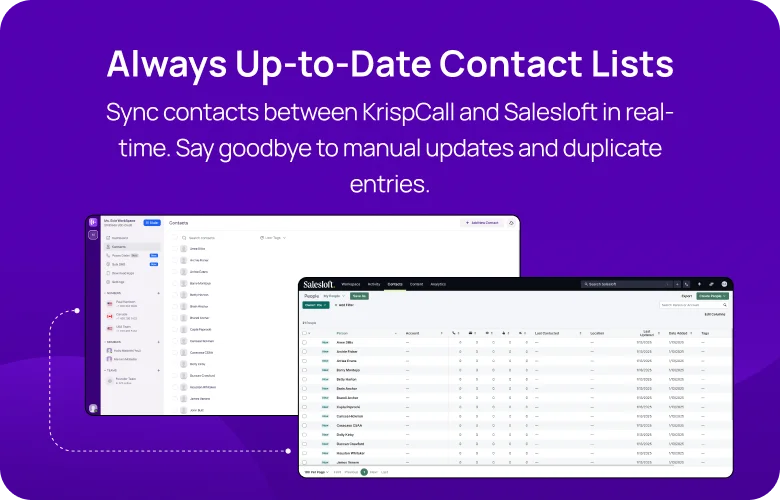
Keep your contact lists updated automatically with KrispCall’s two-way contact sync. No more manual entries—any updates in Salesloft or KrispCall reflect in real-time, ensuring reps always have the latest prospect information. This feature streamlines lead tracking, prevents duplicate contacts, and ensures accurate data across platforms, allowing sales teams to nurture relationships without missing critical details.
Instant Call & SMS Logs for Smarter Follow-Ups
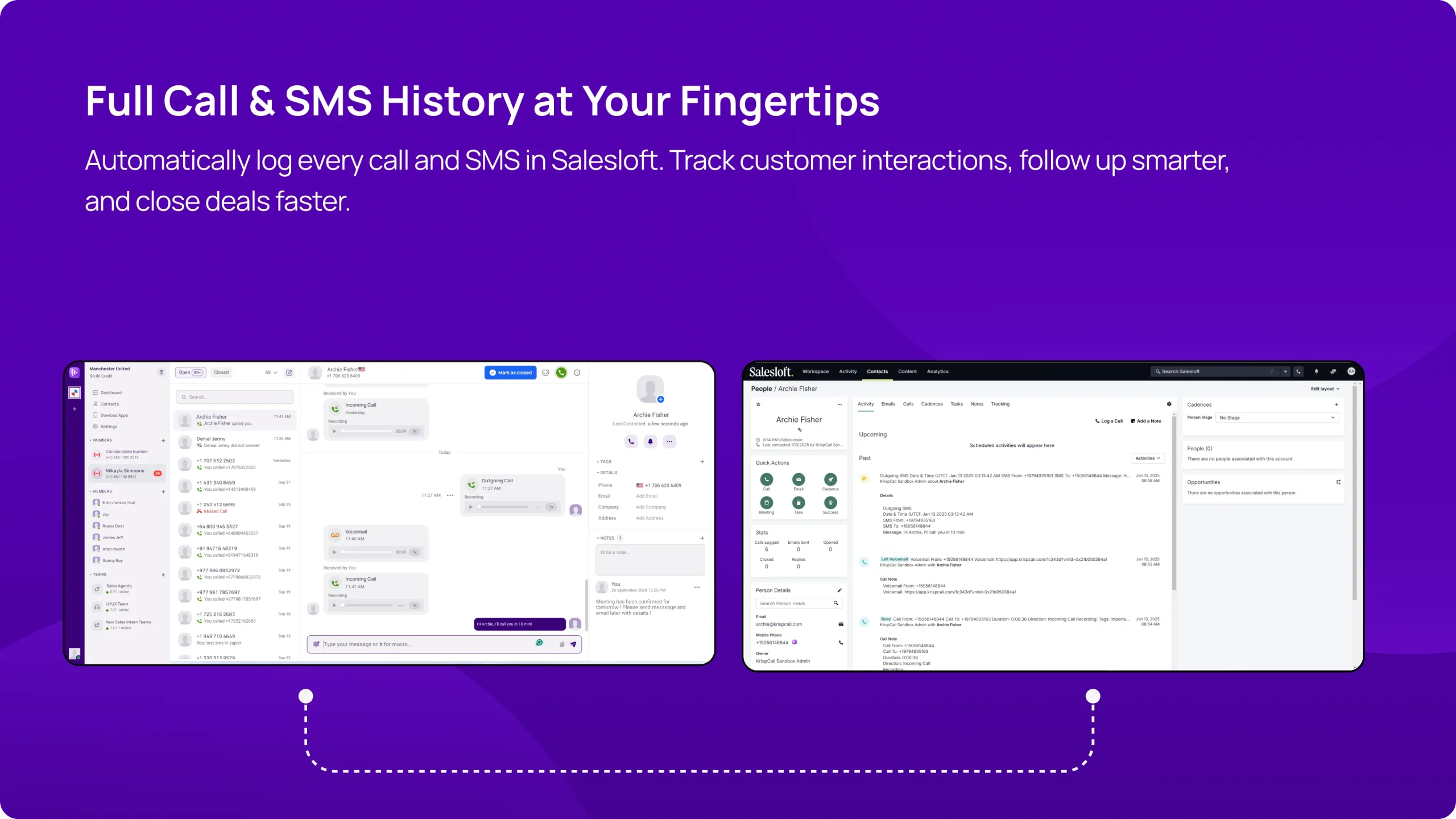
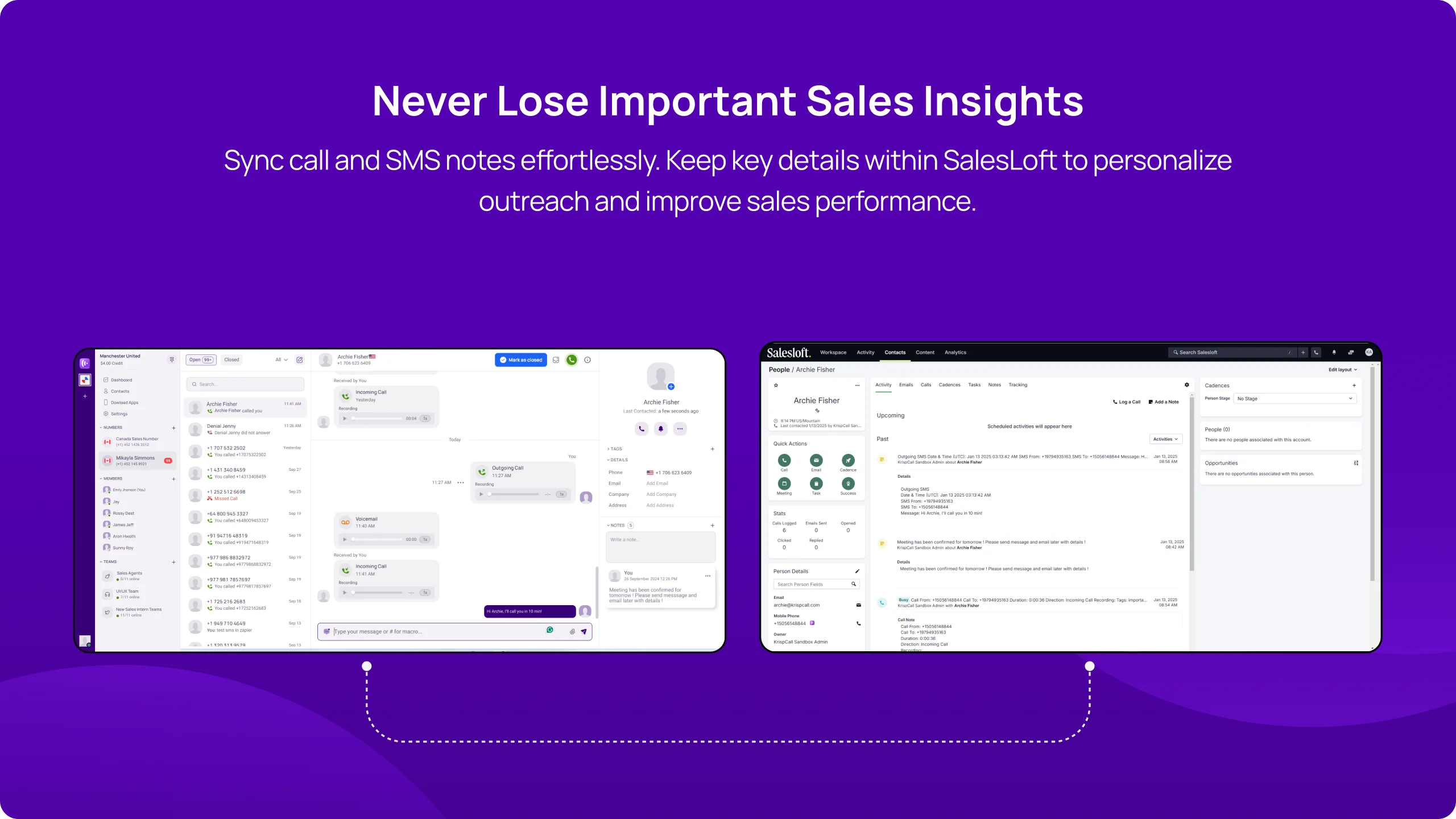
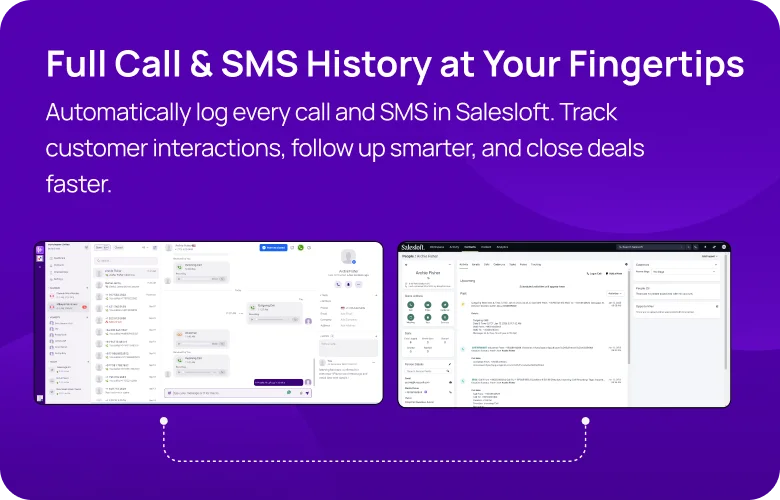
Never lose track of conversations with automated calls and SMS logging inside Salesloft. Every interaction is recorded, providing sales teams with full visibility into customer touchpoints. Whether reviewing past discussions, tracking follow-ups, or analyzing engagement history, having all logs in one place helps reps personalize outreach, refine sales strategies, and close deals faster.
Live Customer History for Complete Interaction Context
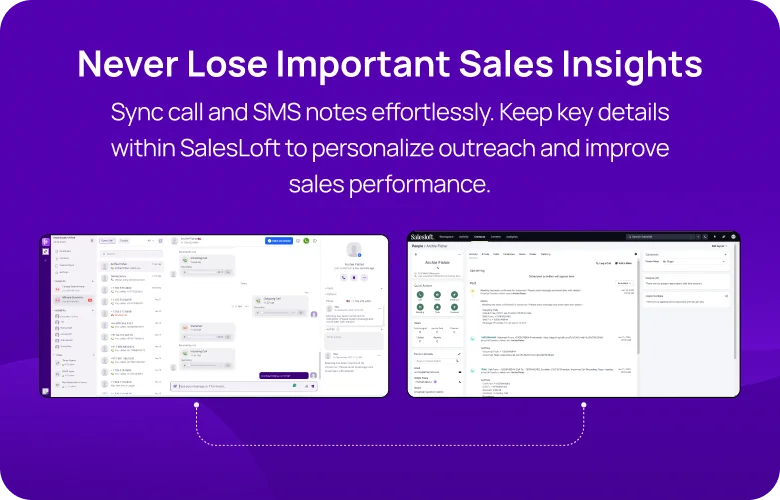
Gain a comprehensive view of every client interaction in one unified place. Whether it’s a call, SMS message, or a past note, your sales reps have immediate access to detailed records and context-rich data, including tags and custom notes. This seamless integration ensures reps have all the information they need in real-time, enabling personalized follow-ups and efficient resolution of client queries. Keep track of every engagement and build a more connected, informed relationship with every client.
Boosting Sales, Marketing, and Remote Work
Sales Team

Marketing Team
Remote Team



Integrate Salesloft with KrispCall easily with our guide
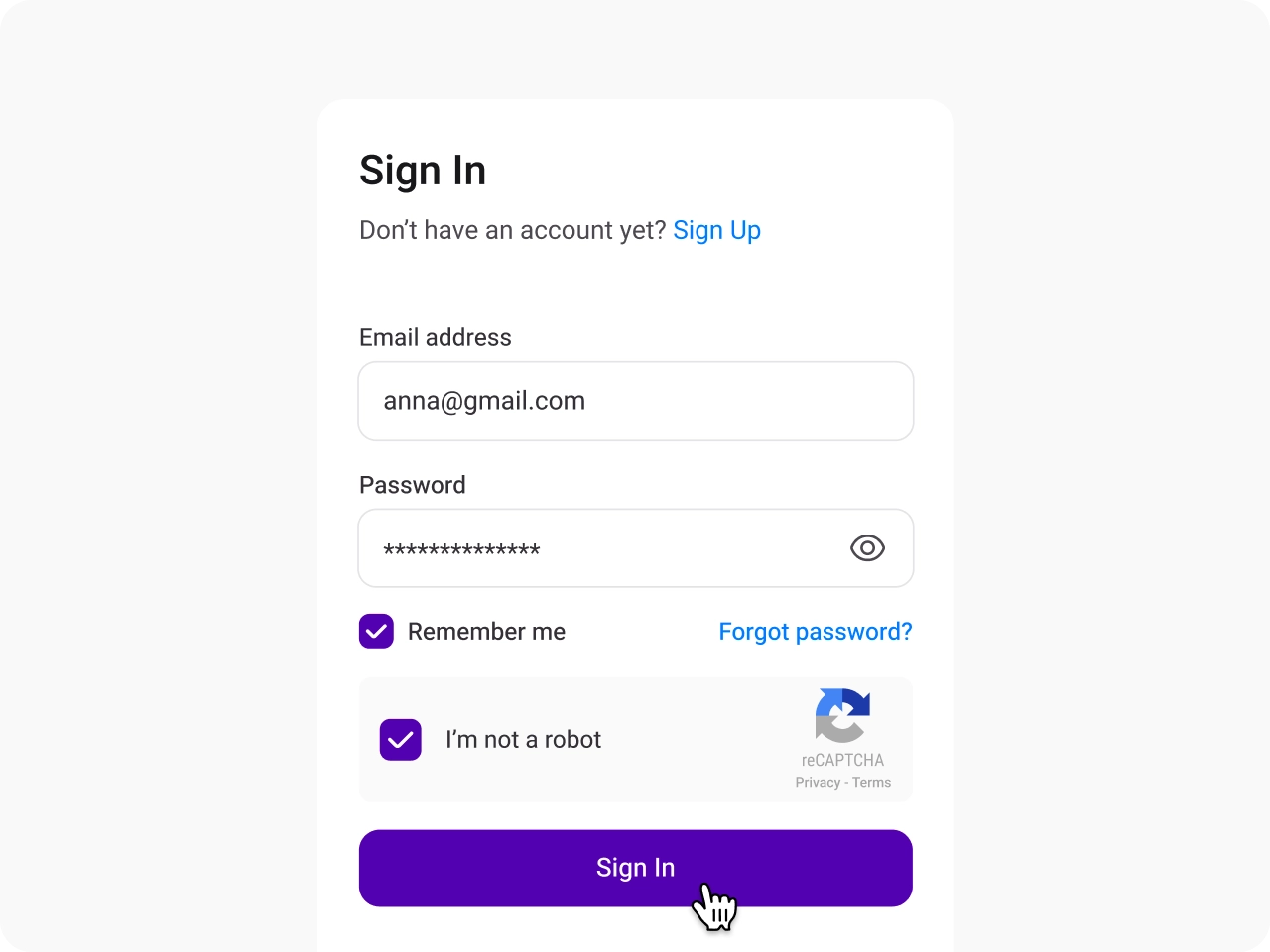
Sign in to KrispCall
Access your KrispCall account and navigate to Settings to begin the integration.
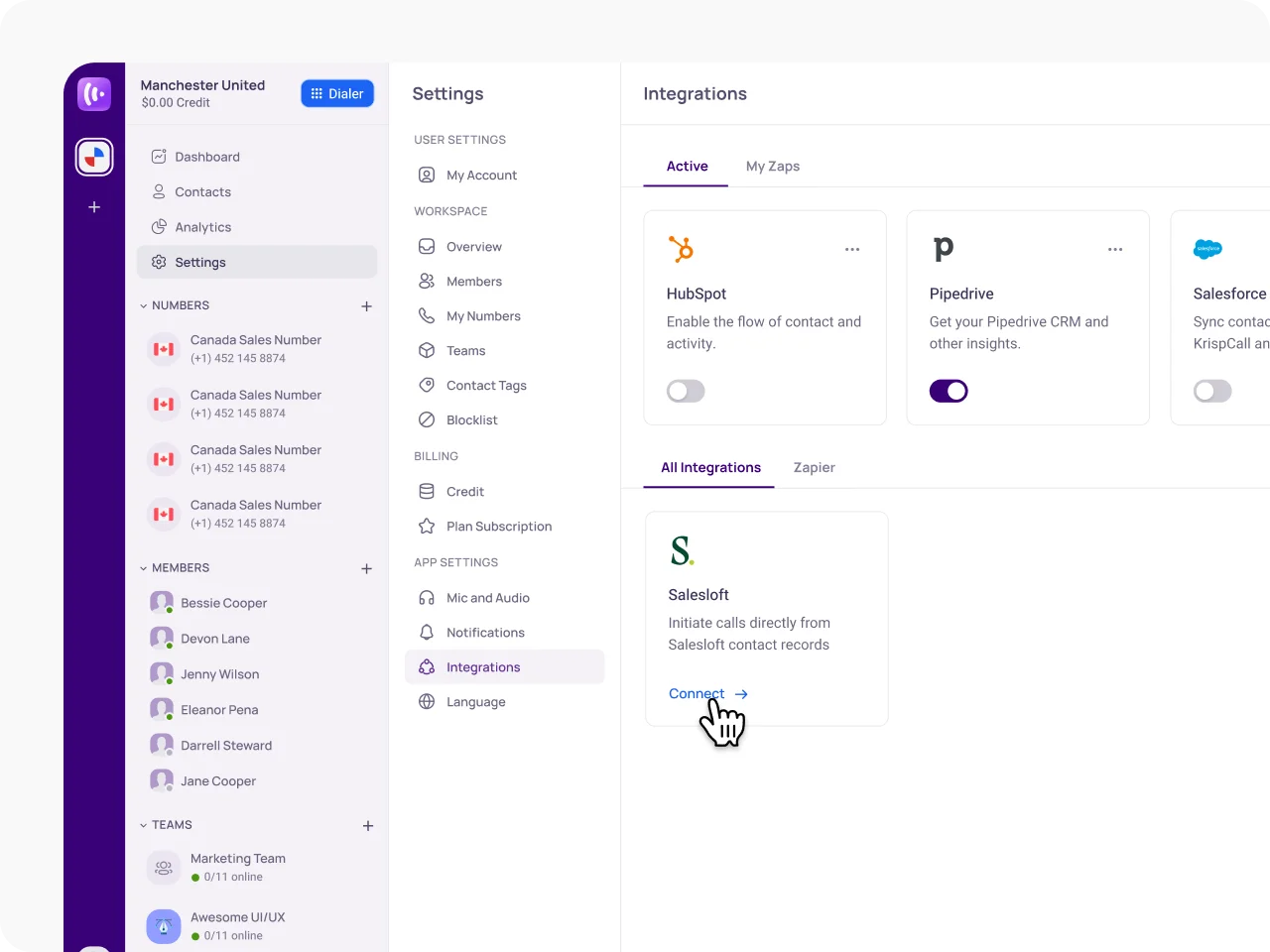
Open the Integration Menu and Select Salesloft
In the Settings menu, click on Integrations under App Settings to continue and find Salesloft in the list for integration.
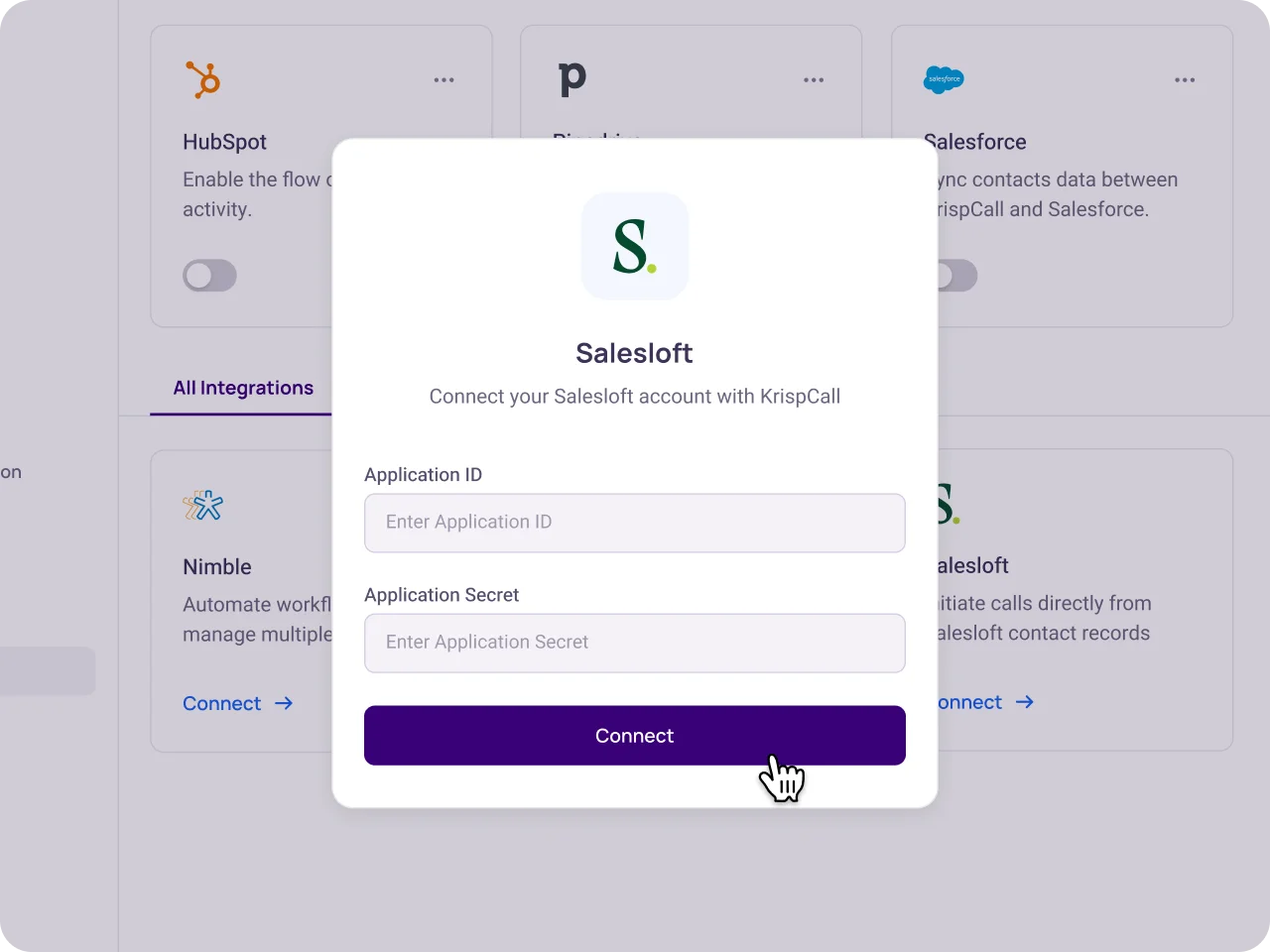
Sign in to your Salesloft account
After this, a new window will appear, indicating you to sign in to your Salesloft account for integration.
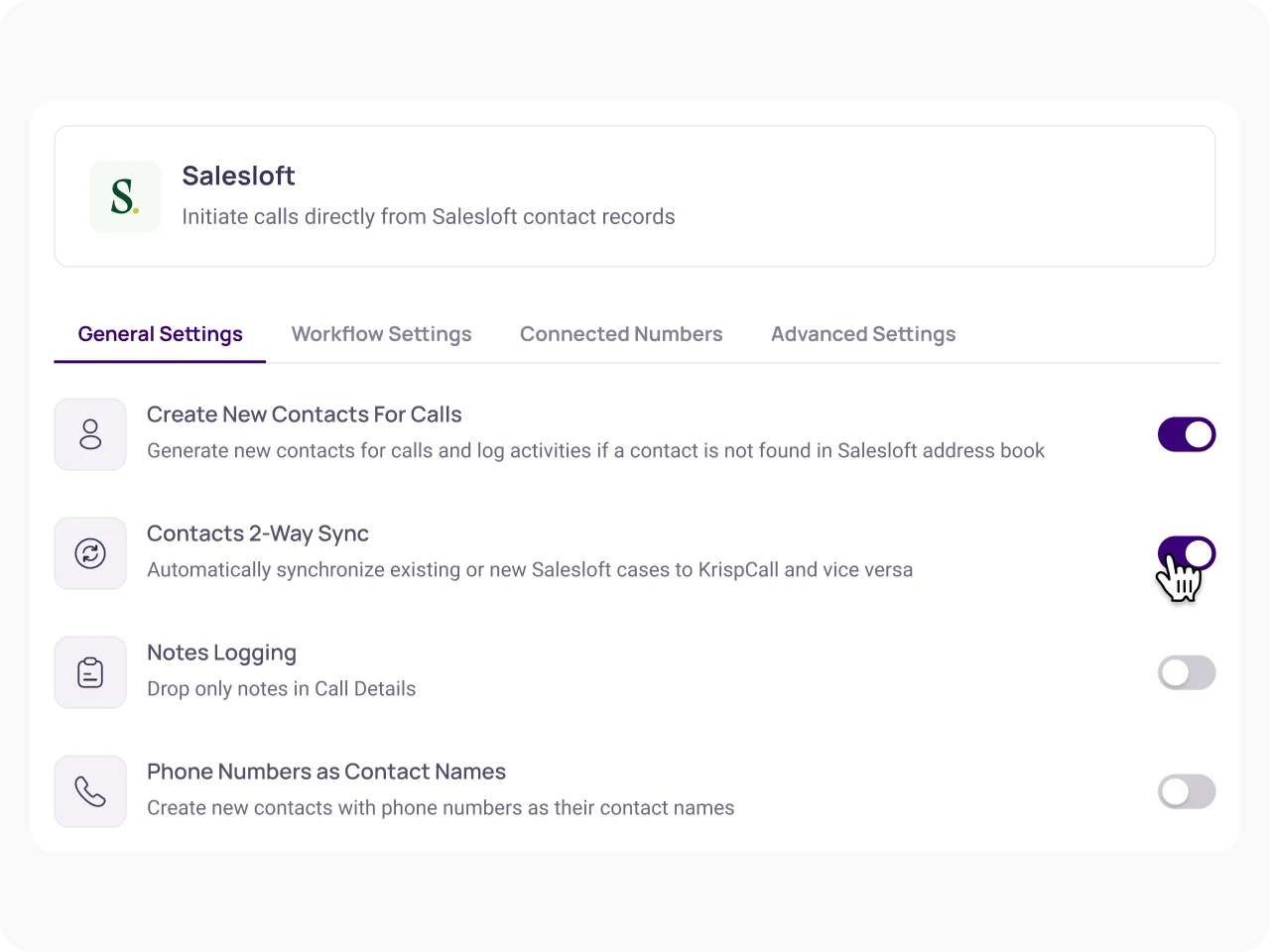
Enable Salesloft Integration Features
Click the Toggle button below Salesloft in KrispCall to activate and use the integration features.
Benefits of Integrating Salesloft with KrispCall

Enhanced Sales Productivity

Automation of Repetitive Tasks

Advanced Calling Features

Data-driven Insights for Marketing Campaign
Frequently Asked Questions
Didn’t find the Answer you were looking for? Visit our Help Center or Contact Support
By centralizing communication tools and automating data entry, the integration helps streamline workflows, allowing sales teams to focus on closing deals.
Users must have active accounts with both KrispCall and Salesloft. A stable internet connection is also required for optimal performance.
The Click-to-Call feature allows agents to make calls directly from Salesloft with a single click, eliminating manual dialing and saving time.
If you experience any issues while integrating KrispCall with Salesloft, consult the support documentation or contact customer support for assistance.
