 Download KrispCall
VoIP Softphone
VoIP Softphone for Business
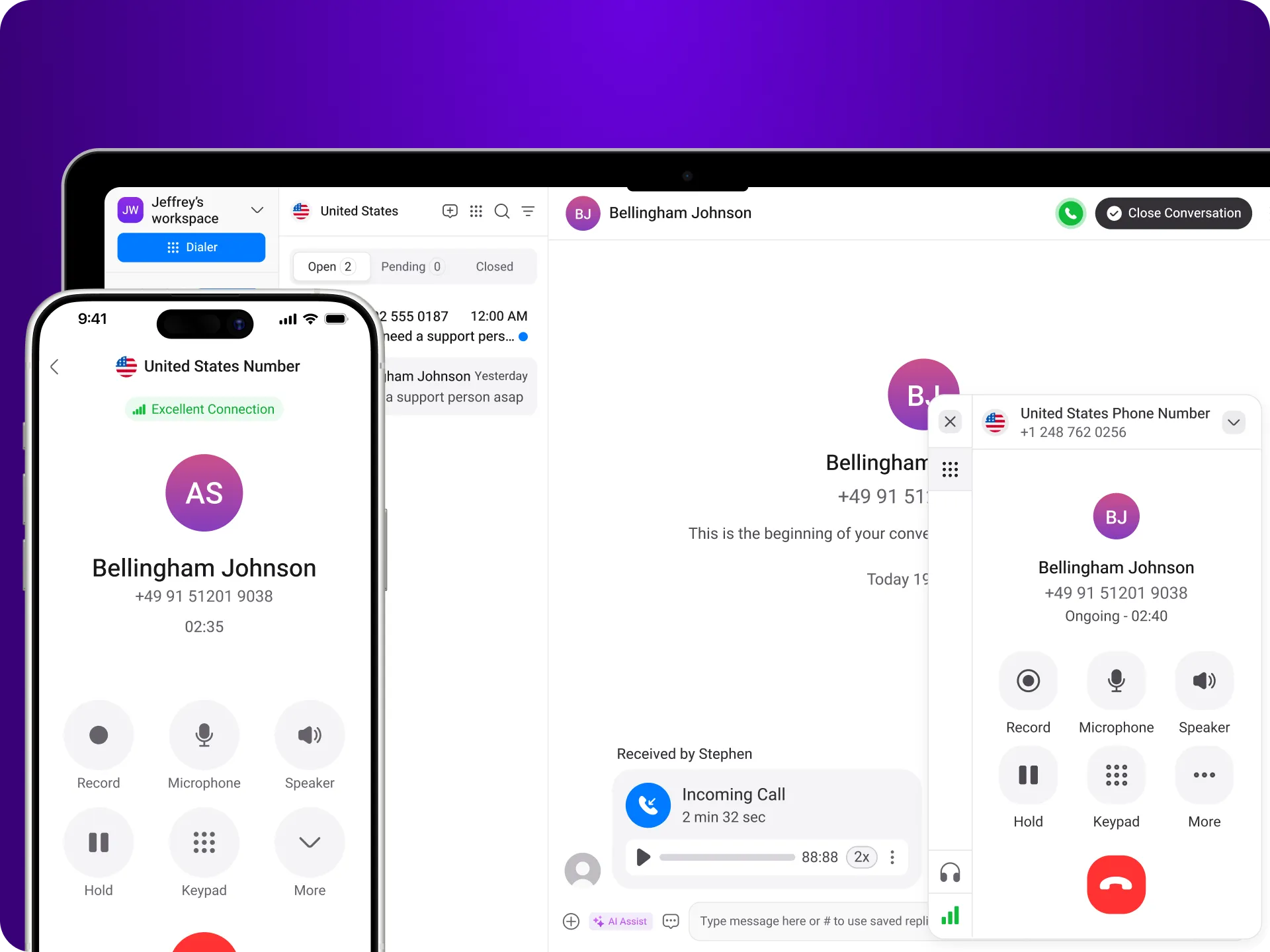
Elevate your calling experience with KrispCall’s softphone app, delivering seamless connectivity and advanced features for effortless communication across all your devices, anytime, anywhere.


Get a Virtual Number
Get local, mobile, and toll-free virtual phone numbers from 100+ countries and expand your business worldwide.
9000+ companies worldwide trust and cherish our service













How to set up VoIP Softphone?
Setting up your VoIP softphone with KrispCall is a breeze! Simply download the app, configure your account settings with the provided credentials, and optimize your preferences. Enjoy seamless communication with advanced features like call transfer, recording, and more.

Download the KrispCall VoIP softphone app on your device.

Launch the softphone and input your account credentials.

Adjust your preferences for optimal performance.

Test your connection by making a call and start enjoying your softphone experience.
Expand Your Office Worldwide with Virtual Office Phone Numbers
Easily handle incoming calls from customers and businesses to provide greater customer support at their preferred country number.


Easily Integrate Softphone with Your Favorite Tools
With KrispCall, easily integrate your softphone with your favorite tools for seamless telephony conversations. Connect with your CRM, business apps, and collaboration platforms to streamline workflows
and enhance productivity.
Find your CRM
Connect with the CRM applications you use. With KrispCall, you can integrate with over 100 applications seamlessly.
Proud to be Recognized as VoIP Leader & Regional Leader in ANZ, EMEA, Europe, and Asia Pacific by G2








Archer Arden
Denmark

Jan 2, 2025
“As a solopreneur, I’ve found the KrispCall free tool to be incredibly helpful. The mobile app is user friendly and features a sleek interface that makes managing my communication effortless. Its seamless integration with other platforms I use allows me to stay efficient and organized. Overall, it's an excellent solution for anyone running a small business independently.”

Georgia Brazier
Austria
Dec 19, 2024
“KrispCall is hands down the best service. We have used KrispCall for over a year, and it has been amazing. Adding users, assigning teams, and managing workflows is quick and simple. It's the perfect solution for scaling any business.”

Martin Edseth
Norway
Oct 3, 2024
“I found the service to be very helpful and quick in resolving my issues and answering my questions. It made the entire process smooth and efficient, which I really appreciated.”

Steven Hodson
United Kingdom
Sep 27, 2024
“It has a nice and easy setup process, and it is simple to get verified by uploading documents to the online agents. A really seamless solution for what i needed.”

Sophie Gooch
Italy
Dec 30, 2024
“I’ve found that global virtual numbers have significantly improved my communications with international clients. They offer a comprehensive telephony solution that makes it easier to connect and collaborate with businesses around the world. It's been a game-changer for me!”

Harrison Fairthorne
Austria
Dec 13, 2024
“I’ve found that global virtual numbers have significantly improved my communications with international clients. They offer a comprehensive telephony solution that makes it easier to connect and collaborate with businesses around the world. It's been a game-changer for me!”

Christina Tan
Singapore
Oct 2, 2024
“It's been a few months since we used Krispcall, and the service has been nothing short of speed. Great service, fast turnaround time to procure numbers. So far service has been stable for various countries”

Gracy Kaymona
South Africa
Sep 16, 2024
“Awesome many thanks! I was lucky, my onboarding/ KYC was be managed by Luke. The service is highly secure and very fast. The interactions were smooth, and the app is user-friendly. I would rate it 10/10!”

Vish R.
India
Dec 25, 2024
“Calling Services is fantastic! The SMS feature works great, and the UI is super user-friendly. The support team is also incredibly helpful and resolved most of my issues quickly. Plus the phone app is also very good.”

Angela Anaya
Panama
Oct 5, 2024
“I received great support and guidance throughout the entire process, and I was really impressed with how everything was handled until the issue was completely resolved!”

BalbuenaFx
Dominican Republic
Oct 1, 2024
“Excellent service, customer service or support assistance is outstanding, the user interface is friendly, do not hesitate to use KrispCall :)”

William Yombo
France
Sep 16, 2024
“Great experience. I lost a phone number due to a payment issue, but they reassigned it to me at no cost. The customer service team is very responsive. I definitely recommend them, and so far, I haven't felt the need to use any other service.”
What is Softphone?
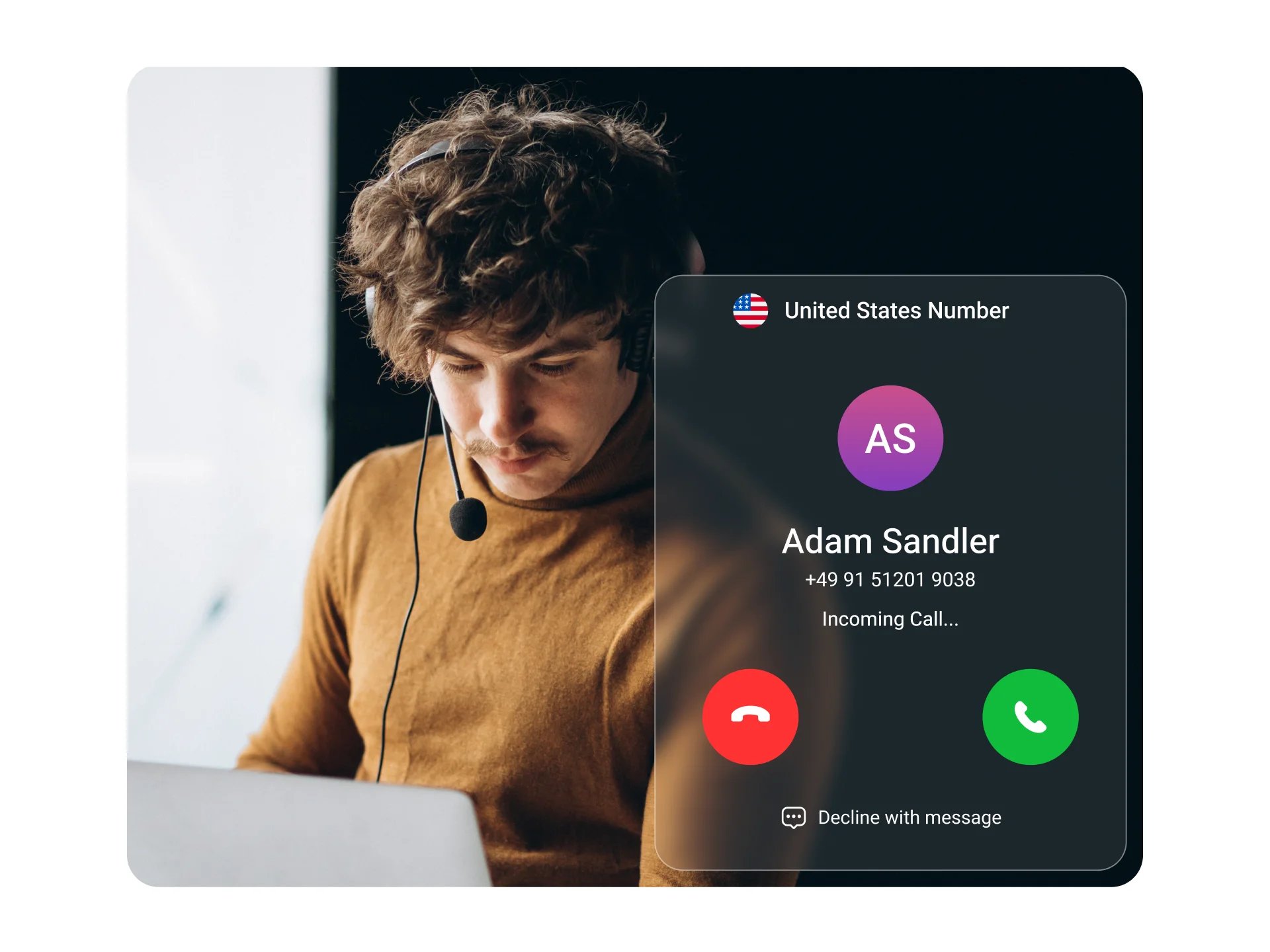
A softphone is a software application that enables users to make phone calls over the internet using devices like computers, tablets, or smartphones. Acting as a virtual phone, it transmits voice and video data via IP networks, such as the Internet.
While softphones work similarly to traditional telephones, they leverage internet protocols to facilitate voice communication. They often come equipped with features like voicemail, call recording, conference calling, and call management (including making, receiving, and transferring calls).
Softphone Pros and Cons
Softphones are convenient, cost-effective, and offer many features that are beneficial for both individuals and businesses. Although there are numerous benefits of softphones, there are also some disadvantages. So, here are some of the major Softphone pros and cons.
Pros
Cons
How does softphone Work?
To really see why softphones are better than regular phones, it’s important to know how they work. Here are three simple steps that show how a softphone app functions:

Capturing Audio

Compressing the Audio

Transmitting Data
How to use a softphone on the computer?
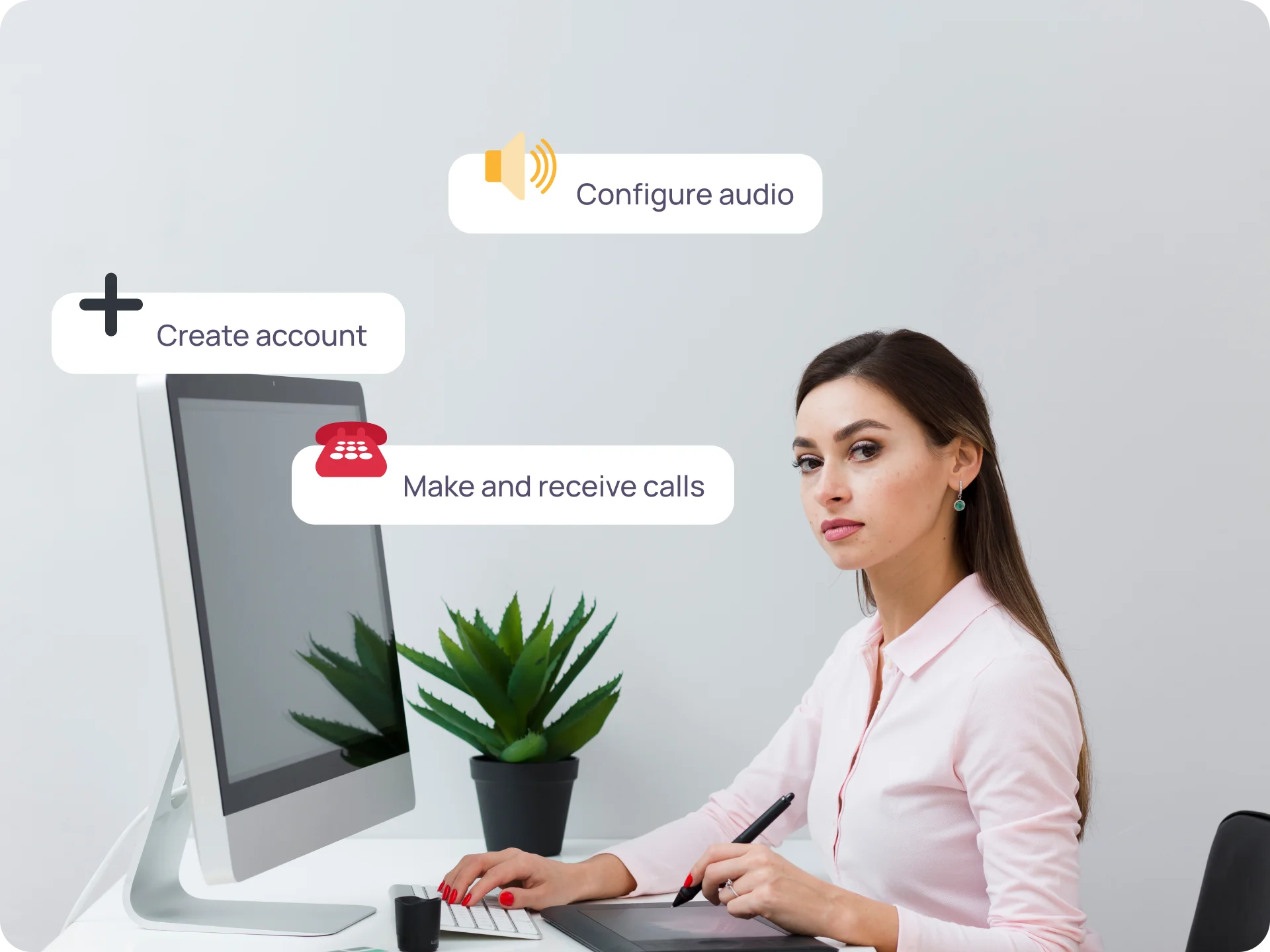
Using a softphone is a simple process; follow simple instructions to use a softphone on the computer.
Create & Set up your account
Configure audio settings
Familiarize yourself with the interface
Make and receive calls
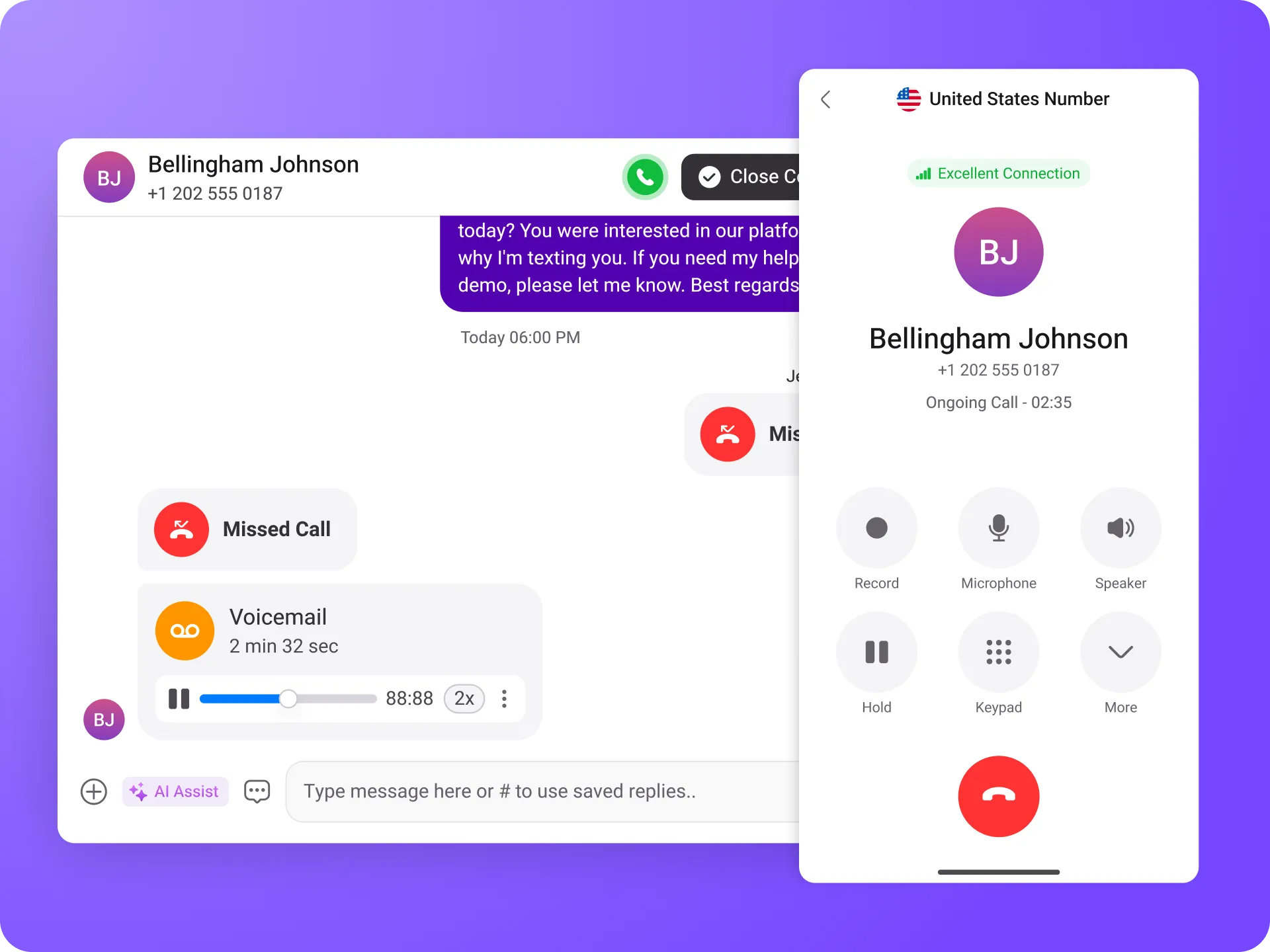
Why Choose KrispCall For Your VoIP Softphone Needs?
VoIP softphone users can benefit from KrispCall, which offers a range of features to enhance their telephony conversations. With KrispCall, you can make and receive calls from any device, whether it’s a smartphone, tablet, or computer, providing flexibility and convenience.
You can set up custom greetings and manage voicemails, ensuring a professional appearance in your communications. Additionally, KrispCall integrates with other business tools, delivering a seamless experience that makes staying connected easy, no matter where you are.
Discover the Key Features of KrispCall
Here are the key features of KrispCall VoIP softphone
Proud to be Recognized as VoIP Leader & Regional Leader in ANZ, EMEA, Europe, and Asia Pacific by G2
Archer Arden
Denmark
Jan 2, 2025
“As a solopreneur, I’ve found the KrispCall free tool to be incredibly helpful. The mobile app is user friendly and features a sleek interface that makes managing my communication effortless. Its seamless integration with other platforms I use allows me to stay efficient and organized. Overall, it's an excellent solution for anyone running a small business independently.”
Georgia Brazier
Austria
Dec 19, 2024
“KrispCall is hands down the best service. We have used KrispCall for over a year, and it has been amazing. Adding users, assigning teams, and managing workflows is quick and simple. It's the perfect solution for scaling any business.”
Martin Edseth
Norway
Oct 3, 2024
“I found the service to be very helpful and quick in resolving my issues and answering my questions. It made the entire process smooth and efficient, which I really appreciated.”
Steven Hodson
United Kingdom
Sep 27, 2024
“It has a nice and easy setup process, and it is simple to get verified by uploading documents to the online agents. A really seamless solution for what i needed.”
Sophie Gooch
Italy
Dec 30, 2024
“I’ve found that global virtual numbers have significantly improved my communications with international clients. They offer a comprehensive telephony solution that makes it easier to connect and collaborate with businesses around the world. It's been a game-changer for me!”
Harrison Fairthorne
Austria
Dec 13, 2024
“I’ve found that global virtual numbers have significantly improved my communications with international clients. They offer a comprehensive telephony solution that makes it easier to connect and collaborate with businesses around the world. It's been a game-changer for me!”
Christina Tan
Singapore
Oct 2, 2024
“It's been a few months since we used Krispcall, and the service has been nothing short of speed. Great service, fast turnaround time to procure numbers. So far service has been stable for various countries”
Gracy Kaymona
South Africa
Sep 16, 2024
“Awesome many thanks! I was lucky, my onboarding/ KYC was be managed by Luke. The service is highly secure and very fast. The interactions were smooth, and the app is user-friendly. I would rate it 10/10!”
Vish R.
India
Dec 25, 2024
“Calling Services is fantastic! The SMS feature works great, and the UI is super user-friendly. The support team is also incredibly helpful and resolved most of my issues quickly. Plus the phone app is also very good.”
Angela Anaya
Panama
Oct 5, 2024
“I received great support and guidance throughout the entire process, and I was really impressed with how everything was handled until the issue was completely resolved!”
BalbuenaFx
Dominican Republic
Oct 1, 2024
“Excellent service, customer service or support assistance is outstanding, the user interface is friendly, do not hesitate to use KrispCall :)”
William Yombo
France
Sep 16, 2024
“Great experience. I lost a phone number due to a payment issue, but they reassigned it to me at no cost. The customer service team is very responsive. I definitely recommend them, and so far, I haven't felt the need to use any other service.”
Never miss a call! Automate your incoming calls.


Frequently Asked Questions
Didn’t find the Answer you were looking for? Visit our Help Center or Contact Support
Softphones can be safe and reliable when implemented and used properly. Reputable providers prioritize security measures, such as encryption protocols, to protect voice and data transmissions. So, choosing a trusted provider with a good reputation and regular software updates is important.
Moreover, strong user authentication methods and network security, such as VPNs, enhance safety. Softphone reliability depends on factors like call quality and minimal latency. User education on security best practices also plays a crucial role.
A softphone costs about $50-$70 on average. However, the cost of a softphone highly depends on the service provider, the features, and the subscription plan. Providers offer various pricing options, including free versions with limited features and premium plans with additional features. The cost may be based on a monthly or annual subscription, depending on the plan.
Furthermore, there may be an additional charge for advanced features or additional services, such as call center functionality or international calling packages. There may also be licensing fees or charges based on the number of users or simultaneous calls.
You can choose between a softphone and a hard phone depending on factors such as flexibility, cost, features, call quality, reliability, ergonomics, security, and personal preferences.
Handphones offer superior call quality, reliability, and traditional user experience, while softphones offer mobility, lower costs, and extensive features. If you must choose between two options, consider your needs before deciding.
Using a softphone on the computer is a simple process. It involves the following steps:
- Choose a softphone application.
- Download and install the softphone software.
- Create an account.
- Log in with your credentials.
- Configure audio and video settings.
- Test the softphone by making and receiving calls using the dial pad or contact list.
- Explore additional features like call transfer and call recording.
There are many requirements of Softphone requirements for installation. Here are some of the major requirements:
- Operating System
- Processor: Modern processors like Intel Core i3 or equivalent
- Memory (RAM) with a minimum of 4 GB
- Sufficient space for installation and updates
- Stable and reliable internet connection
- Additional Requirements: Check for any specific hardware or software dependencies mentioned in the official documentation provided by KrispCall.
Generally, recording a phone call with a softphone involves following these steps. However, the exact process may vary depending on your application:
- Make sure your choice of softphone allows call recording.
- Ensure that the softphone’s call recording feature is enabled.
- Locate and click on the recording button or option during an active call.
- Inform participants if you are required to do so by law.
- Ensure that the recording indicator is working correctly.
- Click the stop recording button or the option to stop the recording.
- Specify where the recorded file should be stored.
- Access the recorded calls within the softphone application or storage location.
- Use the built-in playback feature or external media player to listen to the recordings.
- Manage the recordings as needed, such as labeling, tagging, or exporting.
Softphone applications or communication platforms that support desktop calling can be used to receive calls on your desktop. Here’s how to receive calls on your desktop:
- Install the Phone Link app on your Windows PC and your Android or iPhone.
- On your PC, open the Phone Link app and sign in with the same Microsoft account that you use on your phone.
- On your phone, enable the “Calls” feature in the Phone Link app settings.
- When you receive a call on your phone, you will see a notification on your PC. Click on the notification to answer the call.
You can make international calls using software or applications. VoIP (Voice over Internet Protocol) softphone applications and communication platforms support international calls. Here are some ways to make international calls using software:
- Choose a VoIP softphone application or platform like KrispCall.
- Sign up or create an account.
- Add calling credit or subscribe to a plan.
- Dial the international number with the correct country and area codes.
- Initiate the call using the softphone application.
- Monitor call costs and manage expenses.
- Ensure a stable internet connection for good call quality.
