 Download KrispCall
Pabbly Integration


Pabbly integration overview


Pabbly integrates KrispCall with all your essential software
Pabbly helps automate your workflows and syncs your communication activities

Workflow Automation

Triggered SMS & MMS Notifications

Connect Over 2000 Apps

Real-Time Data Sync
What can you do with Pabbly in KrispCall?


Add Contact
Create a new contact in KrispCall account.
Action
Write

Send MMS
To send an MMS.
Action
Write

Send SMS
To send an SMS.
Action
Write

Delete Contacts
Delete Contacts in KrispCall user account.
Action
Write
Pick an favorite app to pair with!
Pabbly lets you connect KrispCall with 2000+ popular apps, so you can automate your work and have more time for what matters most.

Google Sheet

Gmail

Mailchimp

Slack

noCRM


Jotform

Pipedrive

SimplyBook.me

Calendly

Trello

Acuity Scheduling

Shopify

Asana
Quickly automate KrispCall integrations with Pabbly’s templates

When New Contact in KrispCall, New Row in Google Sheets
KrispCall + Google Sheets

When New Lead in Facebook Lead Ads, Add Contact in KrispCall
Facebook Lead Ads + KrispCall

When New Voicemail in KrispCall, Create an Order in WooCommerce
KrispCall + WooCommerce

When New Response in Spreadsheet in Google Forms, Send MMS in KrispCall
Google Forms + KrispCall

When New SMS/MMS in KrispCall, Add Meeting Registrant in Zoom
KrispCall + Zoom

When New Form Submission in Elementor, Send SMS in KrispCall
Elementor + KrispCall

When New Response in Spreadsheet in Google Forms, Add Contact in KrispCall
Google Forms + KrispCall

When Order Paid in Razorpay, Delete Contacts in KrispCall
Razorpay + KrispCall

When New Form Submission in Elementor, Send MMS in KrispCall
Elementor + KrispCall

When New Contact in KrispCall, Create an Order in WooCommerce
KrispCall + WooCommerce

When Order Paid in Razorpay, Send SMS in KrispCall
Razorpay + KrispCall

When New Voicemail in KrispCall, Add Meeting Registrant in Zoom
KrispCall + Zoom

When New SMS/MMS in KrispCall, Send Template Message in WhatsApp by 360Dialog
KrispCall + WhatsApp

When New Contact in KrispCall, Create or Update Contact in ActiveCampaign
KrispCall + ActiveCampaign

When New Voicemail in KrispCall, Send Email in Gmail
KrispCall + Gmail


Integrate Pabbly with KrispCall easily with our guide
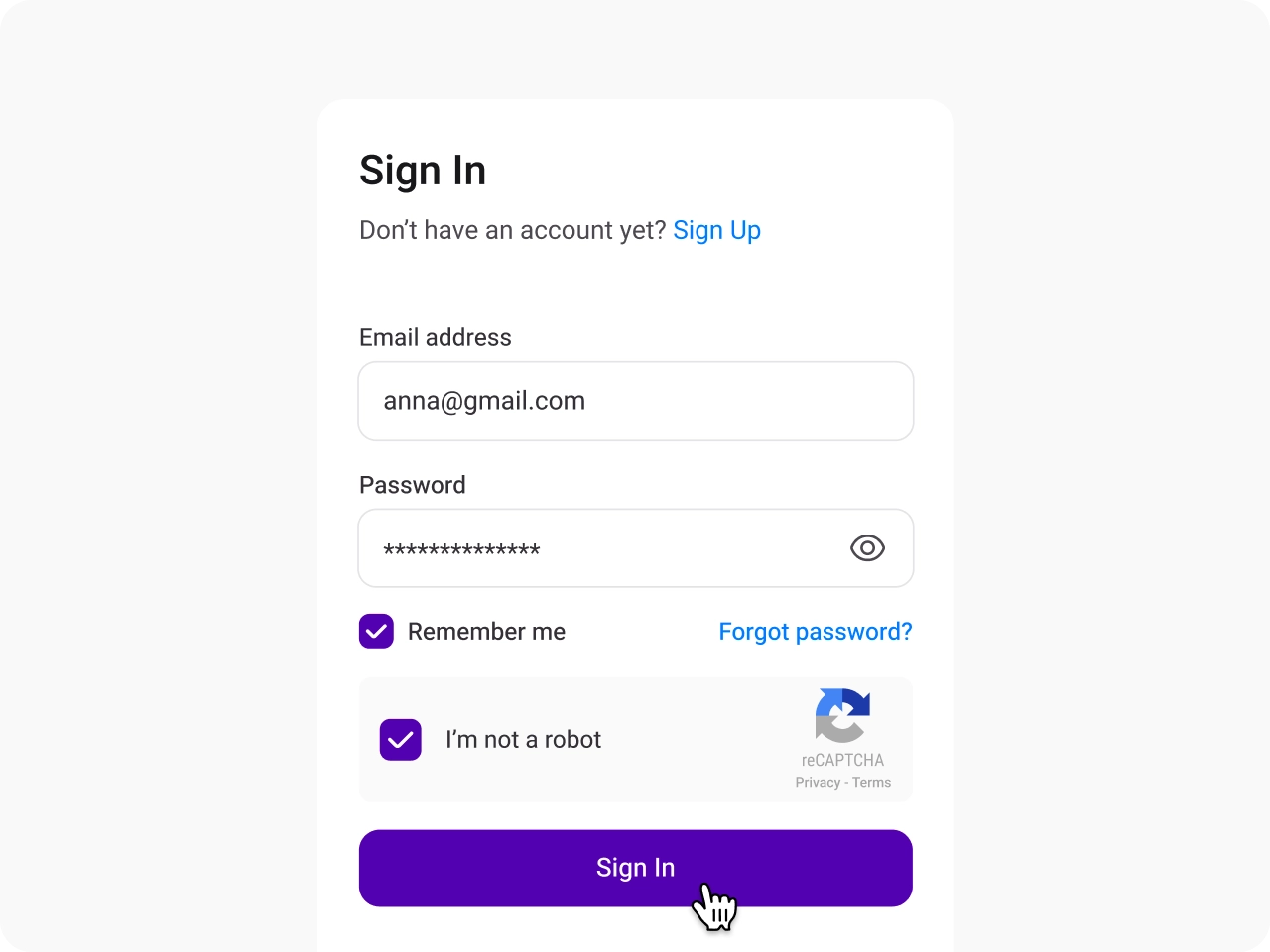
Sign in to KrispCall
Access your KrispCall account and navigate to Settings to begin the integration.
Open the Integration Menu and select Pabbly
In the Settings menu, click on Integrations under App Settings to continue and find Close in the list for integration.

Log in to Pabbly Connect
Clicking Connect → opens a window. Sign up or log in to your Pabbly account.

Access Pabbly Connect Apps
In Pabbly, go to the All Apps tab and click the Access Now button for Pabbly Connect.

Create a New Workflow
Access your KrispCall account and navigate to Settings to begin the integration.

Configure Your Workflow
Provide a name and location for the workflow, then click Create to finalize.

Frequently Asked Questions
Didn’t find the Answer you were looking for? Visit our Help Center or Contact Support
Pabbly Connect is a tool that connects different applications, allowing you to transfer data between them and keep your information synchronized across multiple platforms.
To connect Pabbly with KrispCall, log into your KrispCall account, navigate to Settings > App Settings > Integrations, and click the “Connect” button under Pabbly. You’ll then be prompted to log in or sign up for your Pabbly account. After that, enter your Pabbly login credentials to complete the connection process.
No, you don’t need any coding knowledge for this integration. The process is simple, allowing you to connect Pabbly with KrispCall through a few clicks without any technical expertise.
Yes, your data will sync automatically once you configure your triggers and actions correctly. The automation workflow follows the “set it and forget it” approach, ensuring that automation runs smoothly in the background without manual intervention.
With Pabbly integration, you can connect KrispCall with 2000+ applications, including CRM software, helpdesk system, project management tools, communication tools, spreadsheets, etc.
