Text Messages


Get a Virtual Number
Get local, mobile, and toll-free virtual phone numbers from 100+ countries and expand your business worldwide.
How To Send SMS Text Messages From KrispCall?
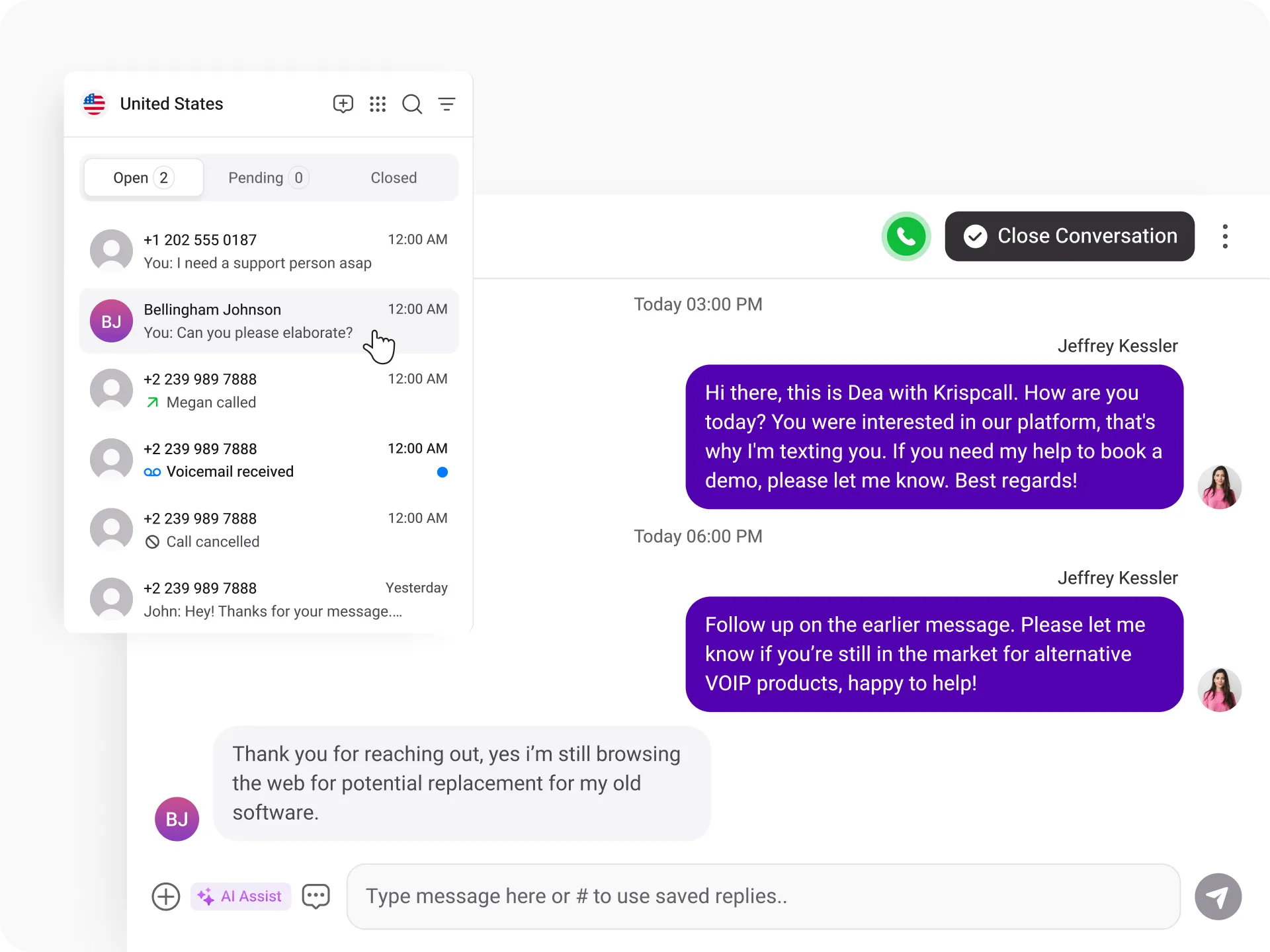
Sending SMS Text messaging is simple and easy with KrispCall. You can SMS your customer instantly, by following the simple steps mentioned below:

Log in to your KrispCall Dashboard.

Click on your Number and go to the "New Message" Button.

Type your SMS message in the text field.

Enter the recipient's phone number in the "To" field.

Review your message.

Click on the "Send" button to finally send your SMS.
-img.webp)
What is SMS
(Short Message Service)?
SMS (Short Message Service) is a communication technology that allows users to send and receive short text messages over mobile networks. For businesses, SMS text messaging provides a fast, direct, and highly reliable way to connect with customers without requiring internet access or additional apps.
Business SMS is commonly used for appointment reminders, order updates, promotional offers, verification codes, and customer support conversations. With exceptionally high open rates, SMS remains one of the most effective channels for real-time engagement and customer communication.
How Does SMS Text Messaging Work?
SMS text messaging works by transmitting short text messages through mobile carrier networks between sender and recipient devices. When a business sends a message from its SMS-enabled number, the message is routed through a telecom provider and delivered directly to the recipient’s mobile phone within seconds.
In a cloud-based business system, SMS is integrated into a centralized dashboard where teams can send, receive, and manage conversations in one place. Two-way SMS allows customers to reply instantly, enabling seamless communication, faster response times, and improved customer experience.
MMS Vs SMS Text Messaging: The Differences
MMS |
SMS |
|---|---|
MMS is a multimedia messaging service that enables users to send and receive messages containing text, audio files, video, and even slides, up to a maximum size of 1.5MB. |
SMS is a text messaging service that allows the user to send and receive messages instantly, up to 160 characters per message. |
It requires MMS-compatible device services. |
It is supported by all mobile devices. |
It can be used for marketing campaigns, real-time assistance, and content sharing. |
It can be used for sensitive notifications, alerts, and reminders. |
MMS is more costly than SMS due to its multimedia messages, which involve more data usage. |
SMS is cheaper than MMS, as it doesn’t include multimedia messages. |
What Are the Benefits of SMS Text Messages?
Sending SMS Text Message For Business Use: Best Practices

Look for SMS send frequency

Use SMS for immediate response

Keep the Message Concise & Relevant

Integrate with different channels
More Features like Text Messages (SMS)
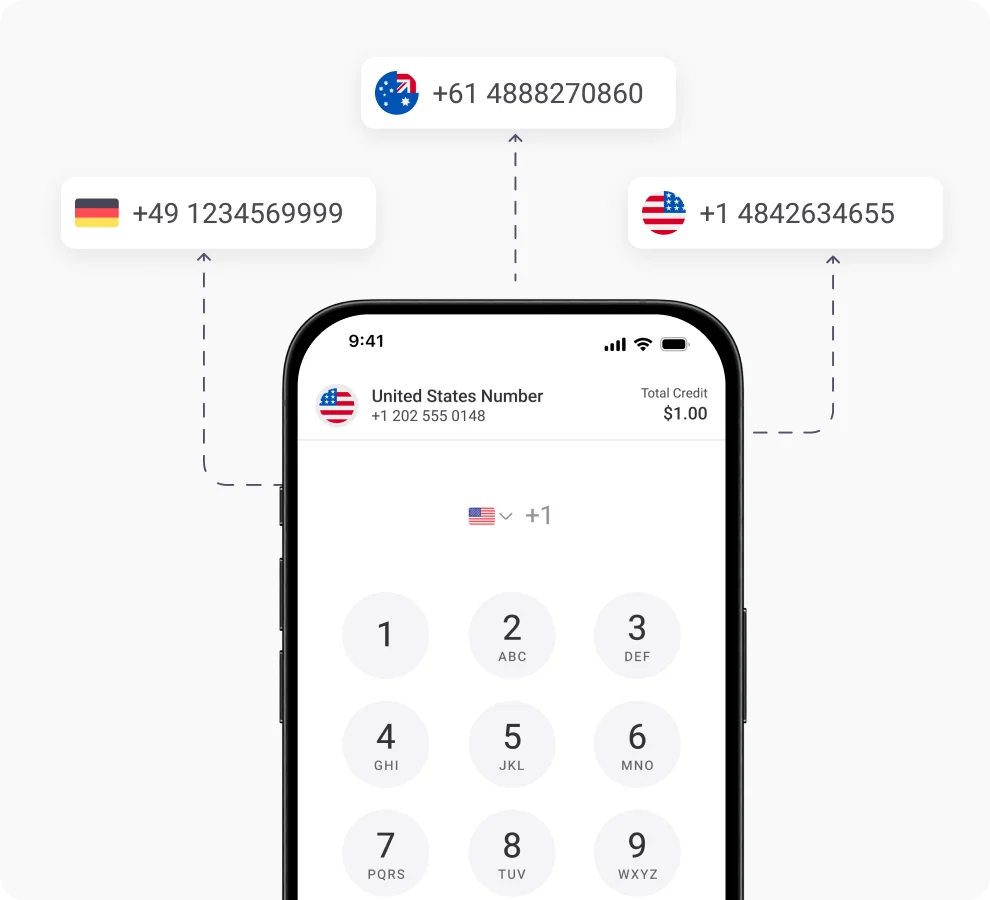
Global Calling
Expand your customer base worldwide with KrispCall global calling feature for making instant calls across borders.
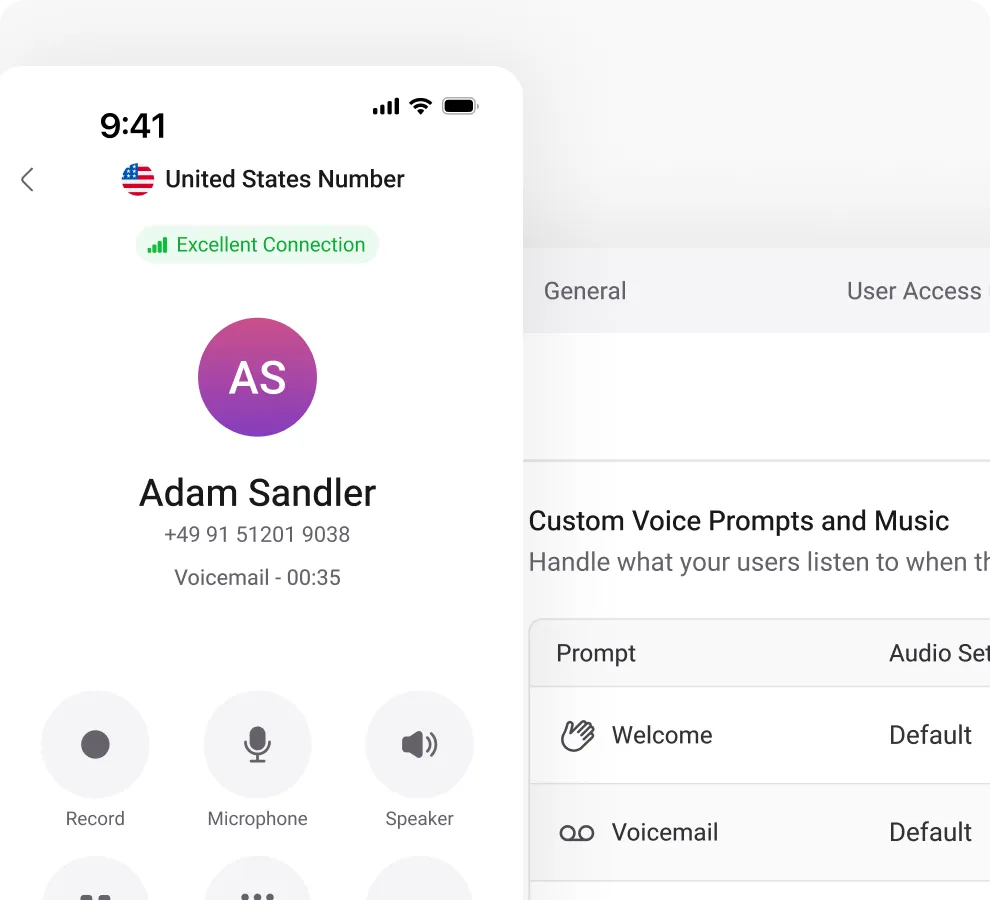
Voicemail
Seamlessly access and manage voice messages on all devices and maximize your opportunities with voicemail.
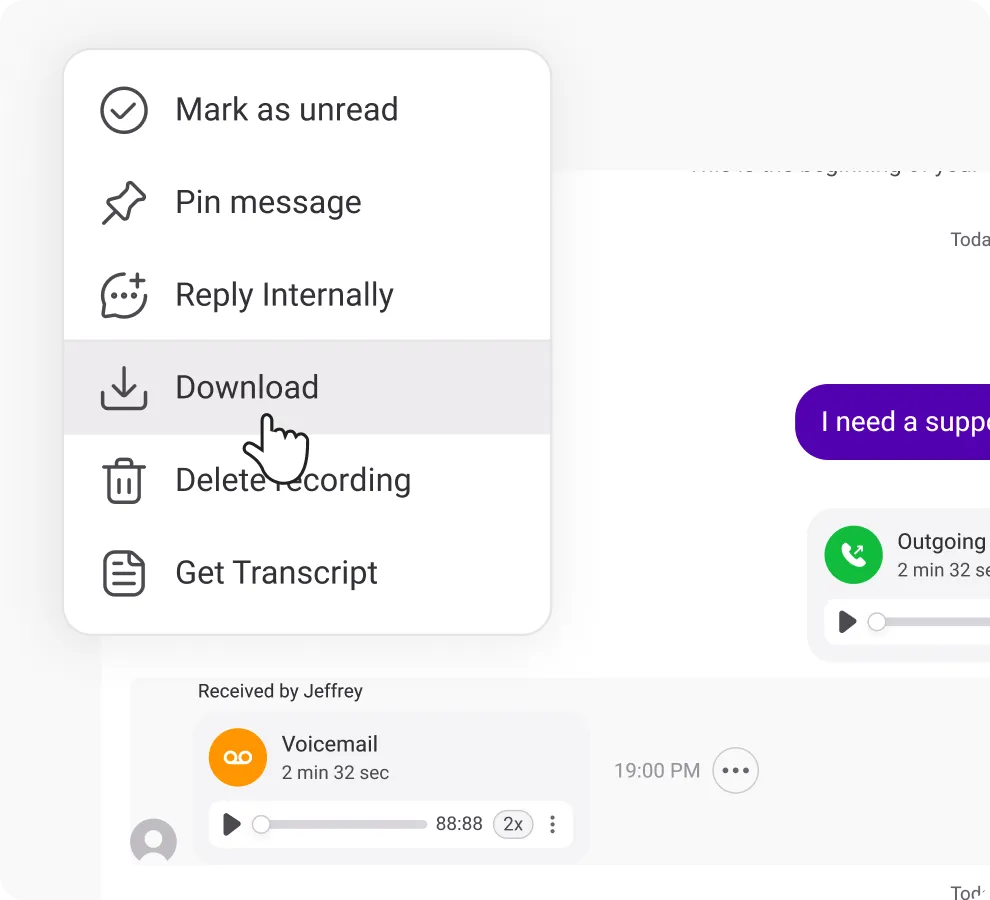
Voicemail to Email
Receive voicemail as audio files straight to your email inbox and access it from any device without calling voicemails.
Frequently Asked Questions
Didn’t find the Answer you were looking for? Visit our Help Center or Contact Support
Yes, SMS (Short Message Service) is a protocol for sending text messages between mobile phones. While “text message” is a general term that may include SMS, MMS, or app-based messages, all SMS are text messages, but not all text messages are SMS.
Some drawbacks of SMS include: it is typically unencrypted and thus less secure; there is a risk of spam or abuse if recipients opt out; and it has limited content capacity (text-only or very short) compared to multimedia or app-based messaging.
Common categories include:
SMS (Short Message Service) – text only, supported across all mobile devices.
MMS (Multimedia Messaging Service) – includes images, video, and larger content.
Instant messaging via the internet (e.g., chat apps) and push notifications.
SMS works over the cellular network and does not require an internet connection; all mobile devices support it. App-based messaging typically requires internet/WiFi, supports multimedia, and is usually end-to-end encrypted, whereas SMS is not.
Recipients can reply with one of the standard single-word keywords (e.g., STOP, QUIT, UNSUBSCRIBE, END) to unsubscribe from further SMS from that number. After that point, further messages to that number will fail. They can opt back in by replying START, YES, or UNSTOP.
SMS works by sending a text message via a mobile network to a device. The message travels via the cellular network (or cloud telephony platform). It is delivered to the recipient even if the phone is temporarily switched off — the network stores it until the device reconnects. Because it uses the mobile network rather than the internet, it is highly reliable and has very high open rates.
