 Download KrispCall
SMS Forwarding
SMS Forwarding for Business: Auto-Forward Incoming Texts
Automatically forward incoming SMS from your KrispCall virtual phone number to a destination number you choose. Keep important business texts within reach, reduce manual forwarding, and manage forwarding settings directly from your KrispCall dashboard.
What is SMS Forwarding?
SMS forwarding automatically redirects an incoming SMS from one phone number to another configured number. It is also commonly referred to as text forwarding, message forwarding, SMS diversion, or auto-forwarding SMS.
For businesses, SMS forwarding helps incoming customer texts reach a designated destination without requiring someone to manually open and forward every message.
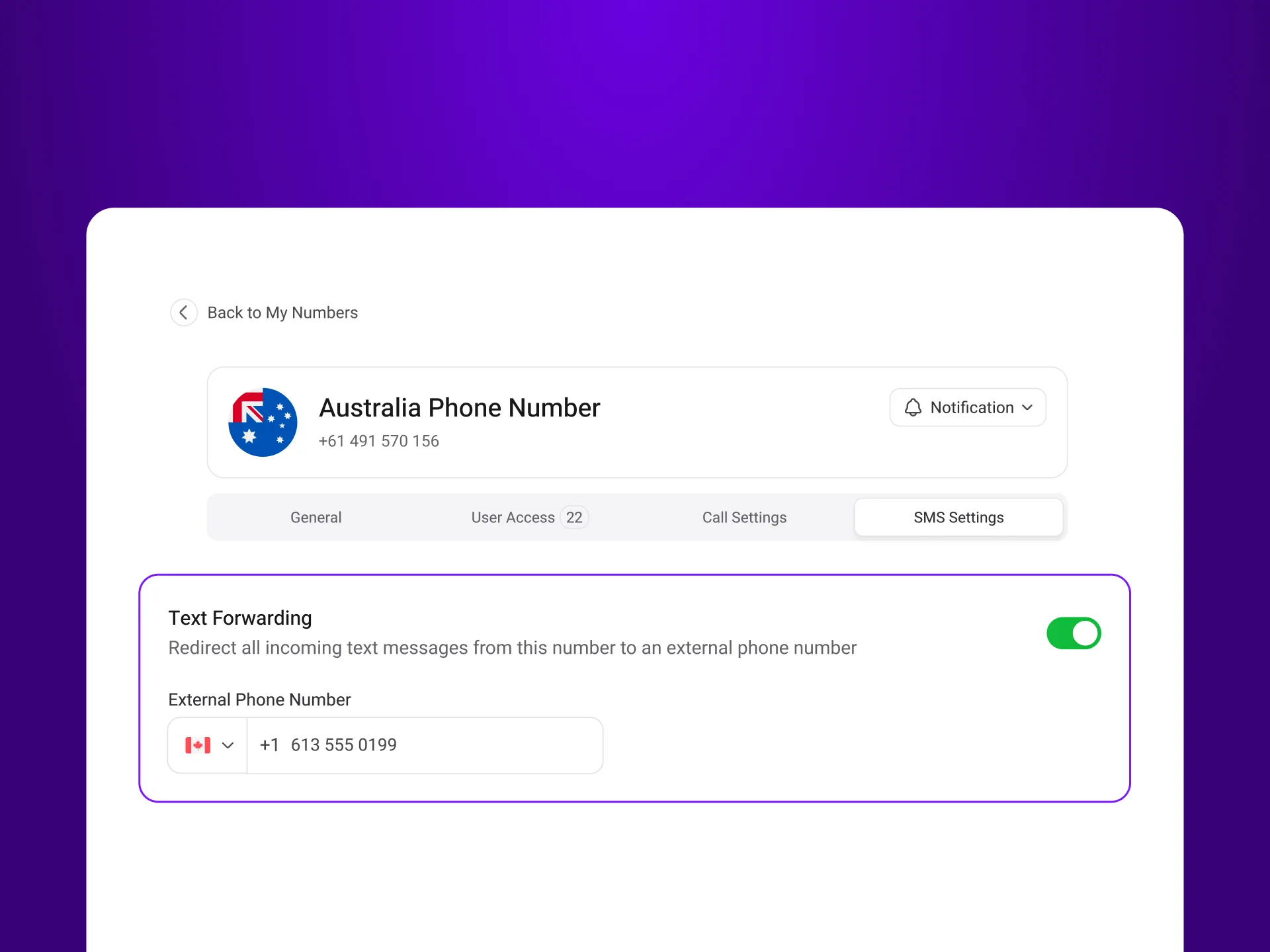
With KrispCall SMS Forwarding, messages received on your KrispCall virtual number can be automatically forwarded to the destination number configured in your Number Settings.
How Does SMS Forwarding Work?
KrispCall’s automatic SMS forwarding follows a simple path.
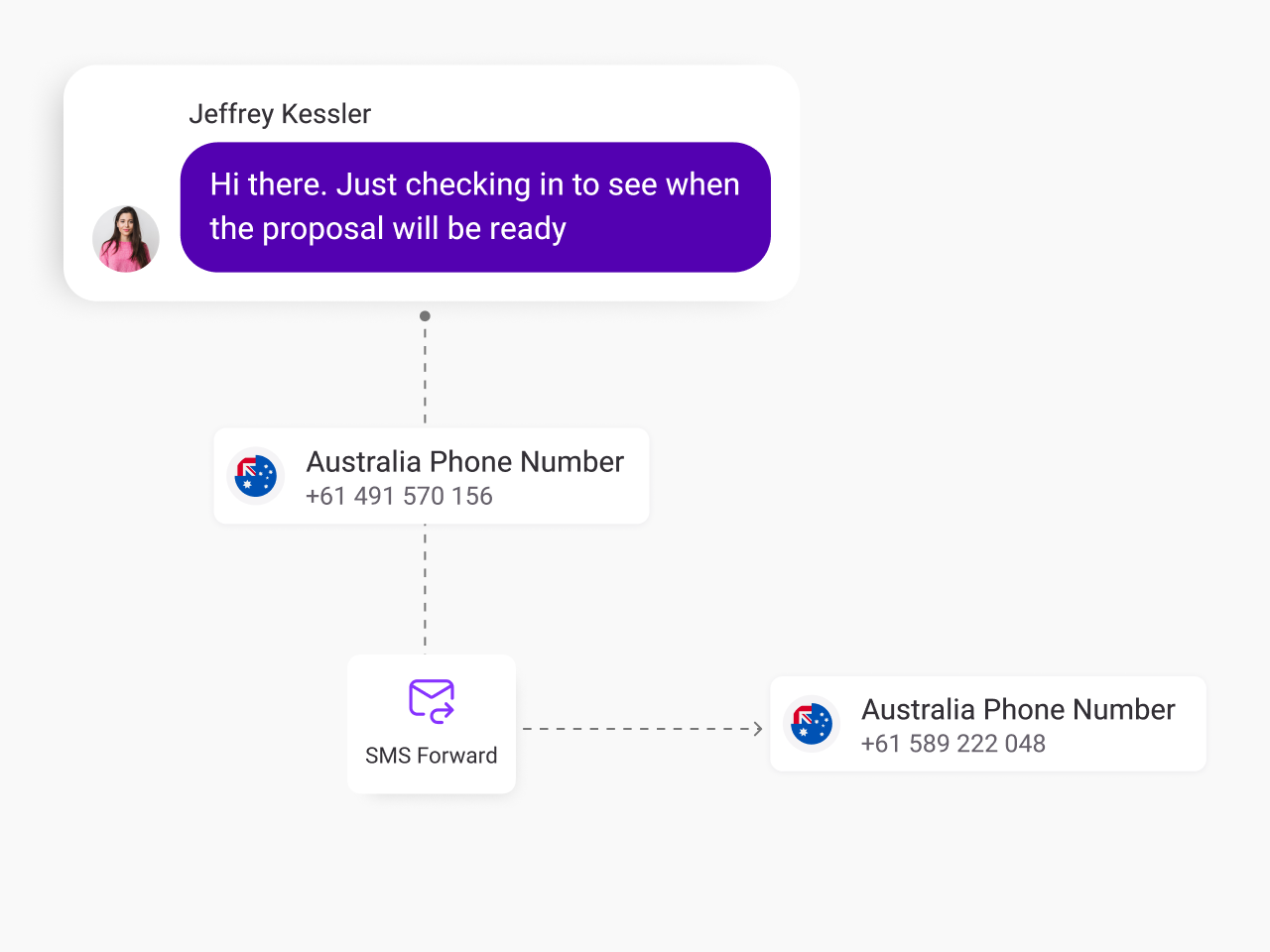
When someone sends a text message to your KrispCall virtual number, the message is received through KrispCall. If SMS Forwarding is enabled for that number, the incoming SMS is then forwarded to the destination phone number configured in your settings.
Customer sends SMS → KrispCall virtual number receives it → SMS Forwarding applies → Message is forwarded to your configured destination
You remain in control of the setup. From your KrispCall dashboard, you can enable or disable SMS Forwarding and update the forwarding destination when your workflow changes.
What are the Benefits of SMS Forwarding For Businesses?

Keep Incoming Customer Texts Within Reach
Reduce Manual Text Forwarding
Security & Privacy
Streamlined Operations
Better Customer Service
Flexible Routing
Business Use Cases for SMS Forwarding
SMS forwarding is useful whenever an incoming business text needs to remain accessible beyond the main business number.

Customer Support

Sales and Lead Follow-Up

Remote and On-Call Teams

Multi-Location Businesses
How to Set Up SMS Forwarding In KrispCall?
Get started with KrispCall and easily activate SMS forwarding in just a few clicks!

Create a KrispCall Account and log in using the same credentials.

From the left-hand side of the dashboard, select one of the numbers you currently own

Click on the ellipsis icon ( … ) and then on “Number Setting”

Search for the option “SMS forwarding” and switch the toggle button on to enable it

Type in the alternate/forwarding/ destination number to which you want to forward your SMS to.

Save the updated setting and enjoy the SMS forwarding service.
SMS Forwarding Best Practices for Businesses
Choose an Actively Monitored Destination
Test Forwarding After Setup or Changes
Keep the Destination Number Up to Date
Check SMS Availability, Rates, and Requirements
More Features like SMS Forwarding
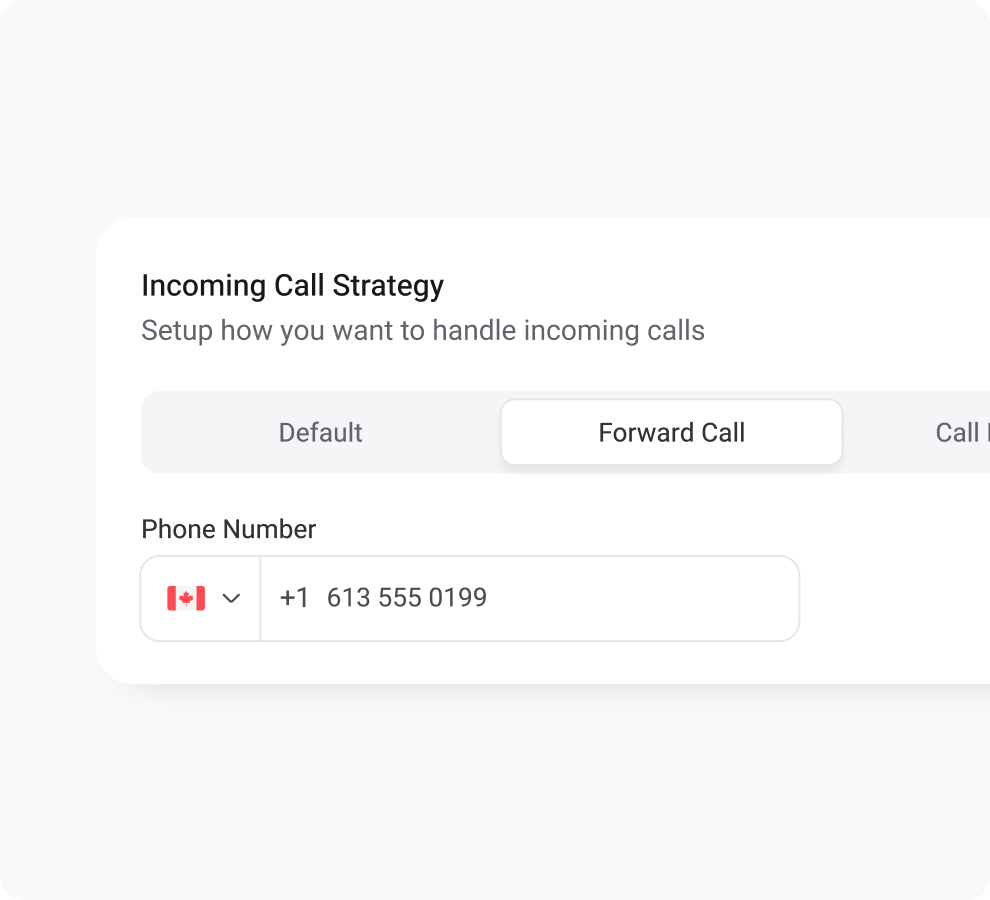
Call Forwarding
Improve call management with call forwarding - never miss vital calls, boost agents’ productivity, and customer satisfaction.
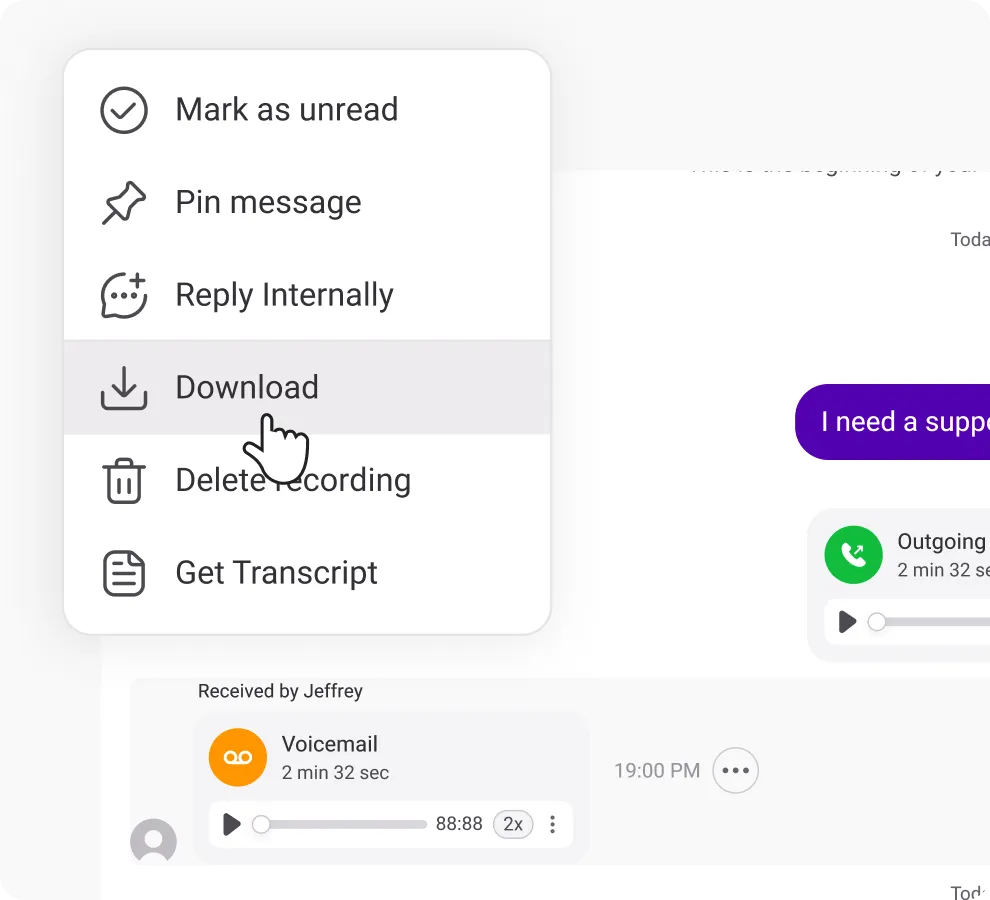
Voicemail to Email
Receive voicemail as audio files straight to your email inbox and access it from any device without calling voicemails.
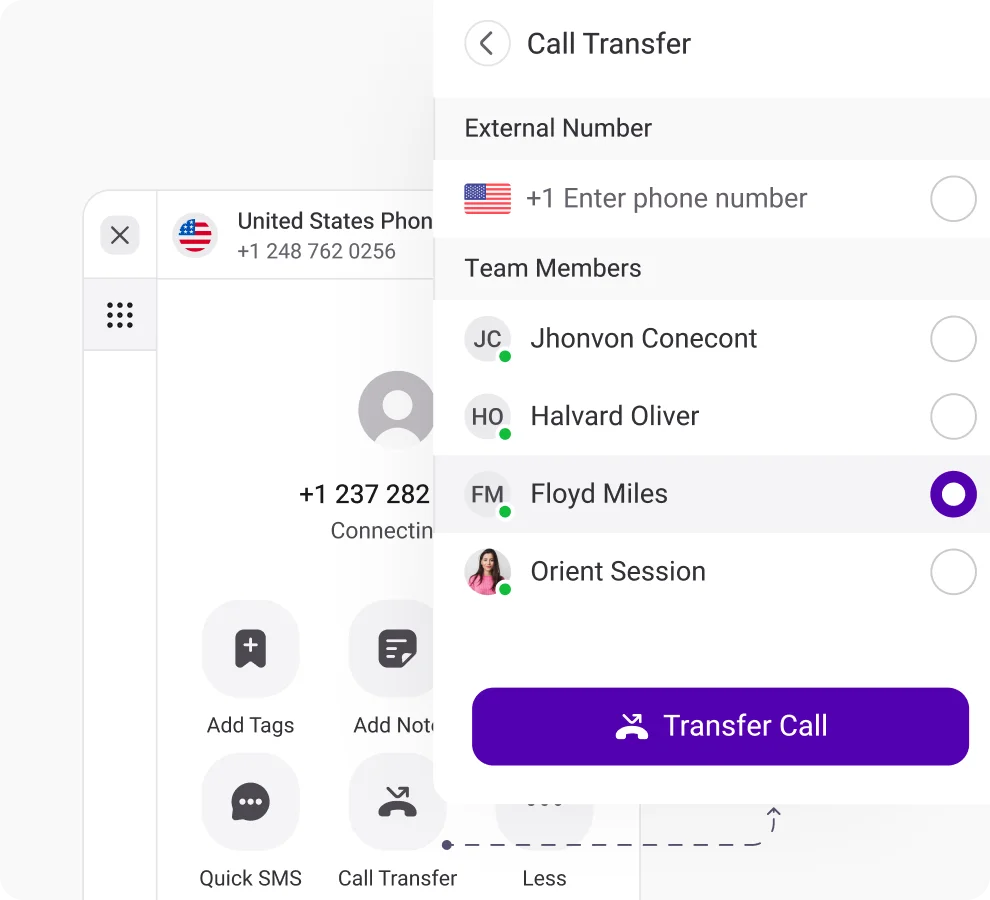
Call Transfer
Route calls instantly to expert agents, minimizing customer wait time for swift query resolution and improved customer support.
Frequently Asked Questions
Didn’t find the Answer you were looking for? Visit our Help Center or Contact Support
Yes. With KrispCall SMS Forwarding, incoming text messages received on a KrispCall number can be automatically forwarded to the destination phone number configured in that number’s settings.
This allows businesses to forward SMS to another number without manually forwarding every incoming message.
Select the KrispCall number you want to configure, open Number Settings, enable SMS Forwarding, enter the destination phone number, and save your changes.
Once configured, incoming SMS can be automatically forwarded to that destination.
Yes. SMS diversion, SMS forwarding, and text forwarding are commonly used to describe redirecting an incoming text message to another destination.
In KrispCall, this is done through the SMS Forwarding setting of your KrispCall phone number.
There is no universal SMS forwarding code that works across all mobile carriers, devices, and phone systems.
Codes commonly associated with forwarding services generally relate to call forwarding, not a universal SMS forwarding setting.
With KrispCall, you do not need to dial an SMS forwarding code. SMS Forwarding is configured directly from the Number Setting section of your KrispCall dashboard.
For a KrispCall number, open Number Settings and check the SMS Forwarding option. You can review whether the setting is enabled and which destination number has been configured.
You can also send a test SMS to your KrispCall number to confirm that the forwarding setup is working.
When SMS Forwarding is enabled, an incoming SMS received on the configured KrispCall number is forwarded to the destination number saved in its SMS Forwarding settings.
You can change the forwarding destination or disable the feature from your dashboard.
In most contexts, yes. SMS forwarding and text forwarding both describe redirecting incoming text messages from one number to another destination.
KrispCall uses the term “SMS Forwarding” for its feature that forwards incoming SMS received on a KrispCall number.
No. Call forwarding and SMS forwarding handle different types of incoming activity. Call forwarding redirects incoming voice calls, while SMS forwarding redirects incoming text messages. If your business needs to redirect both calls and SMS, the two functions need to be configured separately.
No. SMS Forwarding redirects incoming messages to another configured number, while Automated Text Messaging sends outbound SMS based on schedules, triggers, events, or predefined workflows. They serve different messaging needs.
No. KrispCall SMS Forwarding is configured from your KrispCall number settings, not through the native Messages settings on iPhone or Android.
If you want to forward texts directly between personal devices, use the built-in text-forwarding settings for your specific device.
SMS availability can vary by country and phone number type. Choose an SMS-enabled KrispCall number and confirm the messaging capabilities available for the specific number you plan to use.
