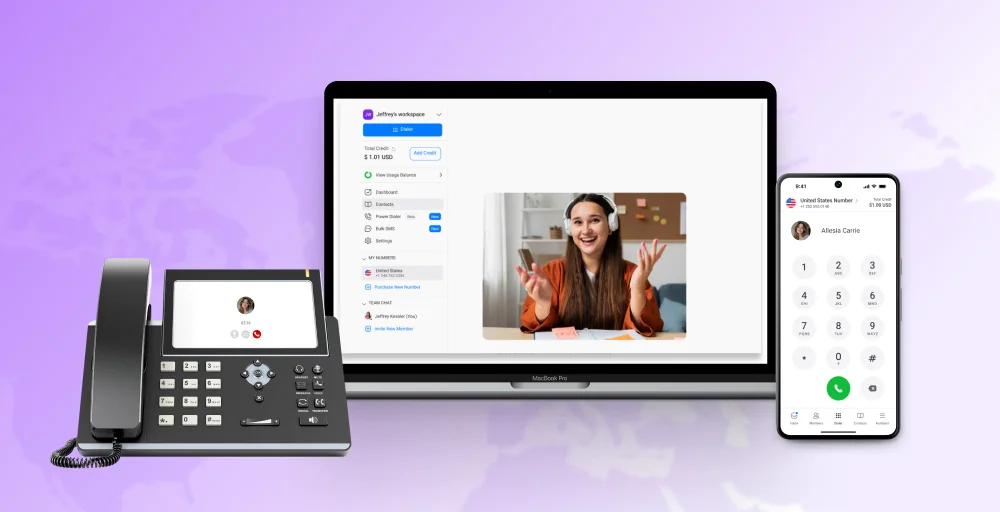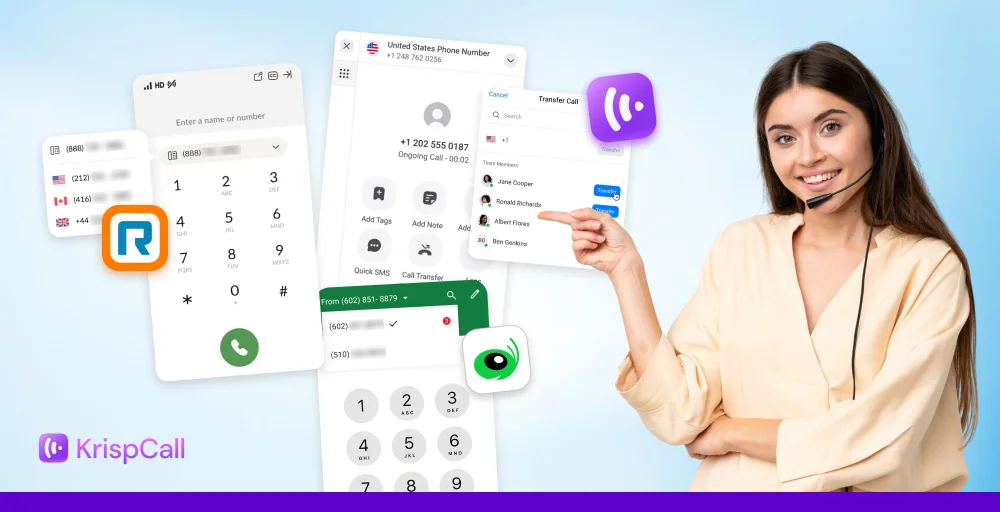
Are you frustrated with dropped calls, surprise charges, or outdated phone systems? If yes, choosing the right VoIP provider can make or break your upcoming experience.
But with so many companies shouting they’re “the best,” finding the one that actually delivers for your business can feel impossible
That’s why we’ve created this guide with 9 essential tips, key criteria to look for, and a comparison of the top 5 business VoIP providers.
It will help you confidently choose a reliable VoIP service that truly fits your needs so you can enjoy HD-quality calls, lower costs, and a stress-free experience.
✨ Key Takeaways
- The must-have features for VoIP are call forwarding and routing, voicemail-to-email, auto-attendant/IVR, business texting, Unified Callbox, call analytics, and mobile and desktop apps.
- To choose the best VoIP provider, one must identify needs, evaluate call quality, set the budget, compare features, test integrations, and review security measures.
- The top VoIP providers are KrispCall, RingCentral, Grasshopper, Dialpad, and Vonage.
Criteria to consider in VoIP provider
When choosing a VoIP provider, there are a few factors you need to consider. These factors can be network security, features, customer support, call quality, integrations, pricing, and scalability. Let’s discuss them in brief for a better understanding:
- High call quality & uptime: Look for the provider that has a strong track record of uptime (99.99%) with minimal call drops. Always make sure to avoid network issues like jitter, dropped packets, and latency. Also, maintain your internet connection to meet minimum bandwidth requirements (around 90-100 kbps per call).
- Advanced features: Ask for advanced features like call management (call routing, auto attendants, call forwarding) and voicemail features (call recording, voicemail to email, voicemail drops).
- Scalability: Select the provider that can easily scale up pr down as your business needs change and has a scalable infrastructure that can handle increased traffic.
- Transparent pricing: Ask for the full cost, including the hidden fees, to have a clear idea of what you will be paying upfront and what costs will be added over time for potential updates. And make sure you get all the features that meet your business needs within your allocated budget.
- 24/7 support: Ask for all-time backing so you don’t have to wait long when you get stuck in the middle of nowhere. Make sure your provider’s customer support offers multichannel support with phone, email, and live chat support.
- Strong security: Make sure your provider prioritizes data and network security and encryption to keep your sensitive data safe.
- CRM integrations: Integration with your existing CRM helps you improve your customer management, so seek easy integration and easy access to contact information and call history within your CRM.
- Easy setup: Look for the VoIP providers that provide user-friendly interfaces and a simple setup process. Also, make sure your provider offers adequate training and support to get you started.
Why trust our reviews?
We’ve been in the business communication space long enough to know which claims hold up and which ones don’t survive real-world use.
Every guide we publish is backed by structured research: hands-on product evaluation, verified review analysis from G2, Capterra, and TrustRadius, and insights pulled from genuine user discussions on Reddit and Quora. We look beyond feature checklists to understand how tools actually perform when teams depend on them daily.
No paid rankings. No affiliate bias. Just clear, honest guidance to help you choose with confidence.
Learn more about our content update process, content integrity standards, and software review methodology.
Must-have VoIP features in 2026
If you are considering VoIP (Voice over Internet Protocol), make sure your provider offers these essential features for smooth and compliant interactions. Let’s understand what these features have to offer:
- Call forwarding & routing: Call forwarding is a feature that helps to forward the calls from one agent to another to resolve the query efficiently, and call routing is the feature that automatically routes the call to the desired department or agent after selecting the IVR menu.
- Voicemail-to-email: This feature converts voicemail messages into audio files and sends them to the user’s email inbox. Voicemail-to-email helps users or agents respond to the voicemail at their time of convenience.
- Auto-attendant/IVR: An auto-attendant (also known as Interactive Voice Response or IVR) is a system that greets callers with a custom menu and directs the call based on the user’s input. This improves call management and provides a professional first impression.
- Business texting: This feature helps to integrate SMS functionality into the VoIP system for the efficient interaction of businesses with customers and colleagues via text message. A similar feature to this is Bulk SMS, which allows sending a text message to a group of individuals.
- Unified Callbox: A Unified Callbox combines multiple channels (phone calls, voicemails, call recordings, etc.) into a single interface. This simplifies call management and improves overall interactive efficiency.
- Analytics & reporting: Analytics and reporting features provide insights into call volumes, call durations, call patterns, and other key metrics. This data can be used to optimize call handling procedures and improve customer service.
- Mobile & desktop app: A mobile and desktop app provides users with access to the VoIP system from anywhere, enabling them to make and receive calls, manage voicemails, and access other features on the go. This increases flexibility and productivity.
9 Essential tips to choose a VoIP provider for your business
To choose a VoIP provider for your business, you need to follow a systematic process to make the right and informed decision. The process carefully evaluates your needs, understands what the market offers, and makes sure the solution will support your business both now and in the future.
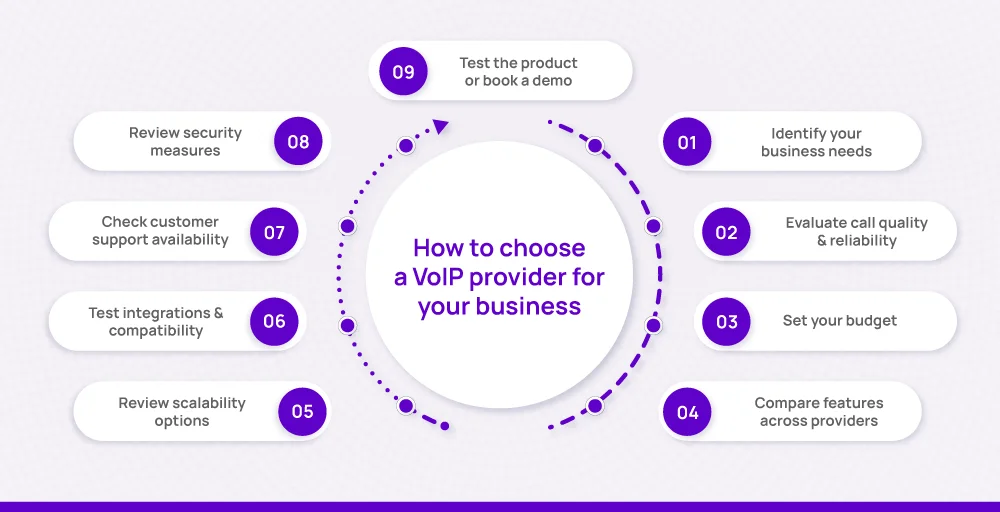
Here is a detailed breakdown on how to choose a VoIP provider for your business in 9 steps.
1. Identify your business needs
First of all, identify what exactly you expect from a VoIP system. Roughly consider the number of calls your team handles daily, the size of your workforce, and the type of calls received or initiated by customer service, sales, or internal coordination.
In case you have remote or hybrid teams, you may also need mobile applications or browser-based calling to keep everyone connected. Understand these requirements and focus on providers that can help you meet them, rather than paying for the features you will never use.
This clarity will help you filter out providers that lack the features or capacity you need.
2. Evaluate call quality & reliability
While choosing the best VoIP provider, you should always consider the call quality and the provider’s reliability. Try to look for customer reviews or directly interact with their customer via forums or public groups to gain firsthand experience.
You can also use the demo versions to check the call quality on your own. Always look for a provider that offers VoIP options like high-quality audio and dependable service.
Do not settle for a provider that offers a service uptime record of less than 99.99% to reduce latency and experience HD voice clarity.
3. Set your budget
VoIP services usually follow per-user monthly fees or usage-based billing. Per-user plans are predictable and work well for companies with a stable team size, while usage-based pricing is for businesses with fluctuating call volumes.
Always ask for the additional and hidden costs before making a purchase. Ask for every small to large VoIP cost with timely updates, charges, and porting fees. Also, make sure to compare unlimited international calling rates if your business deals with global clients.
Ask them about the fees for early termination or porting services so you can switch the provider later if your service provider does not meet your business goals.
4. Compare features across providers
Once your budget is allocated, try to compare features, pricing, use cases, and customer reviews of each provider to select the best option for your business needs. If you are willing to pay a decent amount, do not settle for unnecessary features.
Compare features side-by-side to see which VoIP providers offer you the best value to make your daily tasks efficient. Ask for the customization options to significantly lower your cost and use only the features that are actually needed for your business, rather than overpaying for multiple features you would never use.
Additionally, look for must-have features like call routing, voicemail transcription, webphone, analytics dashboards, shared numbers, cloud-hosted VoIP, and multi-device support.
5. Review scalability options
Look for the best VoIP service providers that can actually scale up or down with your emerging business needs. Check that they are actually capable of handling high-volume calls in the near future.
The VoIP system you choose should adapt to your changing business needs. As you grow, you might need to add new users, expand to multiple locations, or support remote staff. A scalable business VoIP solution allows these changes without long VoIP setup times and extra hardware purchases.
So if you choose a flexible solution with advanced capabilities as per your ned in the present, you can save from costly transitions later. Also, a scalable solution can prevent the expense of switching providers later.
6. Test integrations & compatibility
Test the compatibility and integrations with your existing CRM, business text messaging apps, and collaboration tools, booking a demo or trials if available. Do not forget to verify compatibility with your current hardware, software, and devices (desktop, mobile, and tablets) by initiating test calls and checking mobile app functionality.
The VoIP platform should integrate easily with your CRM, helpdesk, or project management software so your team can work without interruptions. It should also work with your current internet connection, routers, and devices, including desk phones, computers, and mobile apps.
7. Check customer support availability
Even the most reliable systems may come up with potential issues sometimes, so always look for providers that offer 24/7 assistance through multiple channels such as live chat, email, and phone.
A good knowledge base, FAQs, an AI assistant, or an online help center can also help your team solve smaller issues quickly without waiting for a support agent. Reliable support is a factor that can directly affect your uptime and customer satisfaction.
So, when choosing top business VoIP vendors, make sure to pick the VoIP business solution that offers better support and management tools to keep up with unlimited calling.
8. Review security measures
Since VoIP transfers voice calls and text messaging over the internet, you need your VoIP provider to consider the top-level security measures. The VoIP phone providers should use encryption for both calls and messages to prevent unauthorized access.
You can look for the ones that offer multi-factor authentication to reduce the risk of account breaches and smoothly handle sensitive or regulated information. Always look for VoIP solutions that comply with relevant standards such as HIPAA.
9. Test the product or book a demo
Finally, before making a final decision to choose the right VoIP provider, try the phone service yourself.
Request a free trial or request a demo to experience call quality, redirect calls to multiple devices, route calls, and receive external calls to make sure everything is working well.
Also, explore the interface, test integrations, and even evaluate how responsive the support team is during the onboarding process. This is the most reliable way to confirm that your right VoIP solution delivers what you actually expect to enhance your business features.
Top 5 VoIP providers for leading businesses in 2026
Take a look at this table to understand a quick comparison between the top 5 VoIP providers with their features and other categories.
| Category | KrispCall | RingCentral | Grasshopper | Dialpad | Vonage |
| Best For | Startups, SMBs, and remote teams | Large enterprises & growing businesses | Small businesses & solo entrepreneurs | Modern businesses that need AI-driven features | Businesses needing flexible global calling |
| Key Features | Unified callbox & messaging, global numbers, call recording, AI-powered features, virtual numbers & integrations | Advanced call management, team messaging, integrations with CRM & productivity tools | VoIP numbers, call forwarding, voicemail transcription, business texting | AI call transcription, call routing, analytics, and integrations with Google Workspace & Microsoft 365 | Unlimited calling in the US/Canada, team messaging, and integrations with CRM tools |
| Ease of Use | Simple setup, intuitive dashboard | Feature-rich but can be complex for beginners | Very easy, designed for quick setup | User-friendly AI makes tasks simple | Moderate, requires some setup |
| Scalability | Highly scalable for global teams | Excellent scalability for enterprises | Limited scalability (best for small teams) | Good scalability and integration options | Scales well for small to mid-sized businesses |
| Pricing | Affordable, transparent plans | Higher pricing, premium features | Budget-friendly for small businesses | Mid-range pricing with strong value | Flexible pricing, mid-range cost |
1. KrispCall
KrispCall is an AI-powered modern IP telephony system recognized as a VoIP leader and regional leader in ANZ, EMEA, Europe, and Asia Pacific by G2. It offers features like a virtual phone number in 100 + countries with different numbers.
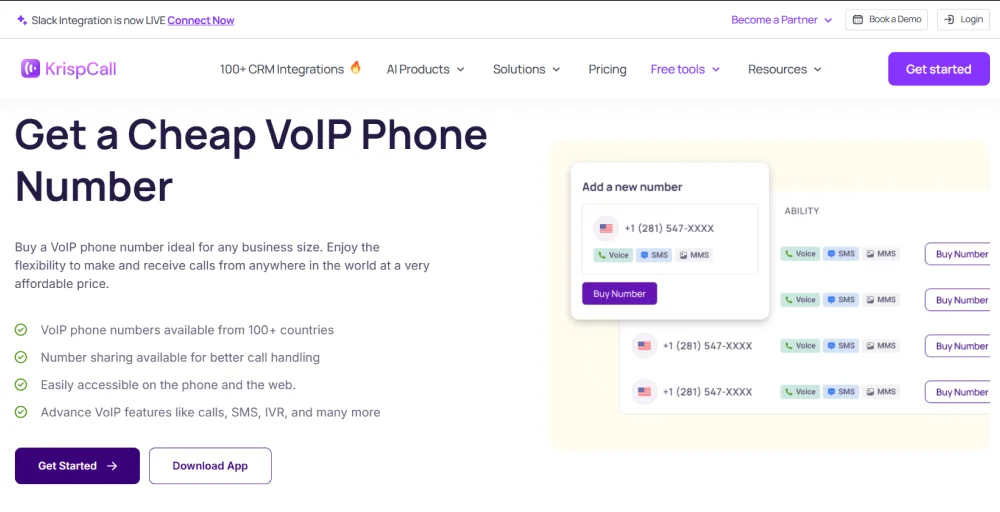
You can get mobile phone numbers, vanity numbers, UIFN numbers, toll-free numbers, and local numbers at affordable rates with a quick setup. We enable businesses to stay accessible, reflect your brand, and create a professional image.
Its Unified Callbox brings all conversations, such as phone calls, SMS, voicemail, email, etc., into a single platform. Additional features like call recording, multi-level IVR, Bulk SMS, and shared numbers make customer interactions easy to manage.
Features
- Multi-level IVR and phone tree
- Voicemail to email
- Unified Callbox
- 100+ CRM integrations
- Call monitoring
- Shared phone numbers
Best for: Modern, AI-driven businesses that care about CRM-aligned interaction and smart call handling.
KrispCall Pricing
| Pricing | Monthly (per line per month) | Annually (per line per month) |
| Essential | $12 | $15 |
| Standard | $40 | $32 |
| Enterprise | Custom pricing | Contact sales |
Pros
- It offers a cost-effective cloud system for startups & enterprises
- It provides a user-friendly interface.
- It allows businesses to get global phone numbers to expand their potential reach.
Cons
- The call summary is not fully functional.
- Some AI coaching features may not yet be finalized or fully rolled out.
2. RingCentral
RingCentral is a popular cloud-based communication platform trusted by businesses worldwide. It combines calling, SMS, video meetings, team chat, and integrations with third-party applications into one platform.
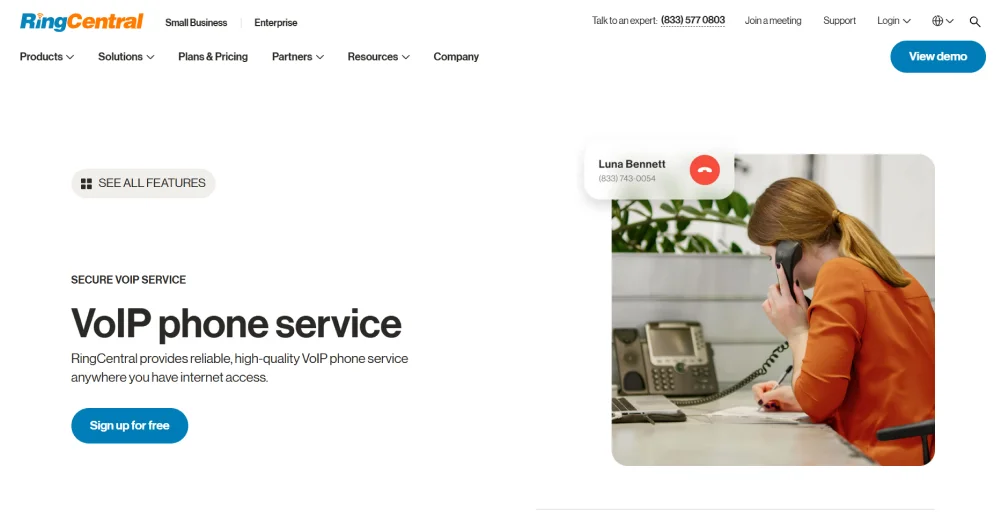
RingCentral also provides phone number porting options so you can move your existing phone lines to new providers if your requirements are not met. Businesses can also create unlimited team spaces with task management and file sharing features for collaboration and better customer support.
Features
- Call auto-attendant
- Callforwarding
- Multiple extensions and screen sharing
Best for: RingCentral is best for larger businesses, enterprises, and organizations that need feature-rich UCaaS.
RingCentral pricing
| Pricing | Monthly (per line per month) | Annually (per line per month) |
| Core | $30 | $20 |
| Advanced | $35 | $25 |
| Ultra | $45 | $35 |
Pros
- It is designed for businesses with secure VoIP transmissions.
- It is easy and simple to implement.
Cons
- It has a high cost even for basic needs.
- Some users have reported issues with the SMS registration process.
3. Grasshopper
Grasshopper is a simple and easy-to-use virtual phone system that allows calls, texts, custom greetings, extensions, faxes, and more. It provides a virtual phone service designed for small businesses and entrepreneurs.
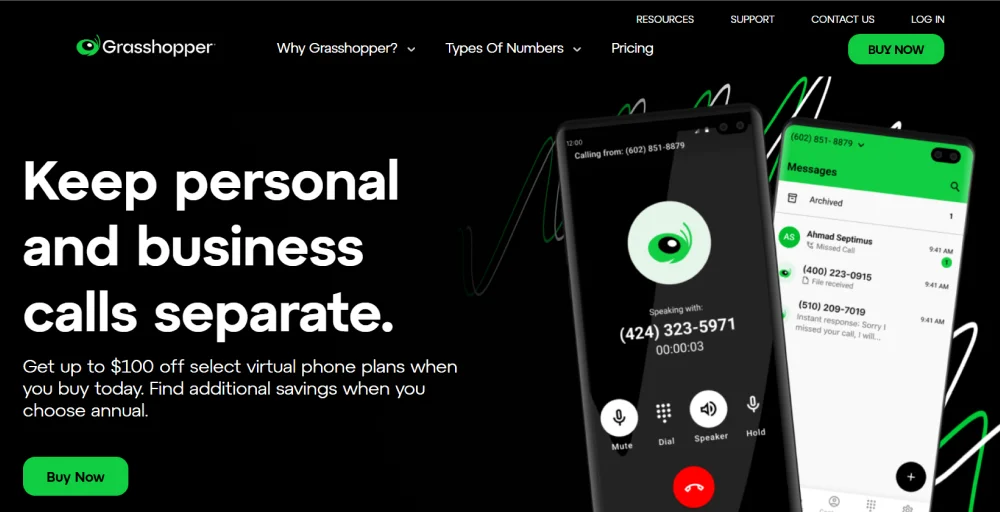
It offers an easy-to-use platform with a simple interface that makes setup quick and simple. Grasshopper is well-suited for startups and solo professionals, though it has limited third-party integrations and lacks advanced features such as shared phone numbers.
Features
- Call recording
- Auto attendant
- Voicemail transcription
Best for: Grasshopper is best for individuals who need a professional business number without revealing their personal number.
Grasshopper pricing
| Pricing | Monthly (per line per month) | Annually (per line per month) |
| True solo | $18 | $14 |
| Solo Plus | $32 | $25 |
| Small businesses | $70 | $55 |
Pros
- Professional presence
- Affordable for small businesses.
Cons
- It does not provide shared phone numbers.
- IT offers limited integrations.
👀 Take a look at: KrispCall vs. Grasshopper: Which is the Best Virtual Phone System?
4. Dialpad
Dialpad is an AI-powered customer communication platform that is designed to make business interactions smooth and efficient. It combines voice calls, video calls, messaging, and collaborations into a single tool.
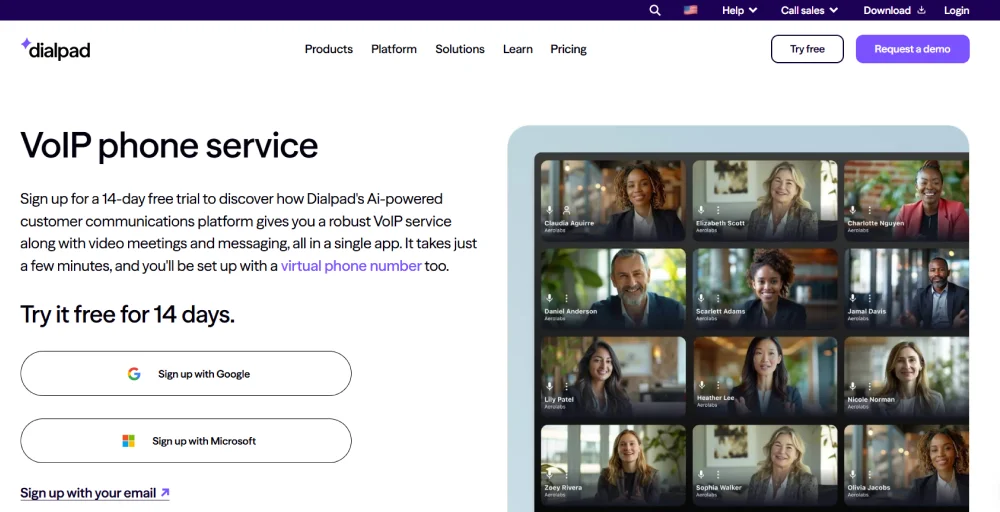
It offers voice intelligence features to provide live transcription, call summaries, and AI-driven insights. Dialpad integrates with popular business tools like Google Workspace, Microsoft 365, and Salesforce, which makes it an excellent fit for fast-growing teams.
Features
- AI live coach cards
- Business text messaging
- Custom caller ID
- Call flip
Best for: Teams that value AI-driven insights, transcriptions, and unified communication experience.
Dialpad pricing
| Pricing | Monthly (per line per month) | Annually (per line per month) |
| Standard | $27 | $15 |
| Pro | $35 | $25 |
| Enterprise | Contact sales | Contact sales |
Pros
- Powerful AI call tools (transcript, summarization)
- Unified communication in a clean, intuitive interface
Cons
- Expensive to send text messages.
- Toll-free number costs extra.
5. Vonage
Vonafe is a business communication platform that provides calling over the Internet Protocol. It offers voice, video conferencing, and data capabilities across unified communication, contact centers, and communication APIs.
It includes features such as call forwarding, auto-attendant, call recording, and CRM integrations. It is highly scalable and offers wide coverage that makes it suitable for small companies as well as larger enterprises.

Features
- Virtual receptionists
- Virtual Fax service
- Call forwarding
Best for: It is a strong option for businesses that manage high volumes of calls, and those who are looking to expand
Vonage pricing
| Pricing | Monthly (per line per month) | Annually (per line per month) |
| Basic | $19.99 | $13.99 |
| Premium | $29.99 | $20.99 |
| Advanced | $39.99 | $27.99 |
Pros
- Rich API and programmability for tailored workflows
- Reliable enterprise-grade infrastructure
Cons
- May require more technical setup for full benefit
- Less straightforward than point-and-click systems
Why are businesses moving to VoIP phone systems?
More and more businesses are leaving traditional landlines and shifting to VoIP phone systems because VoIP is cheaper, smarter, and more adaptable to modern business needs.
Here are a few main reasons for the VoIP switch:
- Lower costs: Traditional phone systems often come with high setup fees, hardware costs, and expensive long-distance charges. With VoIP, calls are made over the internet, which cuts down monthly bills and makes international calling far more affordable.
- Scalability: As a business grows, adding new phone lines with a landline system can be slow and costly. VoIP makes it simple to add new numbers or extensions without the need for extra hardware or complicated wiring.
- Advanced features: VoIP offers multiple advanced features like call recording, voicemail-to-email, auto-attendants, and integrations with CRMs and helpdesks. These features make it easier to handle calls and improve customer interactions.
- Flexibility: VoIP works efficiently with an internet connection. Employees can use their business number from their mobile, laptop, or desktop.
- Better call quality: VoIP call capacity is often reliable with a stable internet connection than landlines. Its HD voice and fewer dropped calls give both customers and employees a better experience.
- Future-proof technology: Traditional phone systems are becoming outdated and expensive to maintain, whereas VoIP is evolving with new AI features, cloud integrations, and automation tools to ensure businesses stay ready for the future.
How KrispCall can be the right VoIP phone system?
KrispCall is an AI-powered cloud VoIP phone system built to meet the advanced needs of evolving businesses. It combines affordable global calling with intelligent features designed to make every conversation smooth and more productive. With KrispCall, you get advanced tools like call routing, call recording, Unified Callbox, and virtual numbers from 100+ countries in a single app.
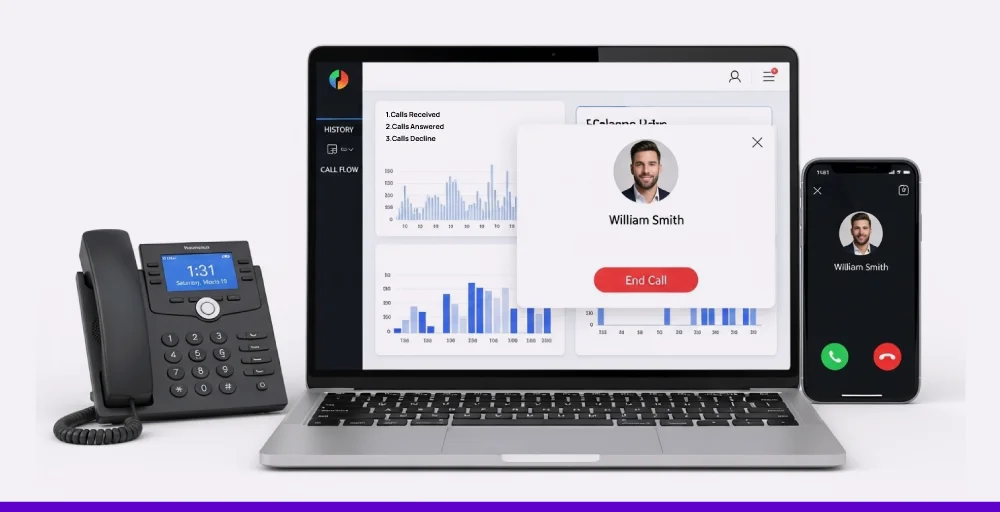
Unlike traditional providers, KrispCall focuses on simplicity and scalability. It allows your growing team to manage calls and messages effortlessly without worrying about expensive hardware or complex setup. Its AI-driven capabilities also make sure each call is smartly handled for a better customer experience and future-ready interactions.
If you’re looking for a cost-effective, reliable, and AI-powered VoIP solution, KrispCall is the right choice to keep your business connected anywhere, anytime.
Start your journey with KrispCall and experience the future of business calling. Try KrispCall today and book a free demo.