Choosing the right PBX replacement is important for businesses in 2026.
Traditional phone systems often lack the features and flexibility needed to support business growth.
To keep your communication efficient and reliable, you need a PBX solution that fits your specific needs. This guide will help you understand how to pick the best option for your business.
✨ Key Takeaways
- Companies need to replace PBX systems as they are outdated, expensive to maintain, and lack modern features, making them unsuitable for remote and hybrid teams.
- VoIP is the best PBX replacement as it offers lower costs, high-quality audio/video, scalability, and advanced call management features.
- Choosing a replacement requires evaluating essential factors like a clear business needs assessment, guaranteed reliability/call quality, strong security & compliance, robust feature set, and seamless integration capabilities.
- A successful transition from PBX to VoIP is achieved through a structured process involving planning, checking network readiness, implementation, and going live.
Why do companies need to replace PBX systems?
Companies replace the PBX system because they are outdated, expensive to maintain, and lacks the flexibility, scalability, and modern communication features that businesses need to scale and stay competitive.
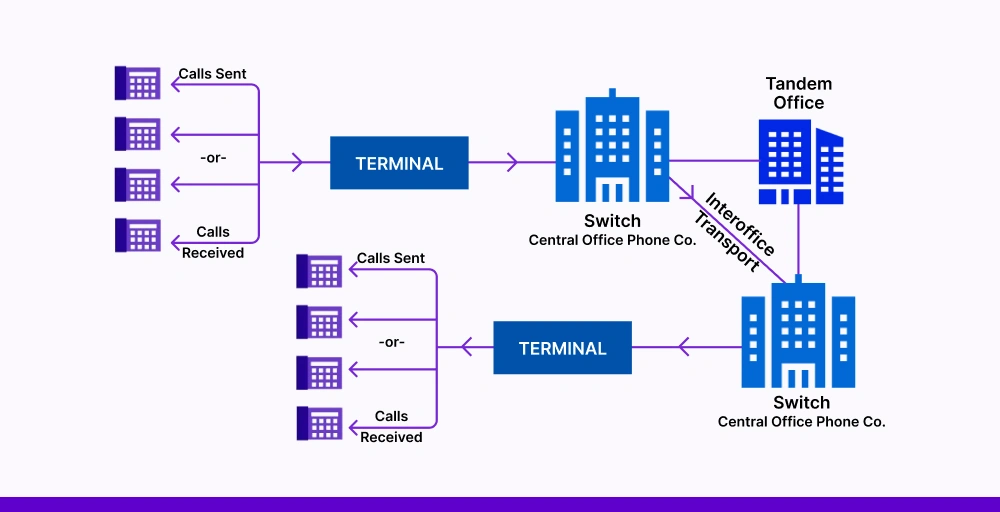
Here are some reasons why companies need to replace the PBX system:
- Delay or drop calls: Traditional PBX systems rely on outdated copper lines and limited bandwidth, which can lead to delays or dropped calls.
- Frequent system outages: Many traditional PBX systems lack an adequate backup system, which often crashes during power cuts or any hardware issues.
- Rising maintenance costs: Maintaining on-site PBX hardware requires regular servicing and expert repairs, which can cost thousands annually. Over time, maintenance costs often increase, sometimes reaching $1,000 to $3,000 or more per year depending on system size.
- High upfront and upgrade costs: Traditional PBX setups often require an initial investment between $3,000 and $10,000 or more for hardware, installation, and licenses. Upgrading or expanding the system — like adding lines or users — can cost several hundred to thousands of dollars extra.
- Limited scalability and flexibility: Scaling the PBX system is time-consuming and costly, which requires buying additional equipment to add lines, users, and locations.
- Limited integration options: The traditional PBX phone system doesn’t integrate with your current platform, such as CRM, help desk, productivity, and collaboration tools.
- Lack of advanced features: Traditional PBX lacks advanced modern features like auto-attendants, voicemail-to-email, call monitoring, and detailed reporting & analytics.
- Don’t support remote or hybrid teams: Traditional PBXs are hardware-based and tied to a specific location. It doesn’t allow you to work with remote teams.
Consider VoIP as a replacement for the PBX system
VoIP (Voice over Internet Protocol) is one of the best alternative to a PBX phone system. Many businesses are transitioning to VoIP as a replacement for the PBX system due to its lower cost, advanced features, integration capabilities, flexibility, and scalability.
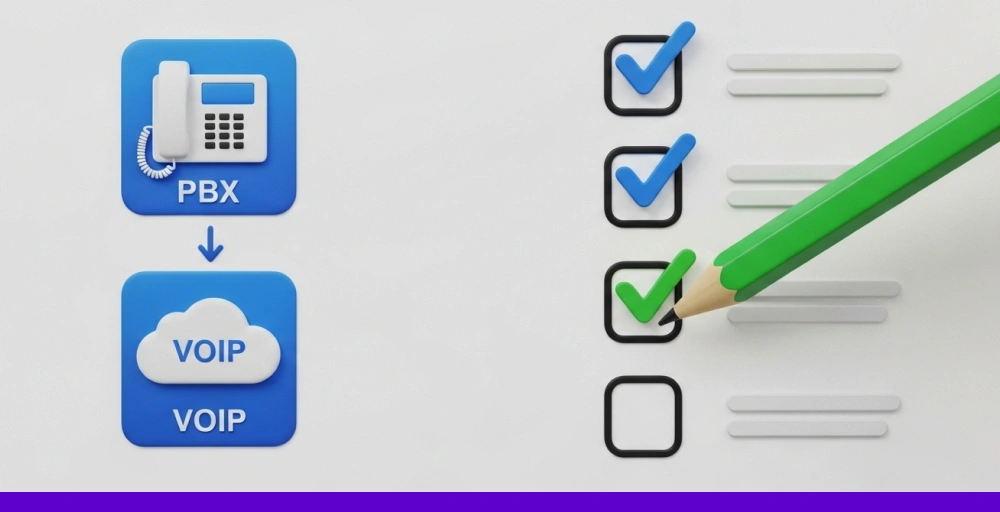
A VoIP system enables you to make and receive calls using the internet instead of traditional phone lines. This eliminates the need for costly infrastructure like copper lines or PBX hardware.
Many VoIP services offer high-quality audio and video with advanced features such as IVR, voicemail transcriptions, call forwarding, custom caller ID, and call analytics. They are ideal for businesses of all sizes, especially those with remote and hybrid teams.
Shifting to VoIP provides several benefits that include:
- Low upfront and maintenance costs: A hosted PBX requires less hardware than traditional phone systems. You just need an internet router and internet-based devices such as laptops, desktops, and smartphones. So, the upfront and maintenance costs of VoIP are low.
- Easy to scale up and down: VoIP systems are more scalable than traditional PBX phone systems. You can easily add or remove phone lines, users, or features without investing in additional physical infrastructure.
- Integrates with third-party: You can also integrate your telephony system with your existing tools, such as CRM, helpdesk, and collaboration tools. This helps you to handle every customer interaction from a single platform without switching multiple tools.
- Access from anywhere: A VoIP phone can be accessed from anywhere in the world using a softphone. It lets you make and receive calls from any internet-connected device and stay connected from anywhere.
- Better call quality with stable internet: VoIP systems offer high-quality audio and video with a stable internet connection during calls. Many providers also offer built-in tools to monitor and maintain call quality across your network.
Key things to consider while looking for PBX replacements
Here are the key factors to consider when seeking a replacement for a traditional PBX phone system, so you can make the right investment for long-term business communication success.
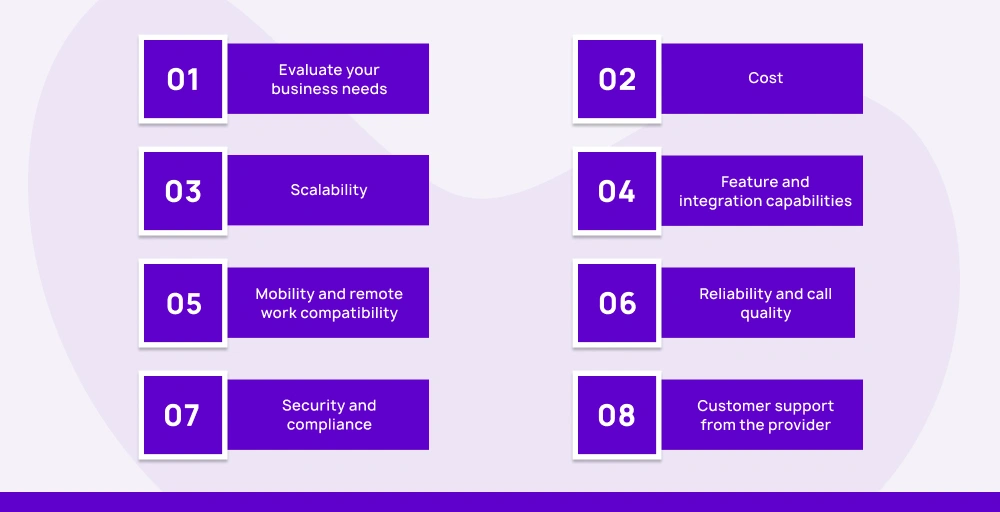
1. Evaluate your business needs
Always start by evaluating your business needs. Consider how many users you have, how many calls you handle, and what your team actually needs. Also, make a list of what your current system lacks and what you require from the new one.
2. Cost
Traditional systems have a high upfront cost, whereas cloud-based PBX solutions are subscription-based with lower IT overhead. Ask about the installation, upgrades, and maintenance costs and compare the total cost of ownership over time.
3. Scalability
Your replacement system should grow with you. Look for solutions that let you easily add or remove users, support multi-location teams, and adapt to changing business needs without investing in infrastructure.
4. Feature and integration capabilities
Choose the system that offers all the advanced features you need to improve your workflow and customer experience. Also, make sure that PBX replacement integrates with your existing business tools, including CRM integration, help desk platforms, and collaboration tools.
5. Mobility and remote work compatibility
If your team works remotely or across locations, your PBX replacement should support remote work from anywhere. It means PBX replacement should have a mobile app, softphones, and web-based access.
6. Reliability and call quality
Check the vendor’s uptime guarantee, global infrastructure, and network stability. Look for HD voice quality, built-in redundancy, and automatic failover to avoid missed calls or service interruptions.
7. Security and compliance
Your PBX replacement system should include strong security measures like encryption, role-based access control, and regular updates. If your industry has compliance needs (e.g., HIPAA, GDPR), make sure the business VoIP provider can support them.
8. Customer support from the provider
Always check the customer service reviews from customers and choose the business VoIP provider with a strong reputation and responsive support. Look into customer support options (phone, live chat, SMS), onboarding assistance, and technical support.
Step-by-step PBX to VoIP migration checklist
Moving your PBX to VoIP system looks hard, but if you follow a structured set of steps, it can be easy.
Here is a step-by-step process to follow for a smooth PBX to VoIP migration:

Phase 1: Planning & needs assessment
In phase 1, understand your current setup, why you are migrating, and what you need in the new system.
- Identify business communication needs: First, identify your business communication needs to find the perfect match. Map out how your team communicates. Are there remote workers? Do they rely on desk phones or mobile apps? Evaluate the required number of lines, extensions, and essential features.
- Evaluate current PBX limitations: Evaluate the limitations of the current system to find a system that addresses all the gaps. You may be tired of expensive upgrades and maintenance costs, lack of remote work support, frequent outages, poor quality calls, and limited features and integration options.
- Determine budget and key features: Define a clear monthly or annual budget, and list the must-have features such as voicemail-to-email, softphones, call analytics, IVR, multiple numbers, live call monitoring, call recording, and phone number porting. Also, consider long-term value and customer service.
Phase 2: Network readiness
Now prepare an IT environment to support a reliable and high-quality VoIP system.
- Perform network speed test and stability tests: As VoIP depends heavily on your internet connection, you need to test the speed and stability of the network. You will need upload/download speeds of at least 100 kbps per line, latency under 150 ms, jitter under 30ms, and 0% packet loss. You can find free VoIP speed testing tools to test speeds.
- Assess security and compliance needs: VoIP systems carry sensitive data, so every call must be encrypted. Make sure your business VoIP provider encrypts calls to prevent your business from scams, data breaches, and phishing. The major VoIP security measures, like Transport Layer Security (TLS) and Secure Real-Time Transport Protocol (SRTP), prevent call interception.
- Ensure bandwidth and QoS settings: Even if you have strong internet, VoIP might suffer from network issues such as jitter and latency. So, you must implement the Quality of Service (QoS) on your router to prioritize the network traffic during calls. It reduces the delayed and dropped calls. You can also coordinate with your IT/network team or ISP if needed.
Phase 3: Implementation & configuration of the VoIP phone system
It is the main stage of VoIP migration. This stage included setting up your enterprise VoIP phone system, training users, and preparing for a smooth transition. Before the setup process, back up all your PBX configurations, auto-attendant flows, voicemails, and other important data.
- Choose and configure a VoIP system: Choose a VoIP provider that matches your business communication needs and then set up your business phone system according to your needs. Add the extension numbering scheme for each department and location, call groups, auto-attendants, voicemail, custom music, and advanced call routing rules.
- Port existing numbers: Ensure the chosen provider offers number porting features to keep your existing numbers with the new enterprise VoIP phone system. For the porting process, you need to prove you own the number. However, you shouldn’t cancel your existing service before completing the porting process.
- Train team on new tools: You must ensure all your team members are skilled enough to use the new business phone service. Conduct the training sessions or share onboarding videos related to the features and functionalities of the new system. Provide them access to the knowledge base resources, such as guides and tutorials.
Phase 4: Go-live and post migration
Finally, once your company’s PBX migration setup is complete, test the call management features thoroughly. This is the final stage of VoIP migration. It involves testing features, monitoring system uptimes, and gathering feedback for improvement.
- Test all features: For testing, place a call to check the audio quality, try voicemail features, and test the call routing. Also, check if it integrates with third-party applications.
- Monitor call quality and system uptime: Once you go live, actively monitor performance. Regularly test the network speeds, track call quality, and uptime using VoIP monitoring tools. If issues occur, adjust your QoS, check firewalls, or get support from the vendor.
- Gather employee feedback: A few days after launch, ask your teams and gather feedback about their experience using the new system. Ask them about the most useful features, any limitations, or challenges with the new system.
- Plan for ongoing support: Make sure everyone knows how to get help. Set up a clear internal point of contact who can assist with questions or issues. Also, make support contact details easily accessible.
Ready to replace your old PBX system?
If your current PBX phone system is holding you back, now’s the time to upgrade to a cloud-based phone system.
A modern VoIP phone service like KrispCall offers the flexibility, advanced features, and scalability that legacy phone systems (PBX) simply can’t match. It combines multiple channels, such as SMS, phone, and voicemail, and improves your customer interaction. You can also port your existing number to KrispCall.
Whether you’re looking to improve call quality, integrate a phone system with third-party tools, or support remote or hybrid work, KrispCall makes the PBX to VoIP transition smoother.