 Download KrispCall
Custom Caller Id
Custom Caller ID
Struggling to get your calls picked up? Customers often ignore calls from unfamiliar numbers, and that means missed opportunities before the conversation even starts. With KrispCall’s Custom Caller ID, you can display a consistent, recognizable business number on every outbound call, so customers know it’s you and answer with confidence.
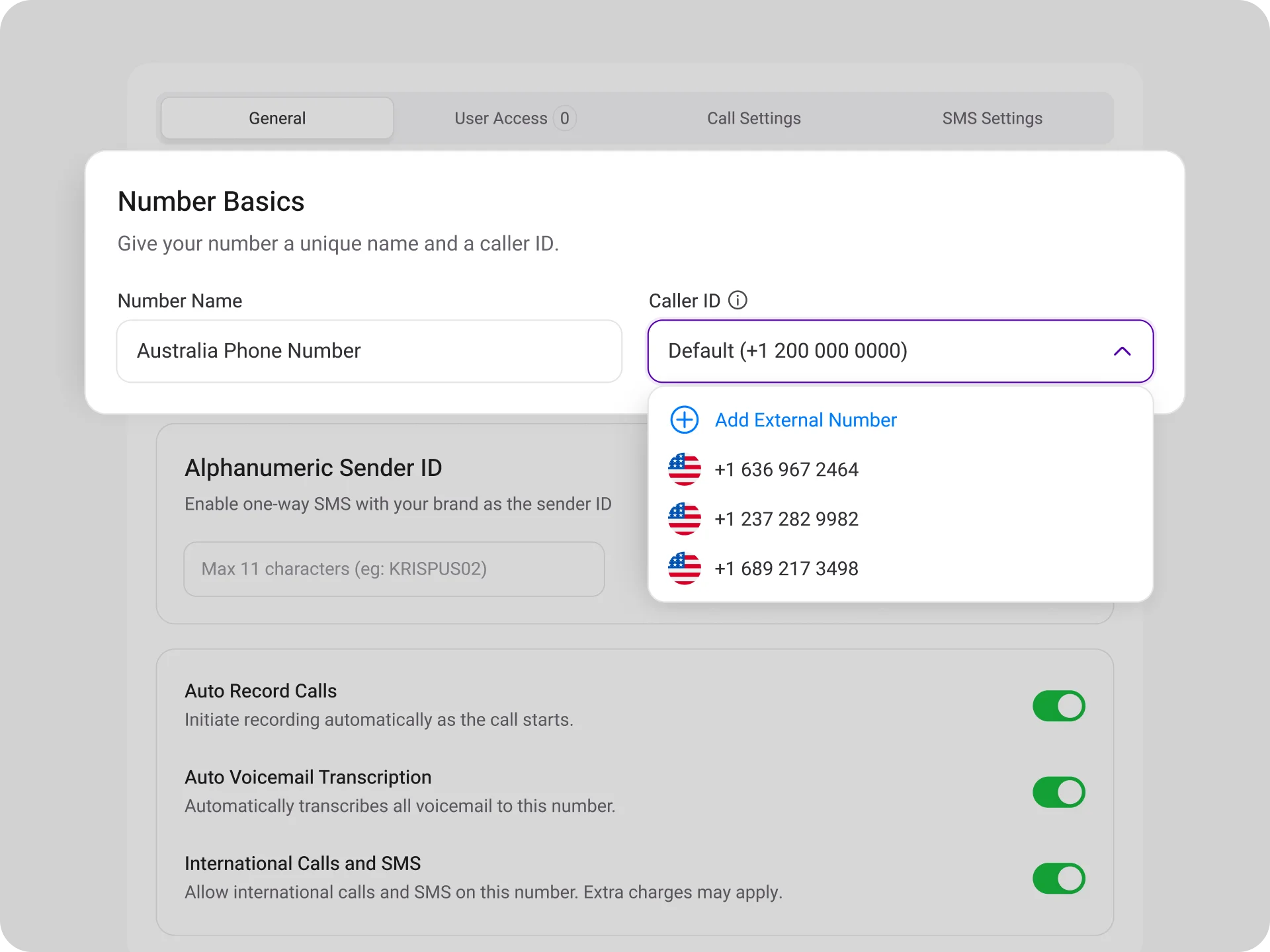
Take full control of your caller ID. Choose which number to show for sales, support, or any campaign, and switch it anytime in a few clicks. Even when traveling, you can keep using your business number without worrying about roaming costs.


Get a Virtual Number
Get local, mobile, and toll-free virtual phone numbers from 100+ countries and expand your business worldwide.
How to Set Up Custom Outbound Caller ID on KrispCall?
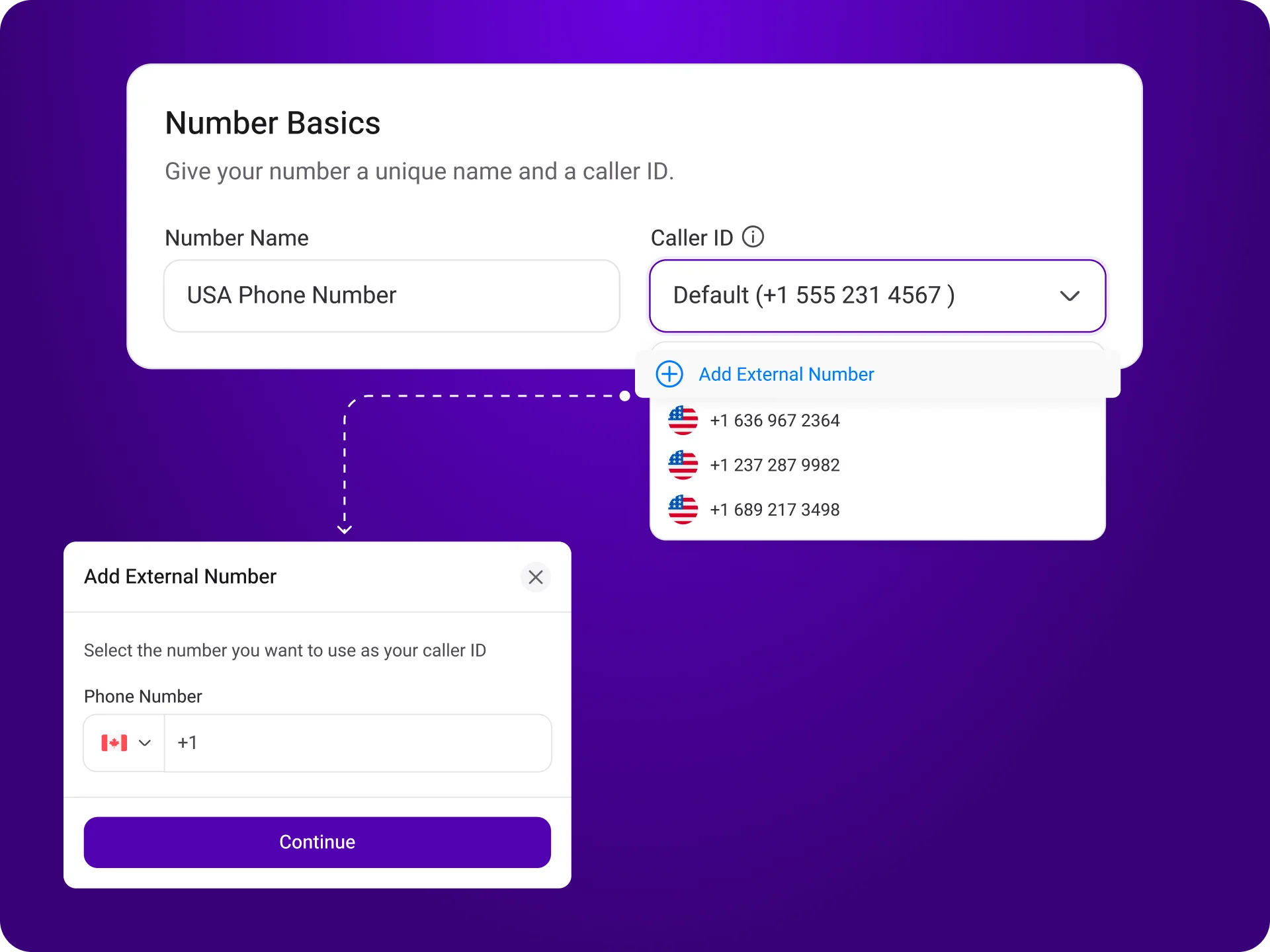
To set up your custom outbound caller ID on KrispCall, sign in to your dashboard, go to My Numbers, and open Number Setting. From there, select the number you want to customize, open the Caller ID section, and add an external number. KrispCall sends a verification code (OTP) to that number, confirming you own it before it can be used as your outbound ID.

Sign in to your KrispCall dashboard.

Open the My Numbers menu and click Number Setting.

Choose the phone number you want to set a custom caller ID for.

Go to the Caller ID section and add the external number you want displayed.

You will receive an OTP to that external number to confirm you're authorized to use it.

Enter the OTP and click Verify. Once verified, all outgoing calls from that line will show the external number on the recipient's device.
What is Custom Caller ID?
Custom Caller ID gives businesses control over what appears on a recipient’s screen during an outbound call. Instead of a random, private, or unfamiliar number, you can display a specific business number, a department line, or a number tied to a particular campaign, giving recipients the context they need to answer with confidence.
With spam and robocalls at an all-time high, an unrecognized number is often reason enough to ignore a call. Custom Caller ID removes that barrier, so every outbound call looks as professional and trustworthy as the business behind it.
How Does Custom Caller ID Work?
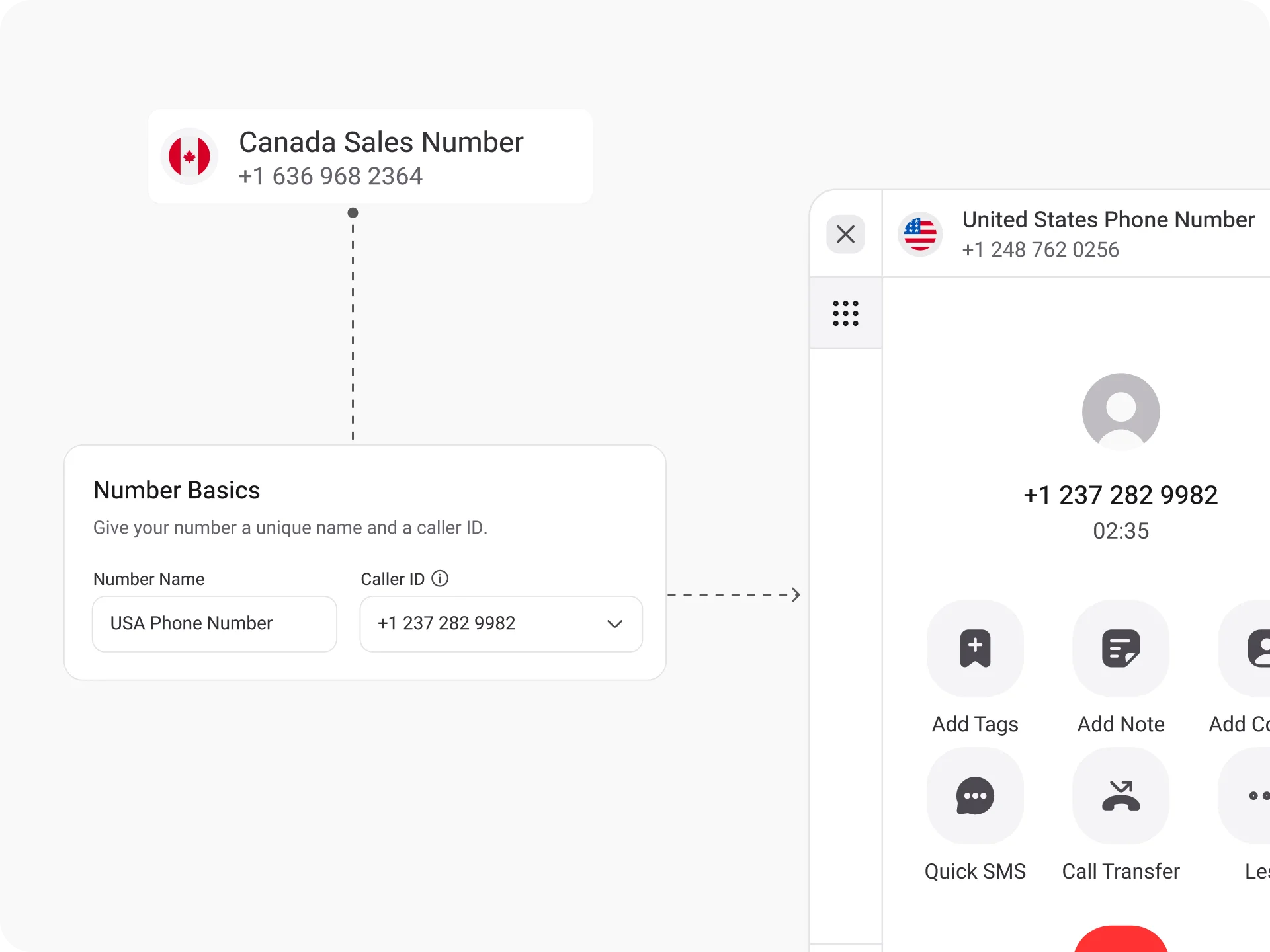
Custom Caller ID lets you choose which verified number displays on a recipient’s screen when you place an outbound call. Once you set an external number as your caller ID, that number, not the line the call is actually placed from, is what shows up on the recipient’s device.
This gives you control over how your business shows up on every call. Your sales reps can display a local area code to build regional trust, your support team can show a dedicated helpline, and any agent can call from a consistent, branded number rather than a personal one.
Number Masking Vs Custom Caller ID: The Differences
Number Masking |
Custom Caller ID |
|---|---|
Number Masking refers to a technique that completely conceals the real phone numbers of both parties by routing calls through a temporary or proxy number. |
Custom Caller ID refers to a feature that allows businesses to choose and display a specific number or name to recipients when making outbound calls. |
It ensures full anonymity by preventing either party from seeing the other's real number. |
It gives businesses control over how they appear to recipients, building trust and brand credibility. |
Both the caller and the recipient remain anonymous to each other. |
It protects the business or employee's actual number while still identifying the brand to the recipient. |
It works across calls, texts, and other messaging channels. |
It is primarily used for voice calls. |
Common use cases are online marketplaces, ride-sharing apps, dating platforms, and any service where two parties need to communicate without revealing personal numbers. |
Common use cases are sales teams, customer support, and businesses managing multiple departments or locations. |
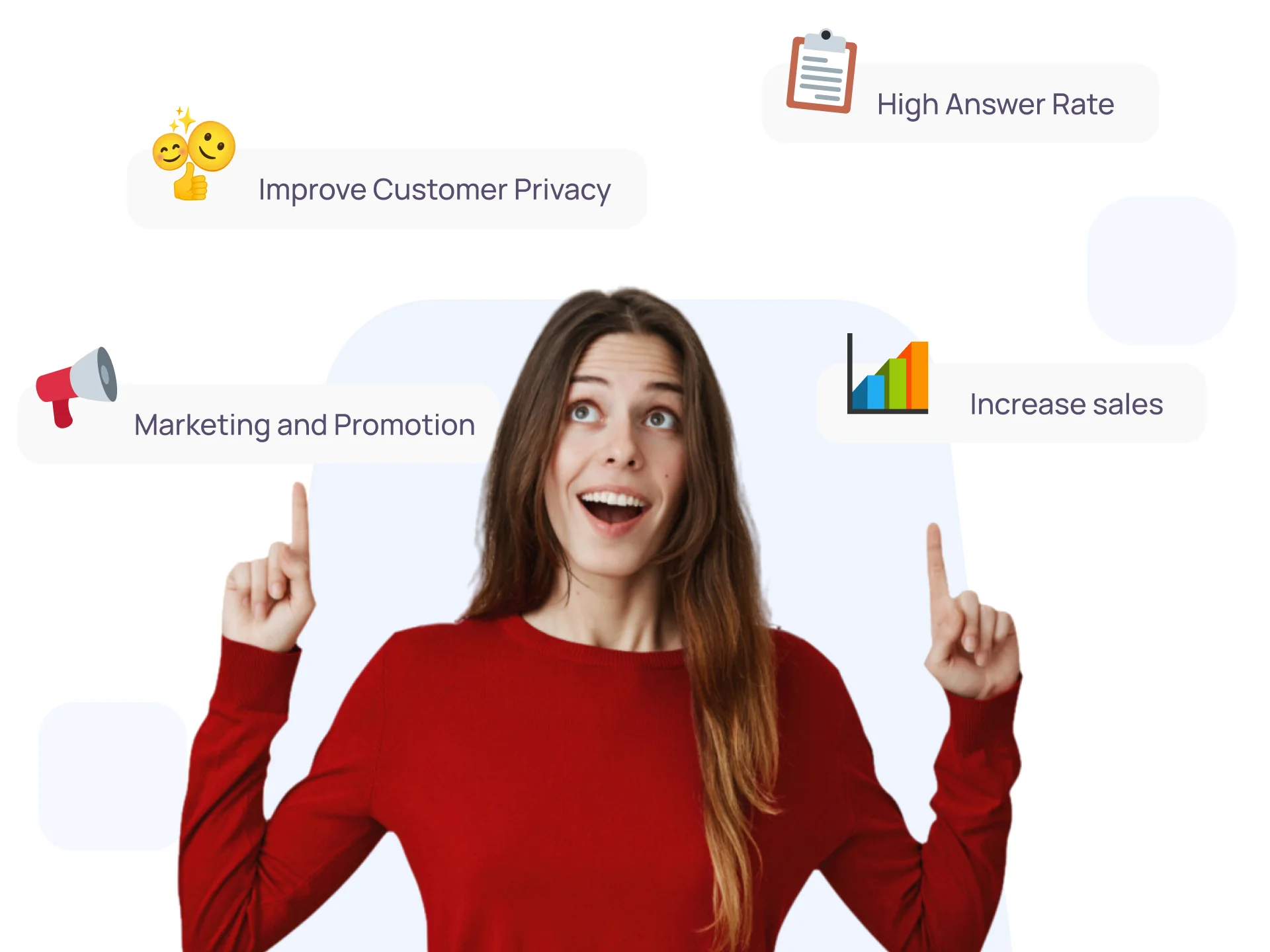
Benefits of Using Custom Caller ID for Business
Best Practices for Using Custom Caller ID for Business Calls

Stay compliant with local regulations

Use a consistent and recognizable number

Match your caller ID to the purpose of the call

Test before going live
More Features like Custom Caller ID
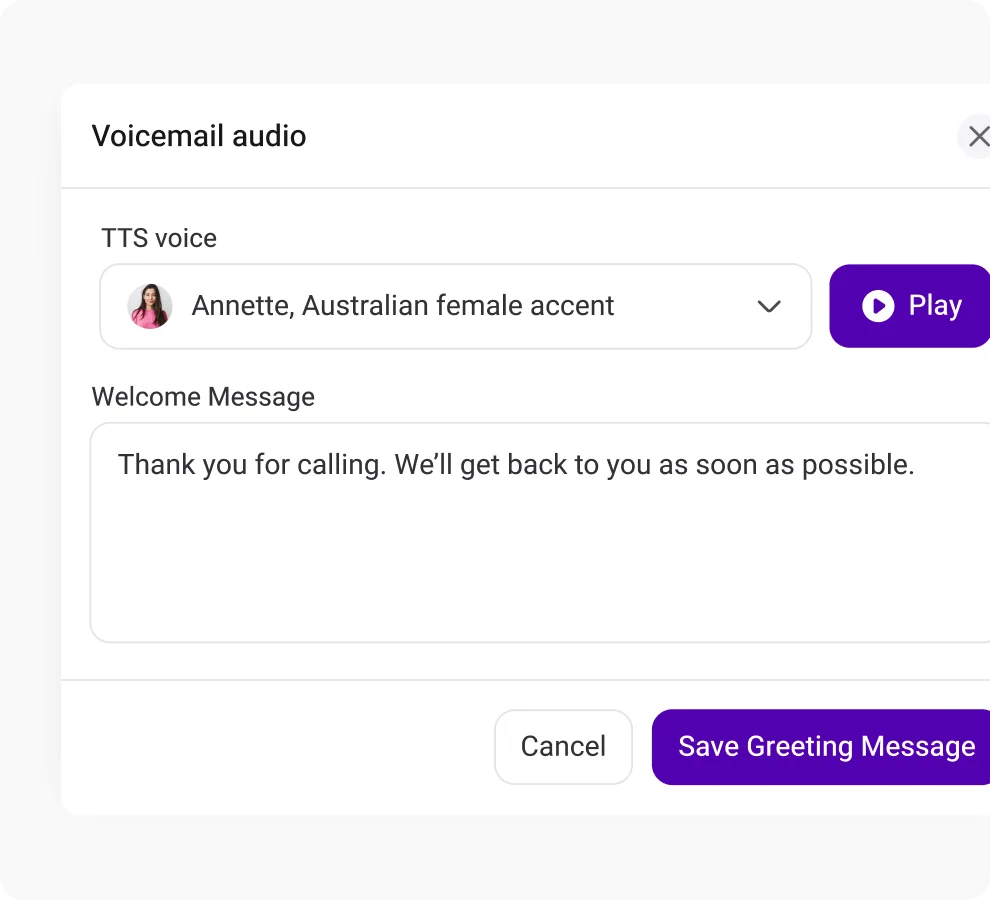
Voicemail Greeting
Record customized, professional and creative voicemail greetings to greet callers with automated voice messages.
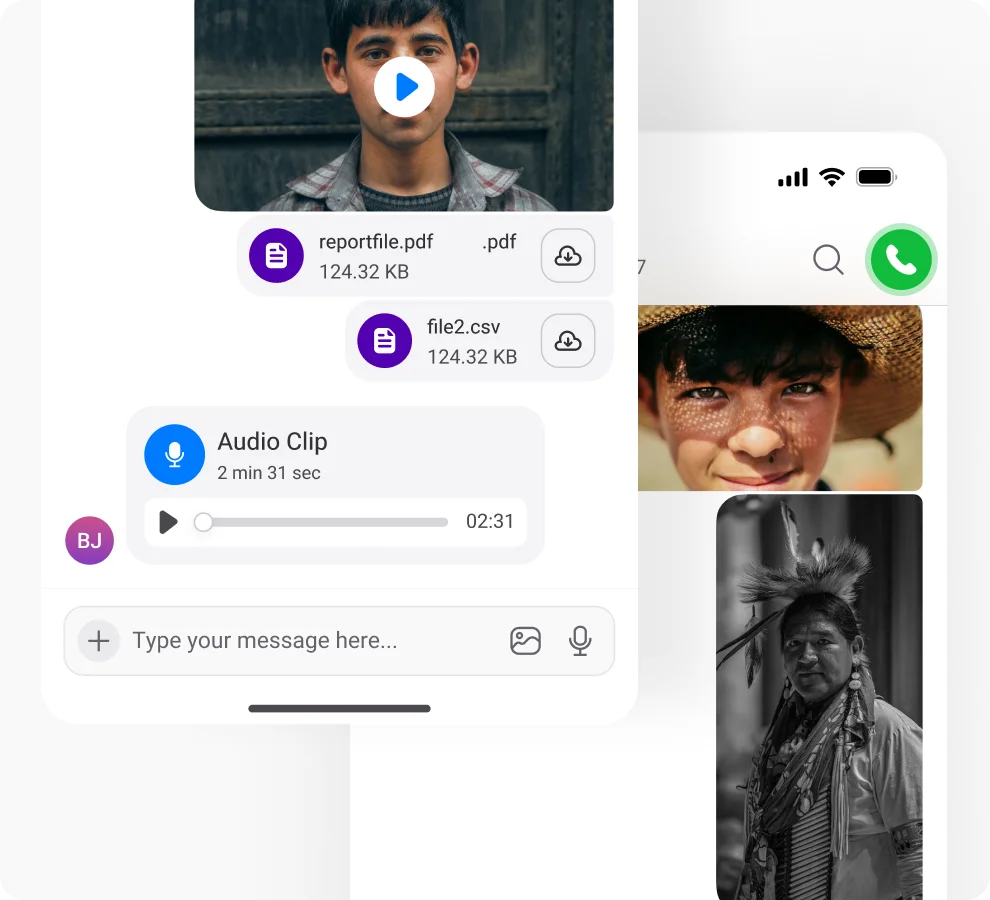
Multimedia Messaging
Engage your audience with MMS to boost brand recognition with vibrant images and compelling videos.
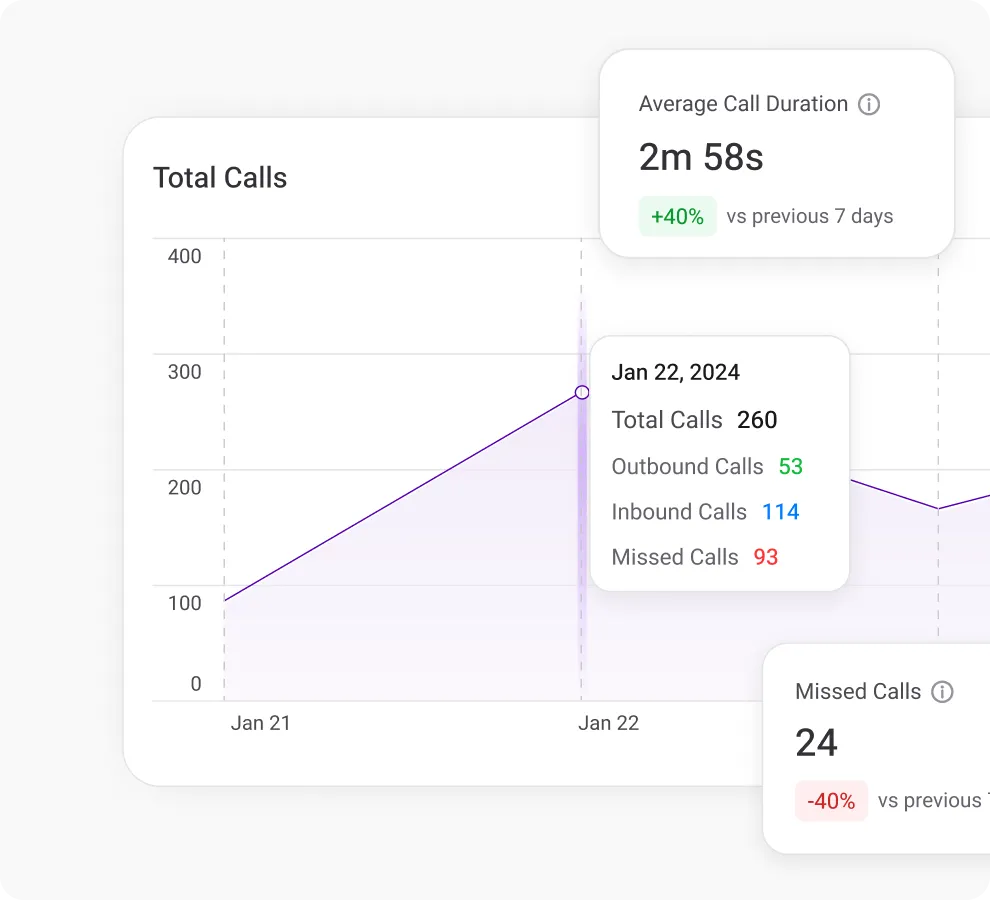
Call Analytics
Use simultaneous ringing to ring multiple agents at once and ensure swift call answering & consistent customer interactions.
Frequently Asked Questions
Didn’t find the Answer you were looking for? Visit our Help Center or Contact Support
The objective of customizing outbound caller ID is to create a distinct and trustworthy identity for the person making the call. It is essential for creating a brand image, promoting transparency, influencing positive perceptions during outgoing calls, and enhancing customer relations & business interactions.
Yes, call masking is legal as long as the intent of the caller is not malicious or deceptive. It is legal in most of the countries worldwide by following their country’s local rules and regulations.
Businesses need to customize their caller while calling because it helps an organization to improve client recognition, improve call answer rate, maintain security & privacy, and build a brand image.
Call masking protects users’ privacy by hiding their actual phone numbers while making a phone call. It protects caller contact information by replacing the real phone number with a temporary number. It empowers users to communicate without showing their real numbers, and without any misuse of personal contact information.
Phone number masking in contact centers is a feature that is used to hide the real phone numbers of both agents and customers during a phone call.
A masked phone number is a temporary number that is used to hide the actual phone number of the recipient while making a phone call. When a user makes a call, the real phone number is replaced with a temporary/external number, ensuring the privacy and security of a caller’s personal information.
The different types of businesses that leverage call masking are:
- E-commerce: During product order and delivery communications, online retailers use call masking to protect customer details.
- Healthcare: In the healthcare sector, Call Masking is used to keep patient interactions confidential and ensure privacy.
- Call Centers & Financial Agencies: It leverages call masking to enhance security and privacy during customer services and financial transactions.
To mask your phone number with another number, you can use a cloud telephony service provider. To mask your phone number, follow the below steps:
- Sign up and log in to a Cloud Telephony Service Provider.
- Tap on My Numbers.
- Select the Number you want to Mask.
- Go to the Caller ID section & add another number.
- You will receive an OTP code on your other number.
- Put the code and verify the number, then your outgoing calls will show another number in the receiver devices.
Phone number masking, known as caller ID masking, works by allocating a temporary number to both callers. When a phone call is dialed, it goes via a web-based API proxy service, changing the real phone number with an auto-generated proxy number. The calls pass through an API platform, reaching the receiver as a masked phone number.
After the call ends, the proxy phone number will be recycled, creating a new layer of privacy for consecutive communication. This procedure allows the customer to interact with obscurity, the temporary numbers act as protection to the real number during a call. Many other cloud telephony platforms mask a verified external number while making a call.
It is free to set up a caller ID customization feature on KrispCall. You only need a desired virtual phone number on your KrispCall app to use.
Customizing your caller ID creates a distinct, trustworthy identity for outbound calls. It builds brand recognition, improves transparency, and shapes how recipients perceive the call before they answer.
Go to My Numbers > Number Setting, select the number you want to update, add an external number under Caller ID, and verify it with the OTP sent to that number.
This is usually a delay in the recipient’s carrier updating its CNAM (Caller Name) records rather than a problem with your setup. Carriers don’t all refresh these records at the same rate, so it can take some time for a newly added number to display consistently.
Setting up caller ID customization on KrispCall doesn’t have a separate fee. [VERIFY: confirm current pricing/plan terms before publishing] You need an active KrispCall virtual number to use it.
Yes. You can set any verified external number, including a local area code, as your outbound caller ID to build regional trust with recipients.
Number masking hides both parties’ real numbers behind a temporary proxy number, commonly used in marketplaces or ride-sharing apps. Custom Caller ID lets a business choose and display a specific number or name on outbound calls, which is more about brand identity and trust than mutual anonymity. See the comparison table above for a full breakdown.
