The landscape of business communication has shifted. Traditional landlines are no longer the standard; they are the bottleneck. In 2026, choosing a telephone system isn’t just about “making calls”—it’s about integrating AI, supporting hybrid teams, and ensuring your data is encrypted.
Whether you are a startup looking for a virtual presence or an enterprise upgrading a legacy PBX, this guide breaks down the five primary types of telephone systems to help you decide which fits your scale and budget.
✨ Key Takeaways
- Businesses can choose from KSU, PBX, and VoIP systems based on their size, needs, and desired flexibility.
- VoIP offers small businesses powerful tools to stay connected, look professional, and improve efficiency.
- KrispCall delivers a flexible, scalable, and feature-rich phone solution built for modern teams and remote work.
What are the three types of telephone systems for businesses?
When selecting a business phone system, it’s important to know the three main types: KSU, PBX, and VoIP. Each type provides different features, flexibility, and control based on your company’s size and communication needs.
1. Key service utility (KSU)
A KSU (Key System Unit) is one of the most traditional types of telephone systems, commonly used in small office environments. It connects multiple telephone lines to a central control unit, allowing employees to manually select lines and manage calls within the office.

This system was widely used before the rise of cloud-based communication and is still found in some small businesses that have simple communication needs and minimal growth expectations.
How it works:
Each phone is connected to a central unit, and users can press buttons to access specific lines. It requires physical wiring and hardware installation within the office.
Best for: Small offices with a limited number of users (typically under 40 employees)
Pros:
- Simple and easy to operate with minimal training
- Lower upfront cost compared to advanced PBX systems
- Reliable for handling basic call functions
- Does not rely on internet connectivity
Cons:
- Very limited scalability as your business grows
- No support for remote or mobile teams
- Lacks advanced features like automation or integrations
- Requires physical maintenance and wiring
- Considered outdated compared to modern solutions
2. PBX (Private branch exchange) systems
A PBX system is a more advanced telephone system that allows businesses to manage both internal communication (between employees) and external calls (with customers) efficiently. It acts as a private network that routes calls intelligently within an organization.
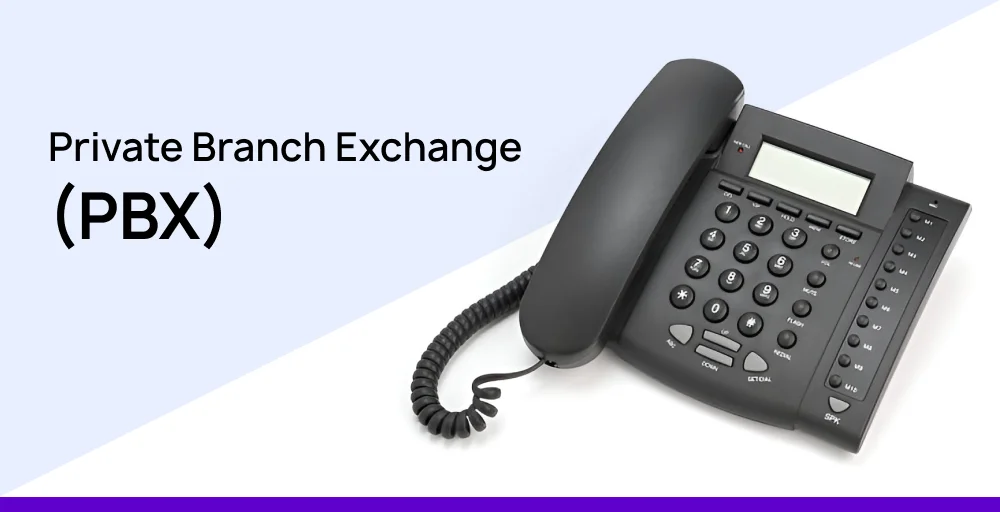
PBX systems are more feature-rich than KSU systems and are commonly used by medium to large businesses. They come in two main forms: on-premise PBX and hosted PBX.
On-Premise PBX
An on-premise PBX is physically installed at your business location. It involves dedicated servers and hardware that your IT team manages internally.
Best for: Large organizations that require full control and have in-house IT resources
Pros:
- Complete control over system configuration and data
- High reliability with dedicated infrastructure
- Strong internal communication capabilities
- Not dependent on external service providers
Cons:
- High upfront costs for hardware and installation
- Requires ongoing maintenance and IT expertise
- Difficult and expensive to scale
- Not suitable for remote or distributed teams
- Upgrades can be complex and costly
Hosted PBX (Cloud PBX)
Hosted PBX, also known as cloud PBX, is managed by a third-party provider and delivered over the internet. Instead of installing hardware on-site, businesses access the system through web or app-based interfaces.
Best for: Growing businesses that want flexibility without managing infrastructure
Pros:
- Lower upfront investment (no expensive hardware)
- Easy to scale as your team grows
- Accessible from anywhere, supporting remote work
- Regular updates and maintenance are handled by the provider
- Offers advanced features like call routing and analytics
Cons:
- Dependent on internet connectivity
- Less control compared to on-premise systems
- Ongoing subscription costs
3. Voice over Internet Protocol (VoIP)
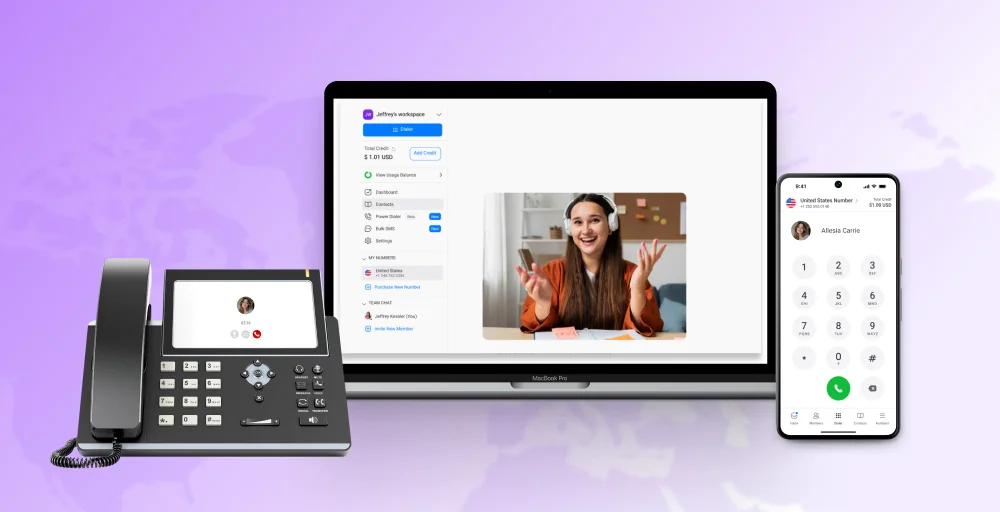
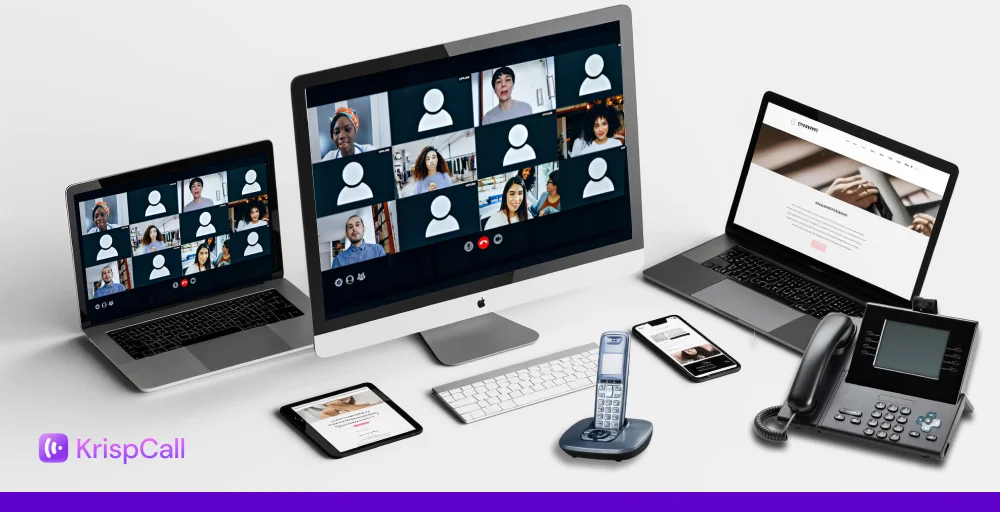
VoIP (Voice over Internet Protocol) is the most modern and widely used telephone system today. Instead of using traditional phone lines, VoIP transmits voice data over the internet, allowing businesses to make and receive calls from anywhere using multiple devices.
VoIP is not just a phone system; it’s a complete communication platform that integrates voice, messaging, video, and collaboration tools into one solution.
Best for: Startups, small to medium-sized businesses, and remote or global teams
How it works:
VoIP converts voice into digital signals and transmits them over the internet. Users can make calls via smartphones, laptops, desktops, or IP phones.
Pros:
- Highly cost-effective (can reduce communication costs by 60–70%)
- Extremely scalable with no hardware limitations
- Supports remote work and global teams seamlessly
- Includes advanced features like AI call routing, analytics, and integrations
- Easy to set up and manage with minimal technical expertise
- Integrates with CRM, helpdesk, and productivity tools
Cons:
- Requires a stable and high-speed internet connection
- Call quality may be affected by poor network performance
- Security depends on the provider and setup
Quick Comparison at a Glance
| System Type | Hardware Needs | Setup Cost | Scalability | Remote Access | Advanced Features |
| KSU (Key System) | On-premises wiring | Low–moderate | Limited | None | Basic (hold, intercom) |
| On-premises PBX | Proprietary hardware | High | Moderate | Limited | Moderate (menus, hold) |
| Hosted PBX (VoIP) | Minimal | Low (subscription) | High | Full (mobile/remote) | Extensive (IVR, CRM) |
Related 👉: On-Premises Phone System vs. Hosted Cloud Phone System
How to Choose the Right Telephone System?
Choosing the right telephone system is not a one-size-fits-all decision. The best option for your business depends on several key factors, including your team size, budget, growth plans, and your team’s daily communication. Making the right choice can improve productivity, enhance customer experience, and reduce long-term costs, while the wrong choice can create limitations that slow your business down.
To simplify the decision-making process, here’s a practical framework you can use to evaluate which telephone system fits your business best:
1. Team Size
Your team size plays a major role in determining the type of system you need.
- Small teams (1–20 employees):
If your team is small and your communication needs are basic, a VoIP system is usually the best choice because it’s easy to set up, affordable, and flexible. In some cases, a KSU system might work, but it lacks scalability and modern features. - Growing teams (20+ employees):
As your business expands, you’ll need a system that can handle more users, departments, and call volume. Hosted PBX or VoIP systems are ideal because they allow you to add users and features without complex installations.
2. Budget
Budget is often one of the first considerations, but it’s important to think beyond just upfront costs.
- Limited budget:
VoIP systems are the most cost-effective option. They require little to no hardware, have low setup costs, and operate on predictable monthly pricing. - Larger budget:
If budget is less of a concern and you prefer full control over your system, an on-premise PBX may be an option. However, keep in mind the ongoing maintenance and upgrade costs.
3. Remote Work Needs
In today’s business environment, remote and hybrid work are more common than ever. Your telephone system should support this flexibility.
- Remote or hybrid teams:
VoIP is the best choice because it allows employees to make and receive calls from anywhere using mobile devices or computers. - Office-based teams only:
Traditional systems like PBX or KSU may work, but they limit flexibility if your work model changes in the future.
4. Scalability
Your telephone system should grow with your business, not hold it back.
- Planning to scale:
Avoid systems like KSU that have strict user limits and require hardware upgrades. VoIP and hosted PBX systems allow you to scale instantly by adding new users or features. - Stable, small business:
Even if you don’t plan to grow quickly, choosing a scalable system ensures you won’t need to replace it later.
5. Integration Needs
Modern businesses rely on multiple tools such as CRM systems, helpdesk software, and collaboration platforms. Your phone system should integrate seamlessly with these tools.
- Need CRM and tool integrations:
VoIP systems are designed to integrate with platforms like Salesforce, HubSpot, and other business tools, helping automate workflows and improve efficiency. - Basic communication needs only:
Traditional systems may be sufficient, but they lack integration capabilities, which can slow down operations.
Is VoIP worth it for a small business?
VoIP isn’t just about making calls over the internet; it’s about unlocking powerful tools that help small businesses work smarter.
Here are six valuable VoIP features that deliver real, practical benefits.
1. Auto-attendant
Auto-attendant answers calls with a professional greeting and offers a menu of options to direct callers to the right department or person.
Small businesses can look polished without hiring a dedicated receptionist. It helps to reduce missed opportunities and keeps customers satisfied.
2. Call forwarding
Call forwarding ensures no important calls are missed by sending them to mobile phones, home lines, or other offices. Staff can stay connected whether working remotely or traveling. It helps maintain customer relationships by always being reachable.
3. Voicemail-to-email
Voicemail-to-email sends audio messages directly to an email inbox with an attached recording or even a transcription.
Staff can quickly review messages on their phones or computers without dialing in. It streamlines communication by keeping everything in one place.
4. Video conferencing
Video conferencing integrates directly into VoIP systems, which enables face-to-face meetings without additional software.
Teams can collaborate in real time, share screens, and strengthen client relationships. Small businesses save on travel costs while maintaining personal connections.
5. Call recording
Call recording allows businesses to capture and store conversations for training, quality control, or dispute resolution.
Reviewing calls helps improve customer service skills and ensure consistent messaging across your contact center team. Recordings can also clarify misunderstandings with customers.
6. CRM integration
CRM integration connects VoIP calls with customer relationship management software to automatically log interactions and access client details during calls.
Sales and support teams can offer more personalized service without switching between apps. It improves efficiency and reduces manual data entry errors.
What is the best telephone system for a small business?
Hosted (Cloud) PBX with VoIP is generally the best choice for small businesses.
- Low upfront costs: no heavy hardware investment.
- Scalable: easily add or remove users as your team grows.
- Remote-friendly: supports hybrid or fully remote teams.
- Feature-rich: includes call forwarding, voicemail-to-email, CRM integration, auto-attendant, and mobile apps.
- Easy maintenance: the provider handles updates, security, and troubleshooting.
- Professional customer experience: ensures consistent call quality and branding.
Common Mistakes to Avoid
Choosing the wrong telephone system is not just a technical mistake—it can lead to higher costs, inefficiencies, and missed business opportunities. Many businesses rush the decision or focus on the wrong factors, which creates long-term challenges.
Here are some of the most common mistakes to avoid when selecting a telephone system:
1. Ignoring Scalability
Many businesses choose a system that meets their current needs but fails to support future growth. As your team expands, adding new users or features can become expensive or even impossible with outdated systems.
2. Choosing Based on Price Alone
While budget is important, selecting the cheapest option often means sacrificing essential features, reliability, and support. This can lead to poor call quality and limited functionality.
3. Overlooking Remote Work Capabilities
In today’s work environment, remote and hybrid setups are common. Choosing a system that only works in the office can limit productivity and collaboration.
4. Not Checking Integrations
Your phone system should work seamlessly with your existing tools, such as CRM software, helpdesk platforms, and collaboration apps. Without integrations, your team may face inefficiencies and manual work.
5. Sticking with Outdated Systems
Many businesses continue using legacy systems simply because they are familiar. However, outdated technology often results in higher maintenance costs, limited features, and poor scalability.
Frequently Asked Questions
What is the most reliable phone system today?
The most reliable phone system today combines cloud-based PBX and VoIP technologies into a smooth online phone service. Providers like KrispCall deliver consistent call quality and advanced features with easy scalability, all without needing costly on-premise hardware.