Switching from outdated traditional phones to the VoIP option has become necessary. To keep up with the advanced features to provide a better customer service, you now need a reliable VoIP phone system.
Outdated phone systems often lead to higher bills, poor scalability, and limited features, which makes it difficult to manage calls effectively. As teams grow or work remotely, these limitations can impact efficiency and customer experience.
This guide walks you through how to switch to VoIP step-by-step and provides a VoIP migration checklist so that you can upgrade your business phone system with the right provider and a clear plan.
✨ Key Takeaways
- To switch to VoIP, you need to identify your business needs, choose a reliable provider, ensure a stable internet connection, and then configure your system.
- For network optimization, use Ethernet cables for VoIP phones instead of WiFi and turn off SIP ALG in your router.
- Before initiating the VoIP switch, consider factors like call quality requirements, internet speed, scalability, security, call cost structure, and customer support.
Why should you switch to VoIP?
VoIP switching is the process of managing voice calls over the Internet using Voice Over Internet Protocol. It allows you to adopt VoIP services for the telephony solution rather than relying on a traditional PBX system or physical SIM cards.
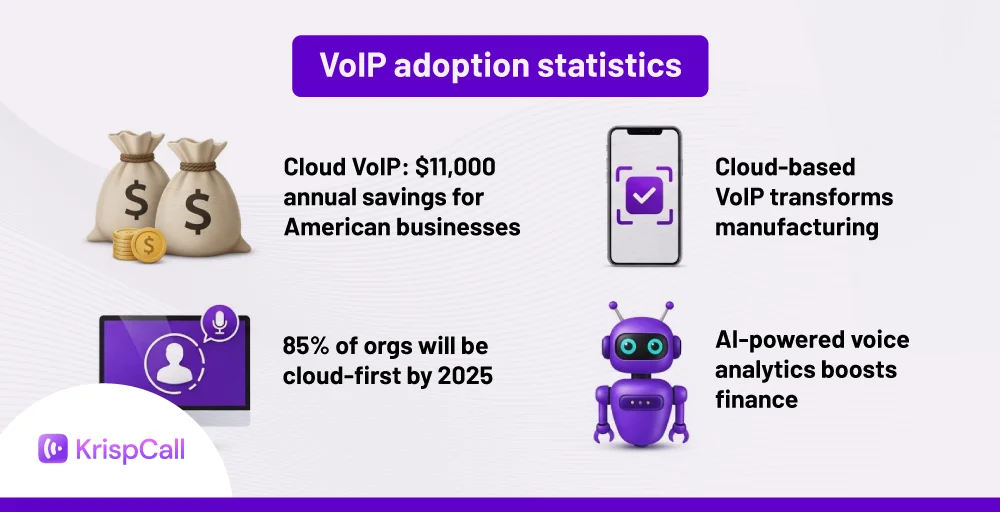
According to the study, the global VoIP services market is estimated to be valued at US$178.89 Bn in 2025 and is expected to reach US$413.36 Bn by 2032, exhibiting a compound annual growth rate (CAGR) of 12.7% from 2025 to 2032.
This rapid growth reflects the increasing demand for affordable, feature-rich, and scalable phone systems. This makes it clear why more individuals and businesses are making the switch to VoIP.
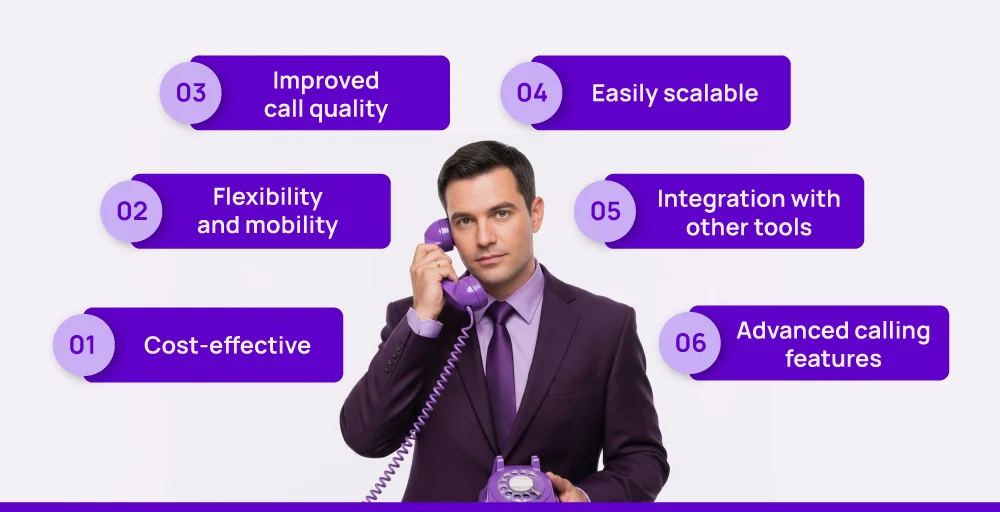
Here are some reasons reflecting how VoIP can be a perfect switch.
- Cost-effective: VoIP is generally cost-effective compared to traditional lines. You can actually save on international calling costs and reduce the high charges of installing hardware and physical lines. Since VoIP is cloud-based, you do not have to worry about the maintenance charge either.
- Flexibility and mobility: VoIP systems are flexible and support multiple types of devices. Additionally, you do not have to be tied to one physical location. You can access advanced VoIP features and software like softphones from anywhere in the world with a stable internet connection.
- Improved call quality: VoIP is well known for its stable connection and HD voice quality. With a reliable network setting, you can make and receive calls without compromising on the quality.
- Easily scalable: VoIP services are usually designed to fit your business needs. So, you can easily scale it up as your business grows without worrying about the installation issues. It helps you maintain scalability with a pay-as-you-go model, so you do not have to purchase more or less than your business requires.
- Integration with other tools: The VoIP system services allow you to integrate with multiple third-party apps so you can maintain the flow of calls with your existing thirdparty apps.
- Advanced calling features: The VoIP phone switch helps you access multiple advanced features like call routing, multilevel IVR, shared phone number, bulk SMS, and more.
How to switch to VoIP in 8 steps?
If you are worried about how to switch to VoIP, here are the 8 simple steps with everything you need to know to set up a VoIP phone system.
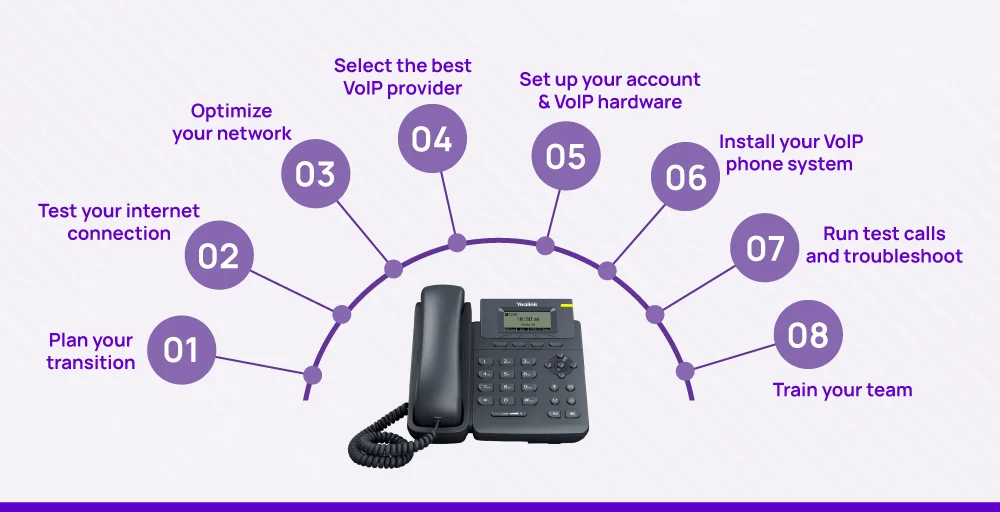
1. Plan your transition
Before initiating the VoIP switch, plan everything in detail. For a smooth transition, allocate your budget, the timelines you are willing to initiate the service, and your well-defined goals, stating what you are expecting in the long run. This upfront planning makes sure you’re prepared for every step of the switch.
To define your goals, ask yourself why you are planning the switch. Are you switching to VoIP to reduce international calling rates or to improve the customer service center?
Then set your budget to compare VoIP providers’ pricing, equipment, and potential network upgrades based on your business requirements. Finally, choose a timeline to pick a launch date and review VoIP requirements like auto attendant, automatic call forwarding, call queuing, voicemail-to-email, or HIPAA compliance if you handle sensitive data.
This way, you can easily decide the best VoIP provider to upgrade your PBX to cloud-based VoIP.
2. Test your internet connection
Since VoIP works entirely over the internet, a stable and fast connection is essential. Aim for at least 100 kbps per phone line for both download and upload speeds. A wired broadband or fiber connection is ideal, whereas high-quality business-grade cable or DSL also serves well. But if you rely on a wireless router, make sure it supports VoIP traffic efficiently and isn’t overloaded.
If your connection doesn’t meet the VoIP requirements, upgrade your internet connection before making the switch.
3. Optimize your network
Although you have a high bandwidth, outdated or poorly configured network hardware can cause call drops and poor audio.
- Use Ethernet cables for VoIP phones instead of Wi-Fi whenever possible.
- Configure Quality of Service (QoS) on your router to prioritize voice traffic.
- Avoid double-NAT setups by removing extra routers in the chain.
- Turn off SIP ALG (Session Initiation Protocol Application Layer Gateway) in your router settings since it interferes with VoIP calls.
- For large offices, consider VLAN configurations for better traffic segmentation.
- Invest in a reliable gigabit Ethernet switch to support heavy call volumes.
These changes ensure your network can handle the load of a busy contact center without drops or delays. Also, make sure to configure routers, firewalls, and quality of service (QOS) settings.
4. Select the best VoIP provider
Select the provider that is more likely to fulfill all your business needs, along with the advanced VoIP features within your budget. The provider should be able to scale up with your growing business needs and provide excellent customer support.
Look out for these factors to select your best provider
- Must have proven uptime (99.99%) and HIPAA compliance.
- Multiple data centers for low-latency connections.
- Flexible plans that match your team size at affordable rates.
- Built-in VoIP features like auto attendant, call routing, voicemail forwarding, and number porting.
- Strong customer service and onboarding support with Integration with CRM software.
- Should have virtual numbers ( mobile, local, toll-free, vanity, and UIFN) in 100+ countries for international as well as local presence
If you are confused about KrispCall rates, well, our essential plan starts at just $15 per user per month, and if you choose a yearly plan, you can save up to 20% and this rate reduces to $12 per user per month.
We also offer features like shared numbers so you can use the same number on multiple devices from different locations. For clear pricing rates, check our pricing plans.
With KrispCall, you can receive 1 free phone number (US or Canada) and $1 calling credit to start your journey instantly.
5. Set up your account & VoIP system
In order to set up your account, you need to sign in and start making your business profile. Then you can select a plan that best fits you. For clear information on how to set up your account, you can refer to this video:
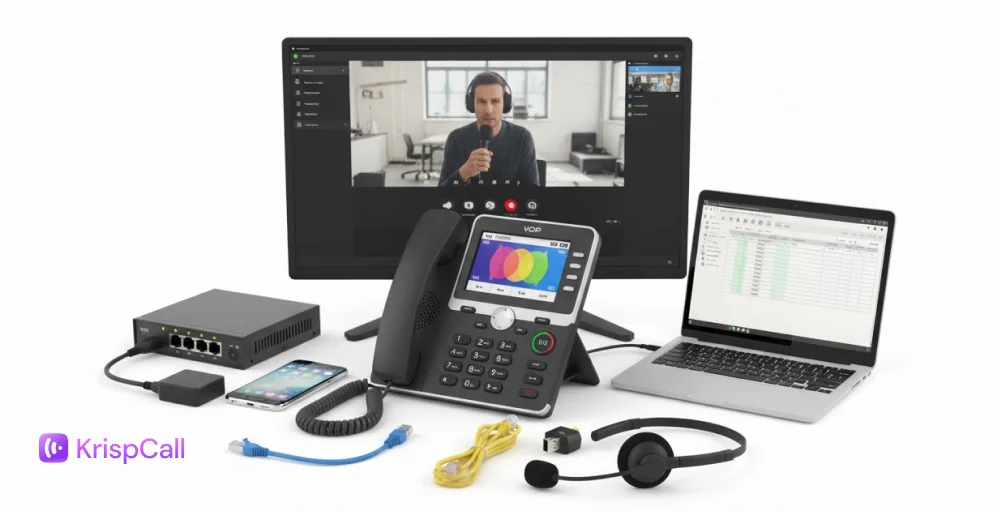
Now the next step is to set up your VoIP hardware. Depending on your needs, you can use modern VoIP desk phones, VoIP headsets, softphone apps, smartphones, or VoIP adapters.
- Desk Phones: It is used to maintain a traditional setup with modern features.
- Headsets: For hands-free calling.
- Softphones: These are the apps that run on your computer or smartphone.
- Adapters: These devices connect your existing analog phones to the VoIP networks.
Select the option that fits your workflow and budget. In some cases, renting can be a good choice for larger teams to reduce upfront VoIP costs. Once everything is decided, connect each device to your network and make sure they are properly configured before moving forward.
6. Install your VoIP phone system
After your device is ready, you can install and configure your VoIP phone system. Start by activating your account and assigning extensions to your team members. Log in to your cloud PBX dashboard to set up call flows, an auto attendant, voicemail rules, and any other VoIP features you plan to use.
If you are porting your existing landline number to VoIP, initiate the process early, as number porting can take 2-4 weeks to complete. For remote teams, install the provider’s mobile or desktop apps or connect a landline to VoIP adapter for compatibility with existing devices.
In most cases, cloud-based VoIP systems are simple to install (just plug in the phone and sign in), but larger offices may require additional network setup, such as VLAN configurations and additional setup steps.
7. Run test calls and troubleshoot
Before officially switching to VoIP, run multiple test calls to confirm that everything is functioning correctly.
Make calls internally and externally to check audio clarity, call stability, and minimize further delays. Make sure all key features, such as automatic call forwarding, call queuing, voicemail-to-email, and call analytics, work as intended. If you notice problems like echo, dropped calls, or incorrect call routing, address them immediately.
Early testing helps you fix potential issues before launch and prevents downtime. This also ensures that your VoIP system delivers a professional experience from the beginning.
8. Train your team
The final step in switching to VoIP is making sure your team knows how to use the system effectively.
You should start the training sessions to walk employees through the basics like making and receiving calls, transferring calls, checking voicemail, and using advanced features like the auto attendant.
Provide them with a quick-reference guide or FAQs for everyday tasks so they can solve minor issues themselves. Show remote staff how to access the system via mobile apps or softphones, and make sure your IT staff understands how to manage settings and handle troubleshooting.
A well-trained team gets the most out of your VoIP system and delivers better customer service from day one.
VoIP migration checklist: Key factors to review before switching
Before making the business transition to hosted VoIP, go through this checklist to consider every factor to maintain smooth customer support and reliability.
- Internet speed & stability: Make sure you have a stable internet to maintain high-quality VoIP calls. Try to conduct bandwidth, latency, and packet loss tests to identify the potential bottlenecks. Also, check your Service Level Agreement (SLA) with your provider for prioritized support and bandwidth throttling.
- Call quality requirements: Make sure your VoIP codecs and compression algorithms do not affect your call quality. Go for the provider that offers clear audio and minimal latency to avoid common VoIP issues like network jitter, dropped packets, and echoes.
- Scalability: Make sure your current VoIP system is capable of handling your future growth without degrading performance. Consider scalability strategies such as load balancing, redundancy, and scalable database solutions.
- Essential features: Your IP telephony provider must offer essential VoIP features such as call routing, IVR, voicemail-to-email, shared numbers, and many more. All these features maintain the uninterrupted interaction to provide better customer care.
- Security & compliance: Make sure your provider keeps security as their primary concern and does not have any gaps for breaches. Look for HIPAA compliance services to prevent your sensitive data from any type of mishap.
- Cost structure: Look for both initial setup costs and ongoing charges with potential upgrade expenses. Compare the total cost with other alternative solutions to find the best system under your budget that fulfills all your business needs.
- Hardware compatibility: Check if your existing equipment is compatible with the new VoIP systems. If not, go for new phones or update your routers.
- Customer support & reliability: Make sure your existing provider offers reliable customer support and service quality. Also, evaluate their responsiveness and ability to resolve issues quickly.
Switch to VoIP with KrispCall and save on international calls
Do not let an outdated phone system slow your professional growth. With KrispCall, you can stay connected from anywhere at a fraction of traditional costs. It transforms how you and your team connect and provides you with global accessibility without exceeding the charge.
With KrispCall, you can get a VoIP number and make a local presence in over 100+ countries, and on top of that, you can get access to link up KrispCall for over 100 integration third-party apps.
KrispCall combines flexibility, scalability, and affordability in one AI-powered cloud-hosted VoIP platform. So if you need a VoIP number for global calling or need to access advanced tools like call routing, AI SMS, and voicemail drop, everything is available in one single phone app.
Let’s see how you can set up a VoIP phone system with KrispCall:
- Visit the KrispCall website and click “Get Started.”
- Sign up, verify your account, and create your business profile.
- Choose your use case and select the plan that fits your needs.
- Get 20% off on annual plans.
- Receive 1 free phone number for the US or Canada.
Join Krispcall today and let us transform how your business interacts with your clients. Book a free demo. For any further queries, feel free to contact our customer service.